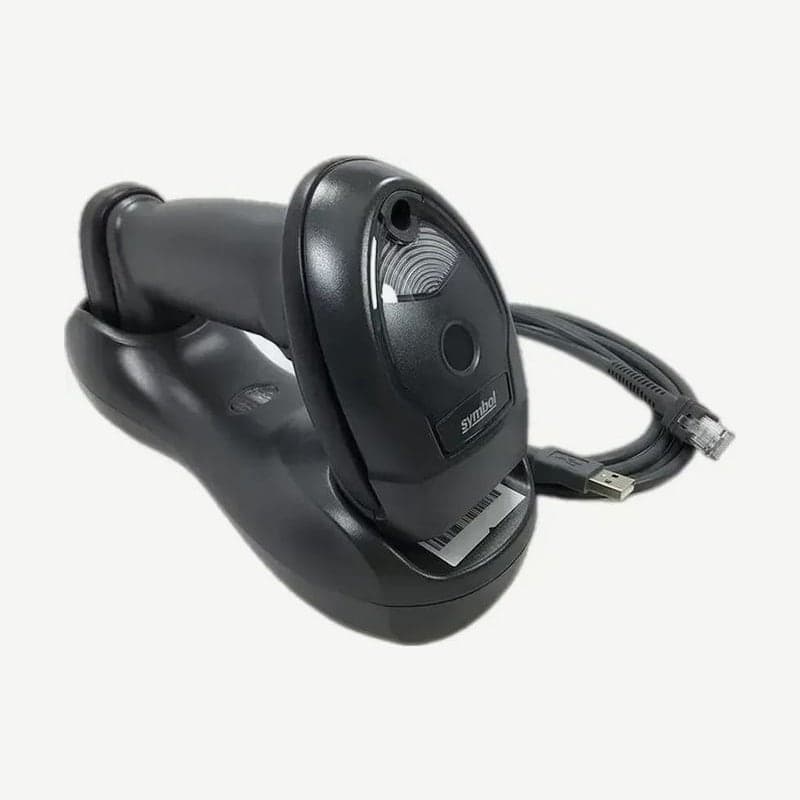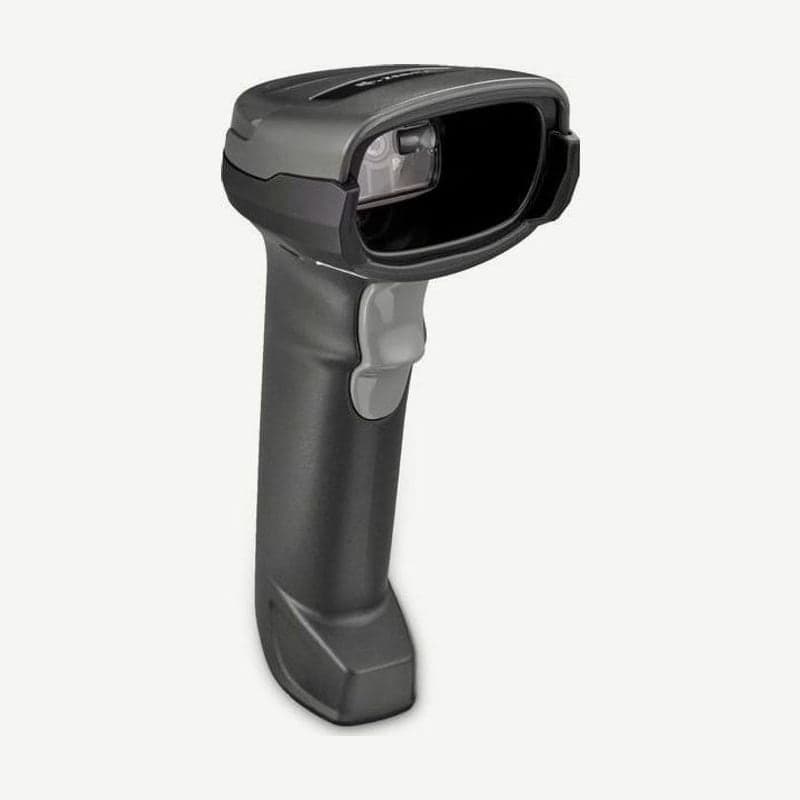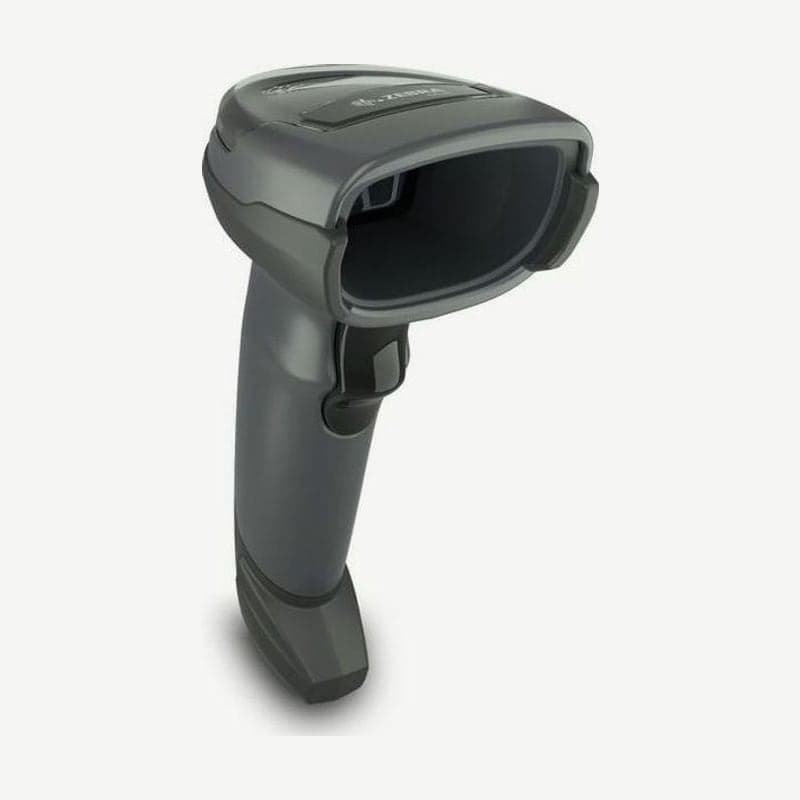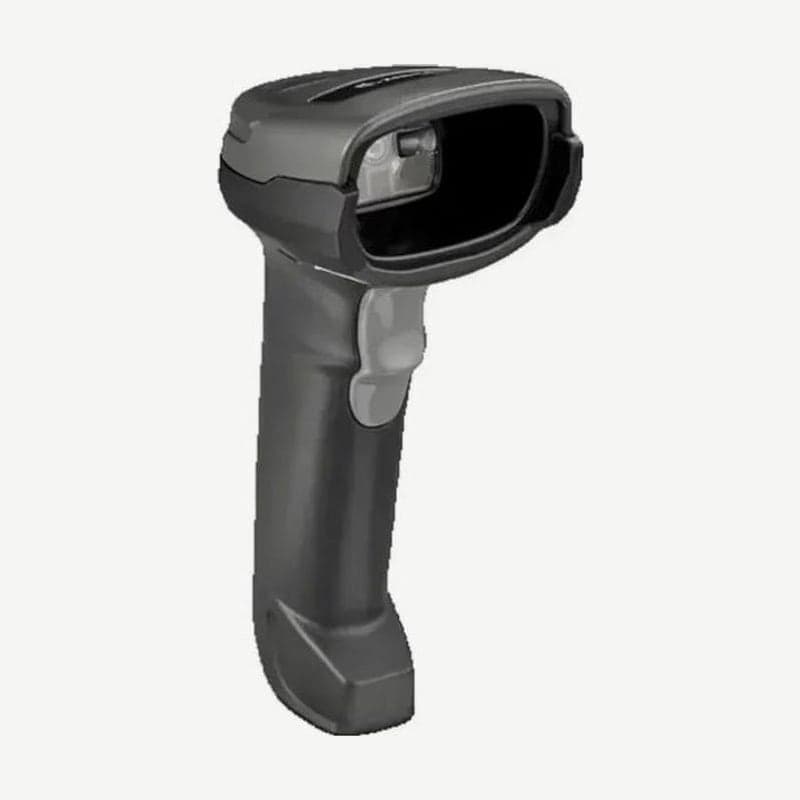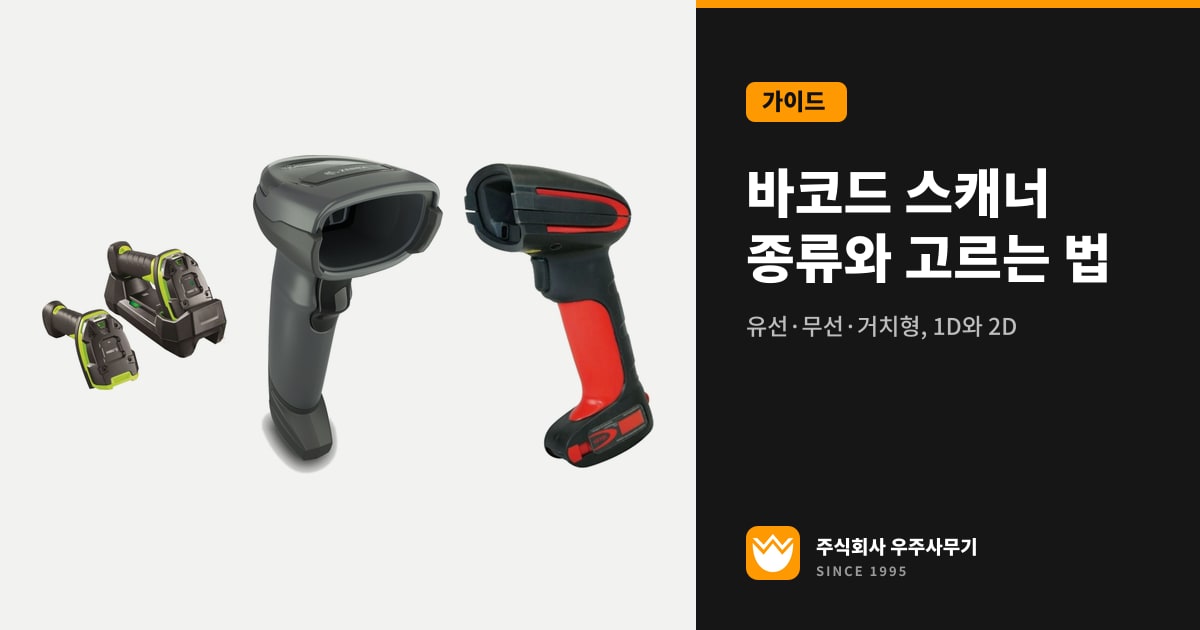
If you need to read even one QR code or Data Matrix on a phone screen, choose a 2D area imager. For a checkout that reads only bar-type 1D barcodes, a 1D linear imager such as the LI4278 is enough. Then narrow down models in this order: corded or not, 13 mil UPC working range, drop height to concrete, and IP rating.
1D linear imagers and 2D area imagers
A 1D linear imager reads only bar-type barcodes with a single aiming line. The Zebra LI4278 scans UPC/EAN, Code 128, Code 39, and GS1 DataBar 547 times per second and does not read 2D codes such as QR.
A 2D area imager captures and decodes codes with a small camera, so it reads both 1D and 2D. GS1 Data Matrix used on medical devices and pharmaceuticals is also a 2D code, so it needs an imaging scanner to read.
Even among 2D imagers, the ability to read faint print differs. Minimum print contrast is a 25% reflectance difference on the DS2208 and 15% on the DS4608, so for old labels with little contrast between background and bars, the DS4608 reads better.
Working range and smallest code by model
| Model (configuration) | 13 mil UPC working range | Smallest code |
|---|---|---|
| Zebra DS2208 (SR) | 1.27-36.8 cm | Code 39 4 mil, Data Matrix 6 mil |
| Zebra DS4608 (SR) | 0-71.1 cm | Code 39 3 mil, Data Matrix 5 mil |
| Honeywell Xenon XP 1950g (SR / UD) | 0-49 cm / 0-19 cm | UD model Code 39 2 mil |
| Zebra DS3678-HP | 2.8-91.0 cm | Code 39 3 mil |
Ordered as high density (HD), the DS4608 reads Code 39 down to 2 mil and Data Matrix down to 4 mil. High-density configurations that read small codes give up long range in exchange: the Xenon XP 1950g reads 13 mil UPC out to 49 cm on the SR model and 19 cm on the UD model.
Small labels with bars narrower than 4.9 mil are printed on printers of 300 dpi or higher, so sites that read such labels also match the scanner's minimum resolution to something smaller, such as the DS4608 SR's 3 mil or the HD's 2 mil. Bar widths by printer resolution are covered in 203 dpi vs. 300 dpi.
Communication range and battery of wireless scanners
With a wireless scanner, the cradle connects to the PC and the scanner communicates with the cradle over Bluetooth. Communication range is set by the Bluetooth class and the cradle type.
| Model | Communication range | Scans per charge (test condition) |
|---|---|---|
| Zebra LI4278 | Standard cradle 10 m, presentation cradle 100 m | 57,000 (1 per second) |
| Zebra DS2278 | 10 m minimum, 100 m with the CR2278 cradle | 110,000 (60 per minute) |
| Zebra DS8178 | Class 1 100 m, Class 2 10 m | 65,000 (1 per second) |
| Zebra DS3678 | 100 m minimum in open space | 100,000 or more (SR) |
| Zebra CS6080 | Class 1 100 m, Class 2 10 m | 13,000 (1 every 5 seconds) |
100 m is based on unobstructed open space, and scan counts use different test intervals, such as 1 per second (LI4278, DS8178) and 60 per minute (DS2278), so compare only figures with the same conditions.
When counting inventory where the cradle signal does not reach, such as deep inside a warehouse, use batch mode. The LI4278 stores up to 9,000 bytes of scans and sends them to the PC when it returns within cradle range.
Checkout stand-mounted and handheld use
At places like checkouts where small items are presented continuously, stand the scanner in a stand to free your hands. The DS2208 reads barcodes moving at up to 13 cm per second when handheld and up to 76.2 cm per second in a stand.
Stands for the DS2208 and DS4608 are sold separately, while the LI4278 covers both uses by standing in its presentation cradle and being carried out when needed. For places where items are hard to move, such as labels on boxes or shelves, take a wireless handheld such as the DS3678 to them and scan.
Models by drop and sealing rating
| Model | Drop to concrete | Sealing | Operating temperature |
|---|---|---|---|
| Zebra DS2208 | 1.5 m | IP52 | 0-50°C |
| Zebra DS4608 | 1.8 m | IP52 | 0-50°C |
| Honeywell Xenon XP 1950g | 1.8 m (50 drops) | IP52 | 0-50°C |
| Honeywell Granit 1910i | 2 m (50 drops at -30°C) | IP65 | -30 to 50°C (industrial cable) |
| Zebra DS3678 | 3.0 m at room temperature, 2.4 m at -20°C | IP65 and IP68 | -20 to 50°C |
| Zebra DS3608 | 3.0 m at room temperature, 2.4 m at -30°C | IP65 and IP68 | -30 to 50°C |
IP52 models for offices and stores are not used below freezing. For freezer warehouses, the DS3608 or Granit 1910i, which work down to -30°C, fit; for places where cables get caught, such as forklifts, the wireless DS3678 fits.
Configurations for DPM, hospitals, and document capture
Codes marked into metal or plastic parts by laser etching or dot peening (DPM) are read with a DPM configuration that has both white direct illumination and red diffuse illumination, such as the DS3678-DP. DPM reading mode exists only on the DS36X8-DP configuration, so even the same DS3678 with the SR engine cannot be used for it.
The DS8108-HC for hospital wards can be wiped with 36 hospital disinfectants, including 10% bleach, 3% hydrogen peroxide, and 91% isopropyl alcohol solution; it also signals a read by vibration, and in night mode it turns off the beeper and uses vibration only.
If you need to capture documents or signatures as images, look at the DS8108 (A4 document at 109 PPI) or the DS3678-HP, which does OCR and signature capture.
Order for choosing a scanner
- If even one phone-screen QR code or Data Matrix is mixed in, settle on a 2D area imager.
- Choose corded if used only in front of a PC and wireless if carried around; if going farther than the standard cradle's 10 m, match it with the LI4278 presentation cradle or a Class 1 model (100 m).
- If there are 2 mil codes, finer than 3 mil, choose an HD or UD configuration; if reading 13 mil UPC from farther than the DS4608 SR's 71.1 cm, choose a long-range configuration such as the DS3678-HP (91.0 cm).
- For sites that need sub-zero operation or IP65 or higher, choose from the DS3608, DS3678, and Granit 1910i.
Selection criteria for the printers that print the labels are covered separately in types of barcode printers.