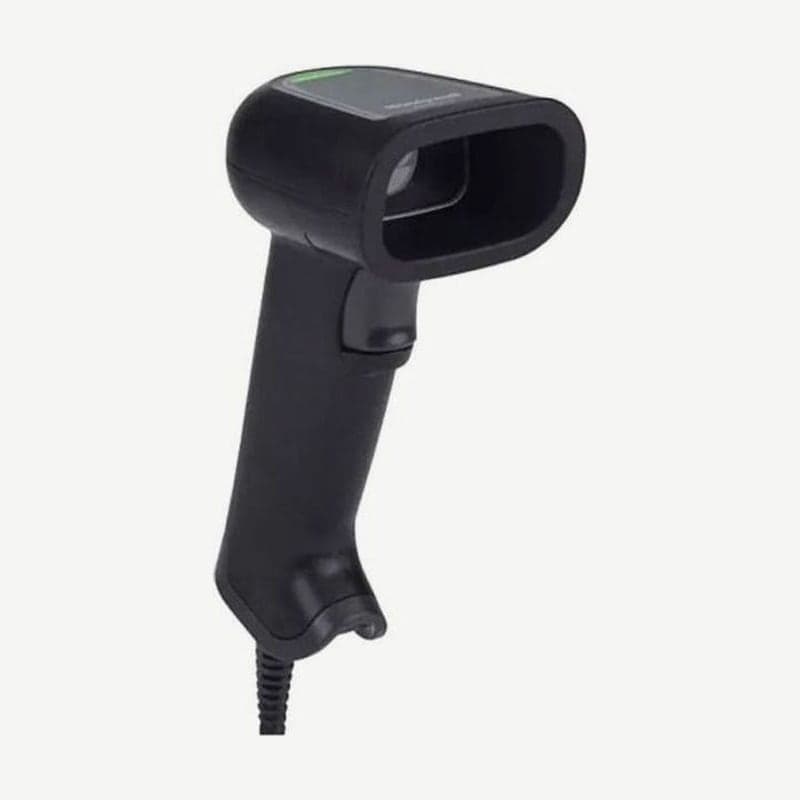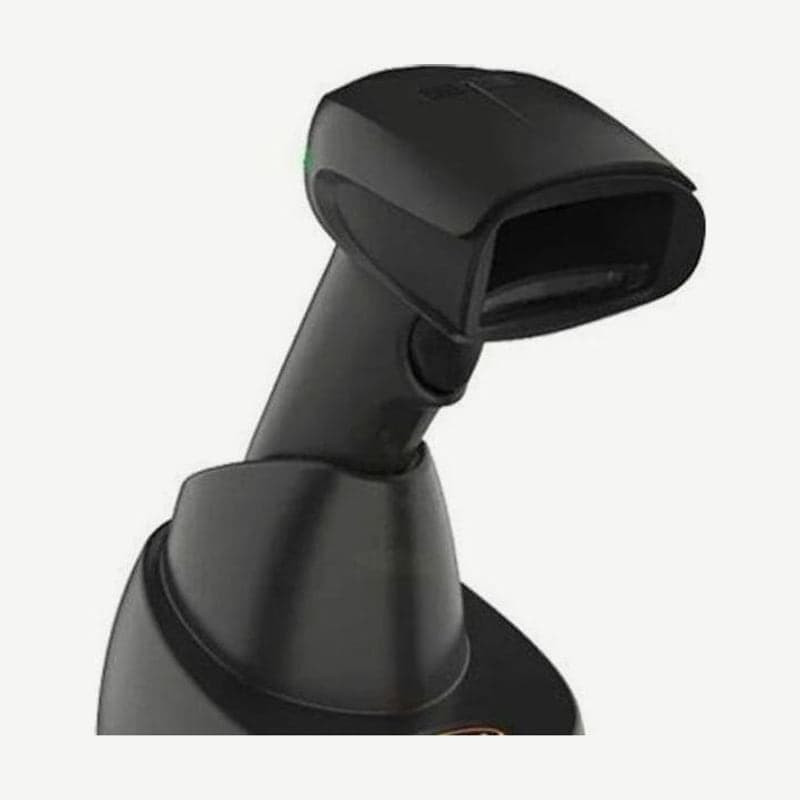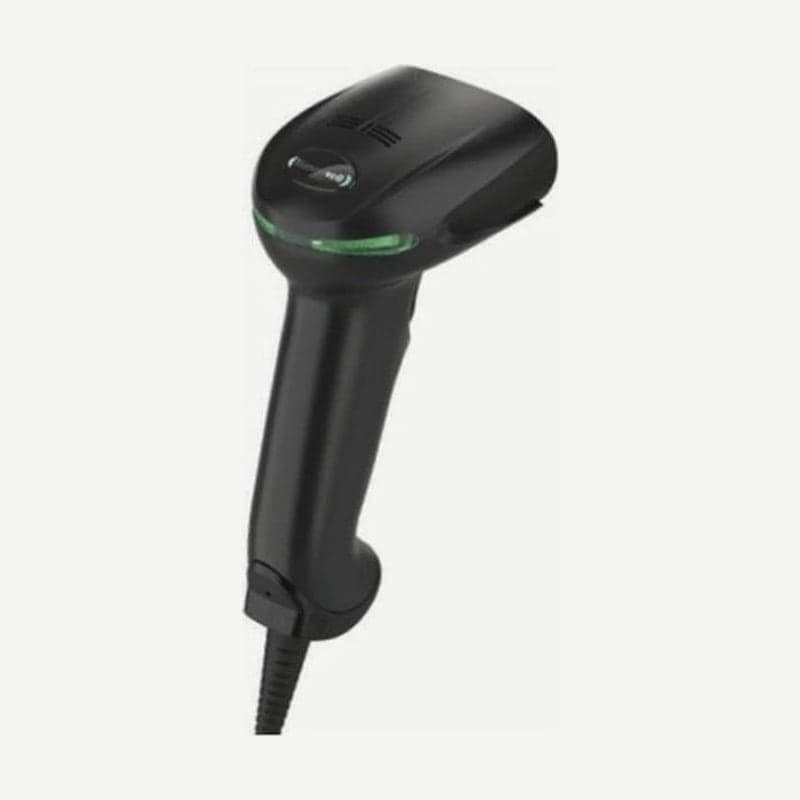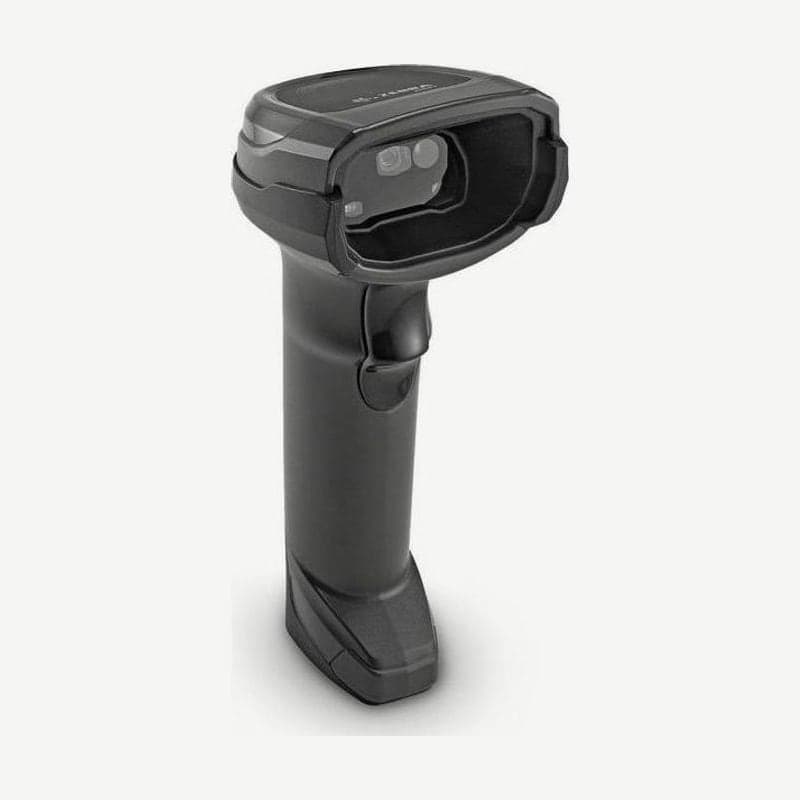
The DS8108 is a corded scanner in Zebra's DS8100 family that reads checkout barcodes with a 1,280 x 960 sensor and a 48° horizontal by 37° vertical field of view, and captures A4 documents as 109 PPI images. The standard range (SR) configuration reads 100% UPC (13 mil) out to 61.0 cm.
For counters that need to keep paper documents as images, use it with the document capture stand. If the scanner alone handles checkout work, a Gooseneck Intellistand for hands-free use is needed separately.
SR configuration reading ranges by code
| Barcode | Density | Near | Far |
|---|---|---|---|
| Code 39 | 3 mil | 5.6 cm | 12.7 cm |
| Code 39 | 20 mil | 0 cm | 93.5 cm |
| Code 128 | 3 mil | 6.6 cm | 11.4 cm |
| Code 128 | 5 mil | 4.1 cm | 21.3 cm |
| Code 128 | 15 mil | 0 cm | 68.8 cm |
| PDF417 | 5 mil | 5.8 cm | 16.3 cm |
| PDF417 | 6.7 mil | 4.6 cm | 21.6 cm |
| UPC (100%) | 13 mil | 0 cm | 61.0 cm |
| Data Matrix | 7.5 mil | 5.3 cm | 17.5 cm |
| Data Matrix | 10 mil | 2.8 cm | 25.1 cm |
| QR | 20 mil | 0.3 cm | 44.7 cm |
For 3 mil codes, the reading range starts 5.6-6.6 cm away, so holding them right against the scan window actually prevents reading. Position the label between 5.6 and 12.7 cm for 3 mil Code 39, and between 6.6 and 11.4 cm for 3 mil Code 128.
Document capture stand assembly steps
The document capture stand for the DS8108-SR and DL comes as a set of a document capture base and a stand base with a cup and neck, and captures paper up to A4 and letter (8½ x 11 in). The order part number per the accessory guide is STND-DC1081C-04.
- Turn the neck locking screw counterclockwise and remove the screw and screw pin.
- Lift the neck from the base and turn it 180° so the cup locking screw faces forward.
- For the widest field of view, raise the neck to the top of its allowed height and insert it; lower it only to capture small documents more sharply.
- Reinsert with the screw pin tab aligned to the slot, then tighten the neck locking screw clockwise.
- Remove the cup locking screw from the cup dock, fit the cup so the grooves engage, check that the position line on the dock sits one groove above the position line on the cup, and tighten the screw again.
- Slide the assembled stand into the document capture base, pull out the base arms, and place the scanner in the cup.
- Place the paper against the base and align its left and right edges with the A4 and letter guide lines on the arms.
Capturing one document page in snapshot mode
Scan the Snapshot Mode setting barcode and the green LED blinks at 1-second intervals as it switches to capture standby. The aiming pattern illuminates the area to be captured; press the trigger and it adjusts brightness within 2 seconds, then sends the image to the host with one beep.
With factory settings, if the trigger is not pressed within 30 seconds it returns to barcode reading mode, and this time is changed with the Snapshot Mode Timeout setting. The factory image format is JPEG (quality 65), and in 123Scan's Data view screen you can save the captured image to the PC and see the result right away.
Configuration codes and checkout extras
| Configuration code | Description |
|---|---|
| DS8108-SR00007ZZWW / SR00006ZZWW | Standard range, Twilight Black / Nova White |
| DS8108-SR00007ZZK | Standard range, Korea and India only, Twilight Black |
| DS8108-SR00007ZCWW | Standard range + Checkpoint EAS antenna |
| DS8108-DL00007ZZWW | Standard range + U.S. driver's license parsing |
| DS8108-HC4000BVZWW | Healthcare, Healthcare White, vibration |
The DS8100 family also reads Digimarc digital watermark codes invisible to the human eye. ScanSpeed Analytics keeps a reading performance record for each barcode read, picking out barcodes that slow down checkout.
The wireless model is the DS8178, and the corded healthcare model is the DS8108-HC.