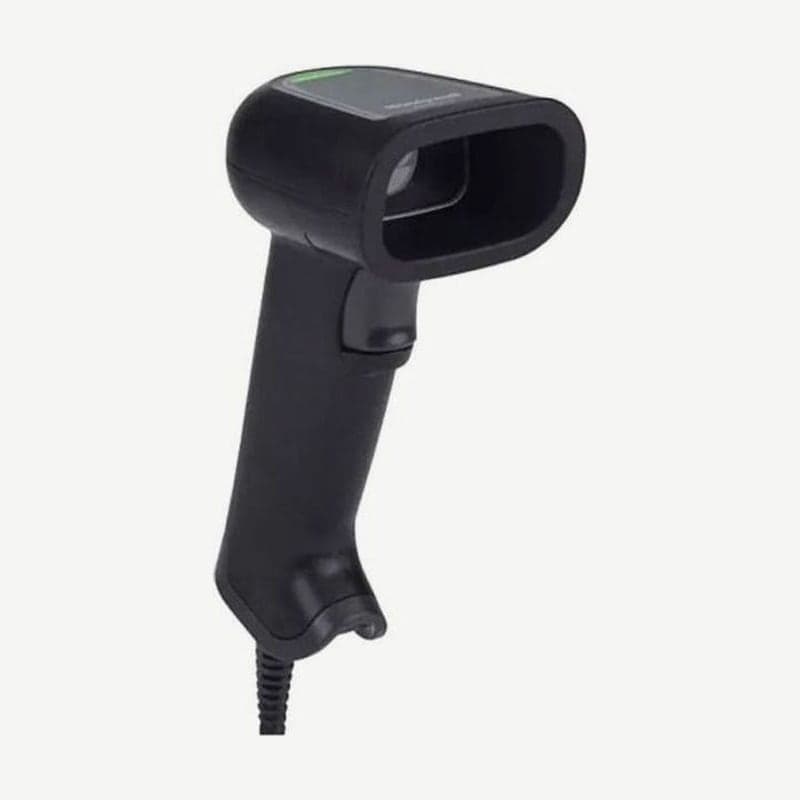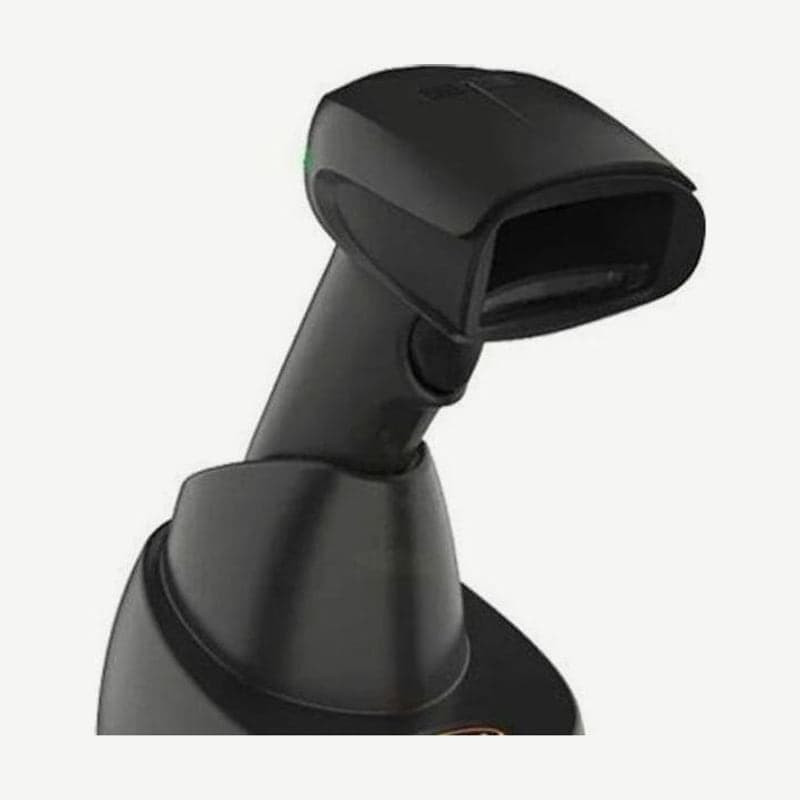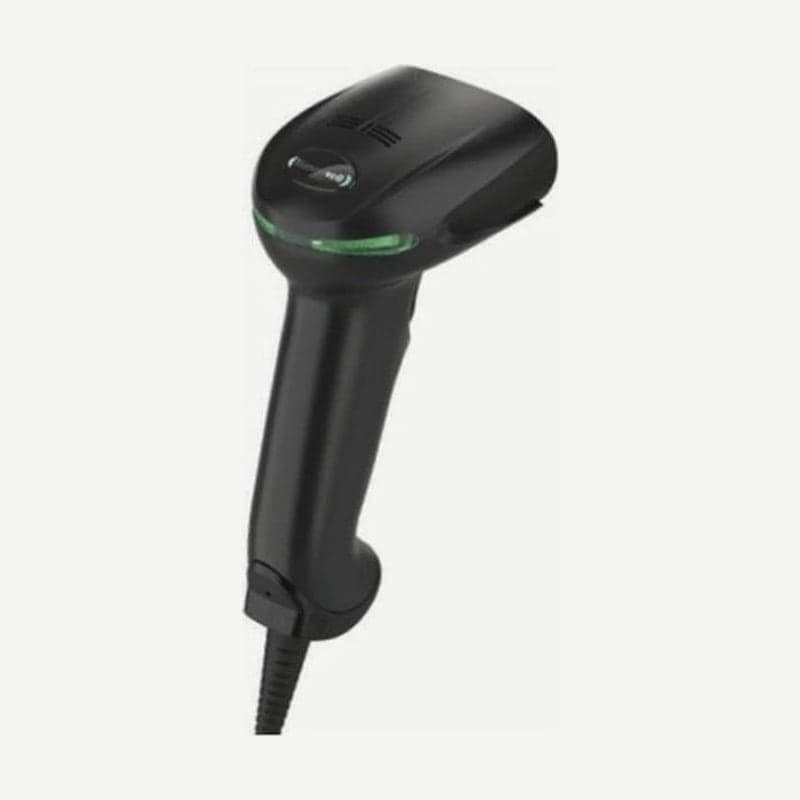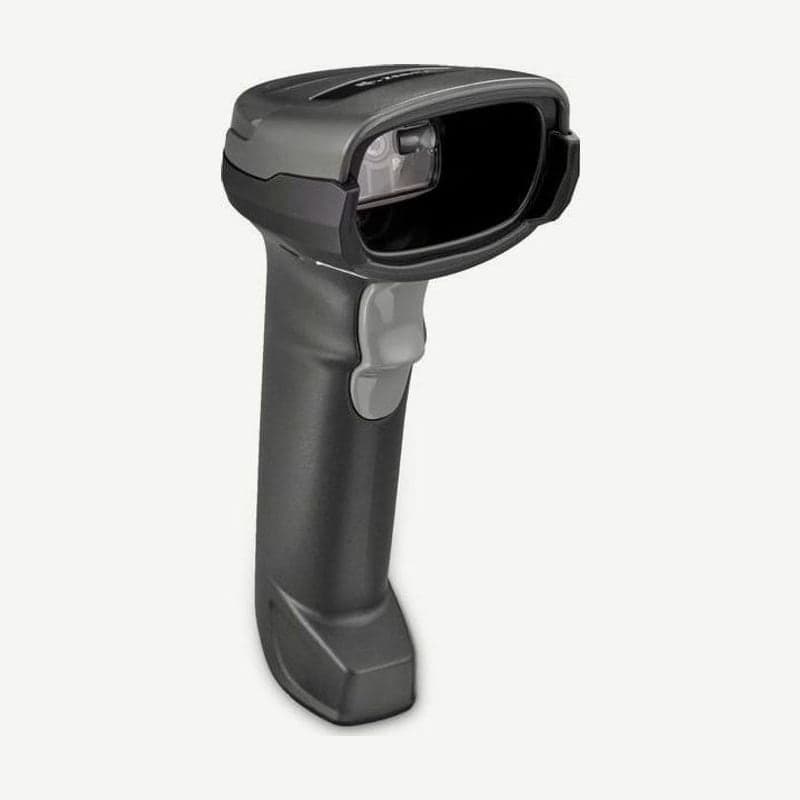
The DS2208 is a 1D/2D scanner that connects to the checkout counter by cable. With its 640 x 480 sensor it reads what a 1D scanner cannot: QR codes, Data Matrix, and the 2D barcodes on paper and electronic coupons and membership cards.
Stores that used the Zebra LS2208 can plug in their existing unshielded cables as they are. For new orders, especially for USB connections, use a shielded cable, which has better electrostatic discharge (ESD) performance.
DS2208 working range by barcode size
| Barcode | Line width | Near | Far |
|---|---|---|---|
| UPC (100%) | 13 mil | 1.27 cm | 36.8 cm |
| QR | 20 mil | 0 cm | 27.9 cm |
| Data Matrix | 10 mil | 0.8 cm | 15.7 cm |
| PDF417 | 6.7 mil | 2.0 cm | 14.5 cm |
| Code 39 | 5 mil | 0.5 cm | 15.2 cm |
| Code 128 | 5 mil | 1.5 cm | 10.1 cm |
UPC and EAN codes on product packaging read within 36.8 cm, while thin codes such as 5 mil must be held closer, within 10-15 cm. The 6 rows in the table are typical figures that vary with print quality, contrast, and ambient lighting.
The aiming line is a single horizontal line, as on a 1D scanner. You do not need to line up the barcode orientation, and it reads barcodes tilted up to 65° left-right and up-down.
Hands-free operation in the Gooseneck Intellistand
When placed in the cup of the optional Gooseneck Intellistand, a built-in sensor detects that it is in the stand and switches to hands-free (presentation) mode. No setting barcodes need to be scanned, and when you pick it up it returns to trigger mode.
In the stand it reads a 13 mil UPC even when items pass in front of the scan window at 76.2 cm/s. Handheld, the allowed motion is up to 13 cm/s, so at checkouts where items are passed quickly, using the stand is faster.
The base of the stand is fixed to the counter with 2 wood screws (#10 size) or 3 pieces of double-sided tape.
4 POS and PC connections and default settings
When the cable is plugged in, the scanner detects on its own whether it is USB, RS-232, keyboard wedge, or IBM 46XX (RS-485). The defaults are keyboard (HID) input for USB, standard RS-232 for RS-232, and IBM AT Notebook for keyboard wedge.
IBM 46XX terminals are the only exception. The interface is detected but the port is not set, so select one of handheld emulation (port 9B), non-IBM emulation (port 5B), or tabletop emulation (port 17) with a setting barcode.
If you need a line break after the scanned number, scan the "Add Enter Key" barcode on page 8 of the quick start guide once; if you need to move to the next field, scan the "Tab Key" barcode on the same page. If the settings get mixed up, restore them with the "Set Defaults" barcode on the same page 8. To change several items at once, create a single setting barcode in Zebra's free 123Scan program and scan it.
Reading scanner status from the beeper and 2 LED states
At the moment of reading, the illumination over the barcode flashes and one short high beep sounds. If 4 long low beeps sound and the LED is red, the scanner read the code but could not send it to the PC (a transmission error), so first check the cable connection and the host setting barcode.
In the stand, the LED stays green while idle and turns off briefly at the moment of reading. Handheld, it is the opposite: off while idle, and green when a code is read.
IP52 durability and operating environment
It is designed to withstand multiple drops from 1.5 m to concrete and 250 tumbles at 0.5 m, and it is rated IP52. The operating temperature is 0-50°C, so it is for indoor stores and offices. For work areas with splashing water or sub-zero warehouses, the IP65 and IP68 rated DS3608 is the right fit.
For use beyond the checkout, carried to the back of the store, the DS2278, which puts a battery in the same engine, is the alternative. Differences by type, such as laser and imager, are collected in the barcode scanner types article.