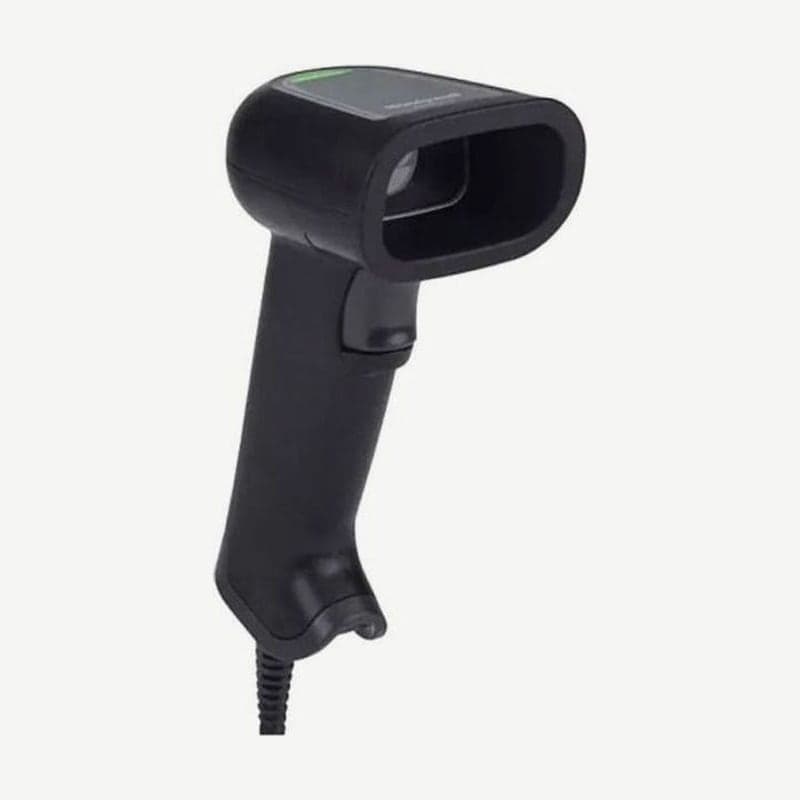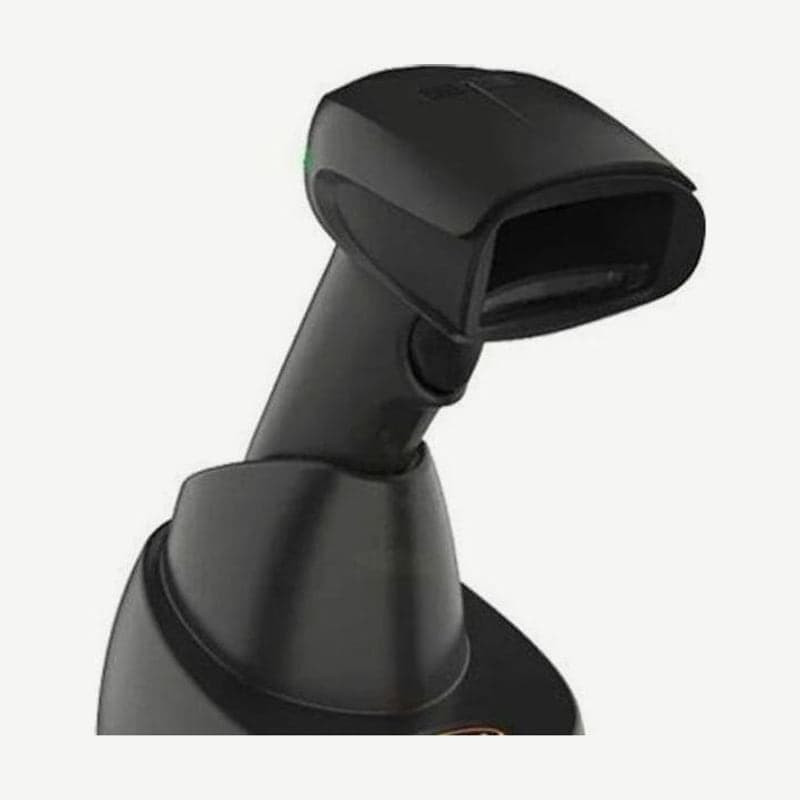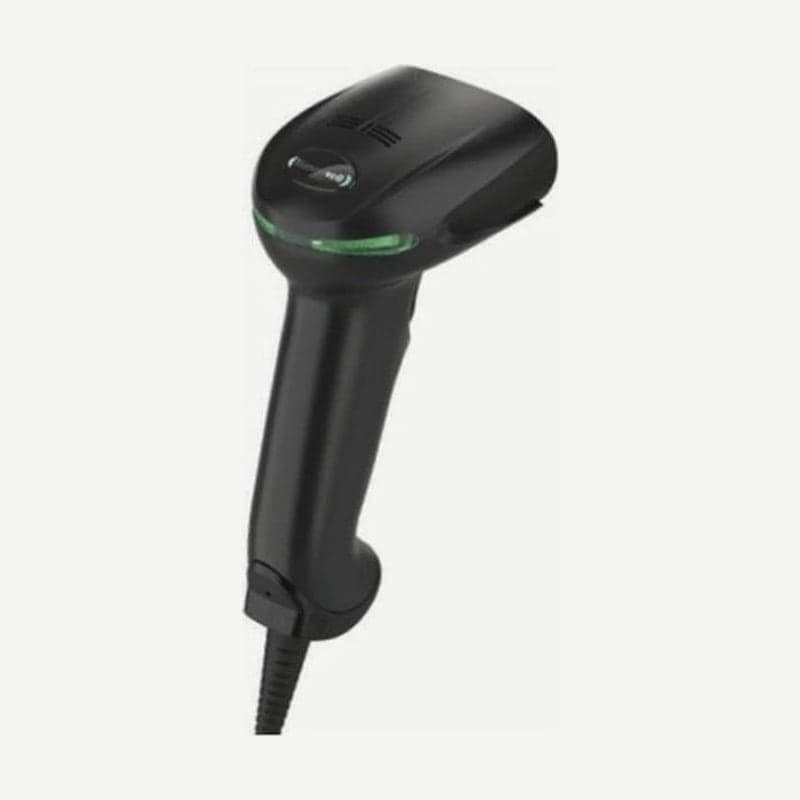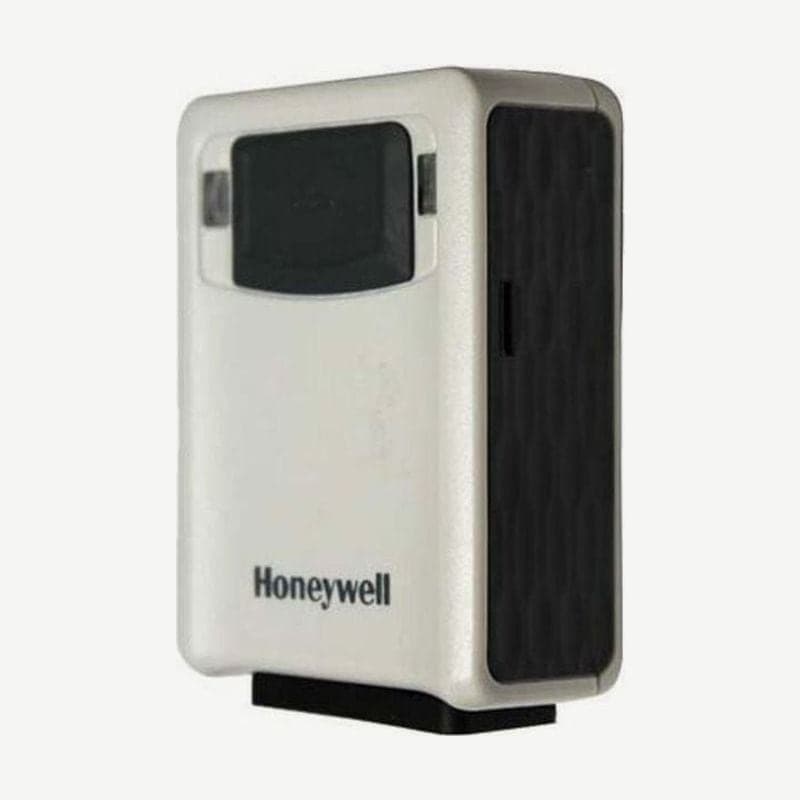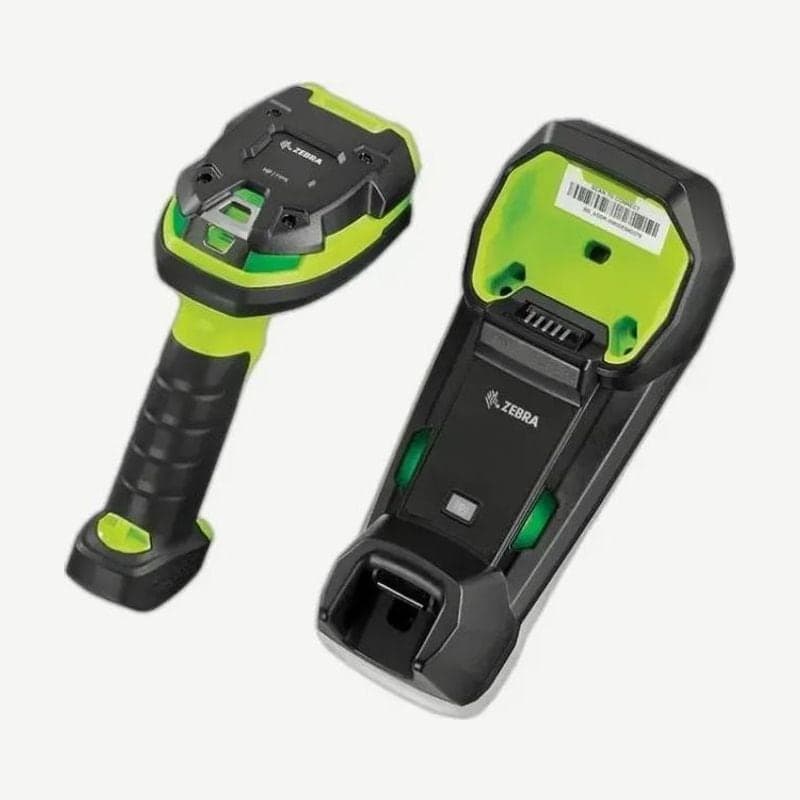
The DS3678-HP is the wireless model for moving around a warehouse reading box labels from 91.0 cm away (13 mil UPC) and also capturing document text and signatures with the same scanner. It weighs about 411 g with the battery and reads up to 100,000 scans per charge.
The reading engine is the same as the corded DS3608-HP.
DS3678-HP with keypad and display
The DS3678-HP is available separately in a configuration with a keypad and display on the body. Order codes for Korea and India are DS3678-HP2F003VKK for the keypad and display configuration and DS3678-HP2F003VZK for the standard configuration.
Even on the keypad configuration, signature capture images and documents cropped with IDC are displayed on the host PC, not on the scanner screen. Both configurations use the same HP engine (1,280 x 960).
Key points of reading with the HP engine
A 20 mil Code 39 reads out to 109 cm, but a 5 mil Code 128 and a 10 mil Data Matrix do not read closer than 15.2 cm. If operators are in the habit of placing the scan window against parts, tell them this at the start. The reading zone table by code and the OCR font settings are on the DS3608-HP page.
STB3678 and FLB3678 cradle specifications
| Item | STB3678 (desk or wall) | FLB3678 (forklift) |
|---|---|---|
| Weight | 340 g | 390 g, mounting plate 240 g extra |
| Dimensions (W x L x H) | 99.8 x 229.4 x 82.6 mm | 109.4 x 276.9 x 107 mm (including mounting plate) |
| Input power | Host 4.5-5.5 V / external power 11.4-12.6 V | |
| Current in full charge mode | 5 V BC1.2 1,200 mA, standard USB 475 mA, 12 V 700 mA | |
| Standby current (not charging) | 5 V 80 mA, 12 V 30 mA | |
| Host connection | Keyboard wedge, RS-232, USB, IBM 468X/469X | |
A standard USB port supplies a charging current of 475 mA, less than half that of a BC1.2 port (1,200 mA). As a result, a cradle powered only by USB charges much more slowly, and connecting 12 V external power (700 mA in full charge mode) removes this limit. When external power is plugged in, the cradle uses external power even if host power (4.5-5.5 V) is present.
Recovery steps when the host connection is lost
If the DS3678-HP reads but data does not reach the PC, first check the cable and adapter. If that does not help, reconnect the cradle and host with the 6 steps below.
- Unplug the power adapter from the STB3678 or FLB3678 cradle.
- Unplug the host interface cable from the cradle.
- Wait 3 seconds.
- Plug the host interface cable back in.
- If the host configuration requires external power (11.4-12.6 V), plug the power adapter back in.
- Scan the cradle's pairing barcode to pair the scanner again.
When changing hosts as well, unplug DC power first and then the host cable so the cradle properly recognizes the new host.
2.4 GHz wireless and output adjustment
The cradle radio is built to coexist with 802.11 wireless LAN using adaptive frequency hopping (AFH) in the 2.402-2.480 GHz band, and it reaches up to 100 m in open space. The communication range between the scanner and cradle is adjusted with radio output power (high, medium, or low), and the distance at which the Virtual Tether loss alert sounds also follows this setting.
For wireless work that does not need OCR or document capture, the SR engine DS3678 is slightly lighter at 407 g, and the cradle connection steps are also on that page.