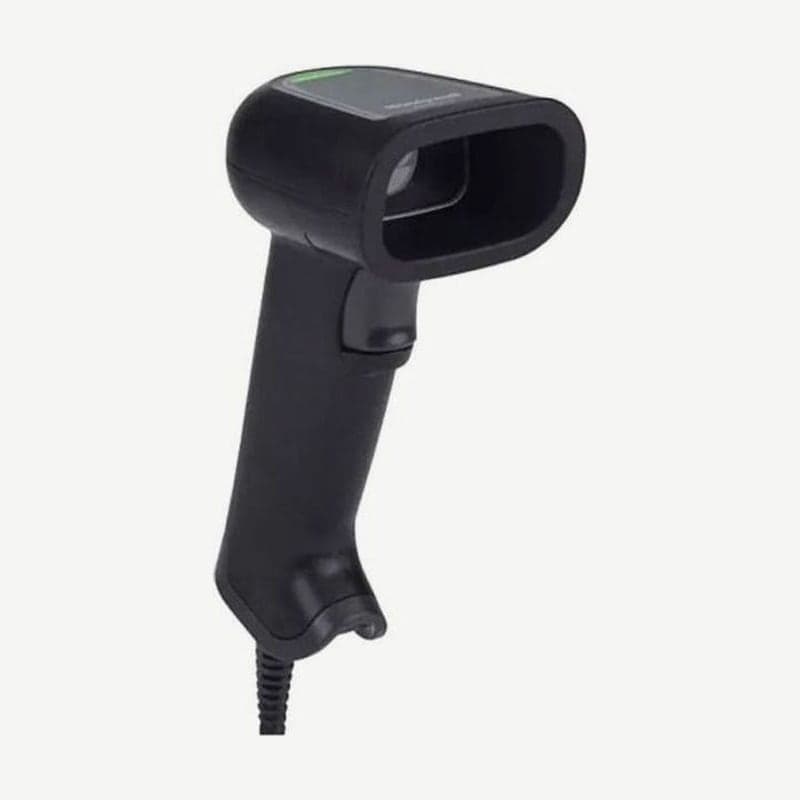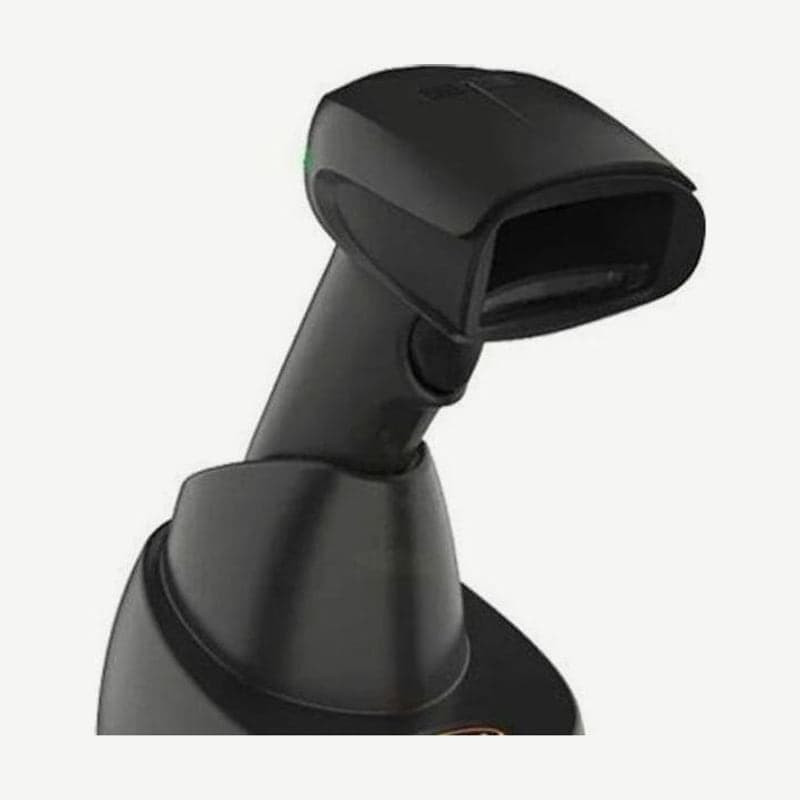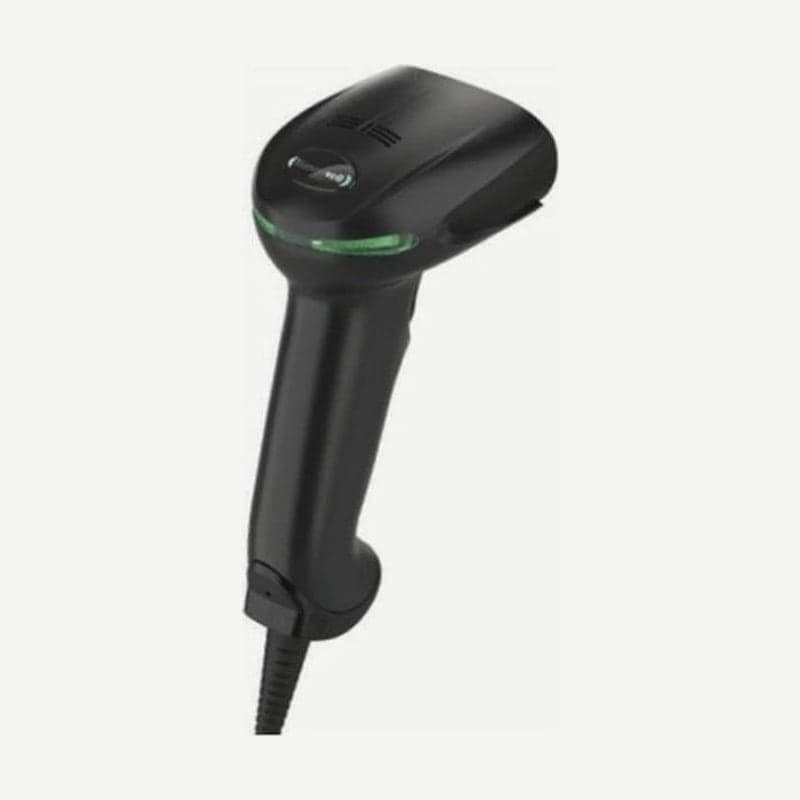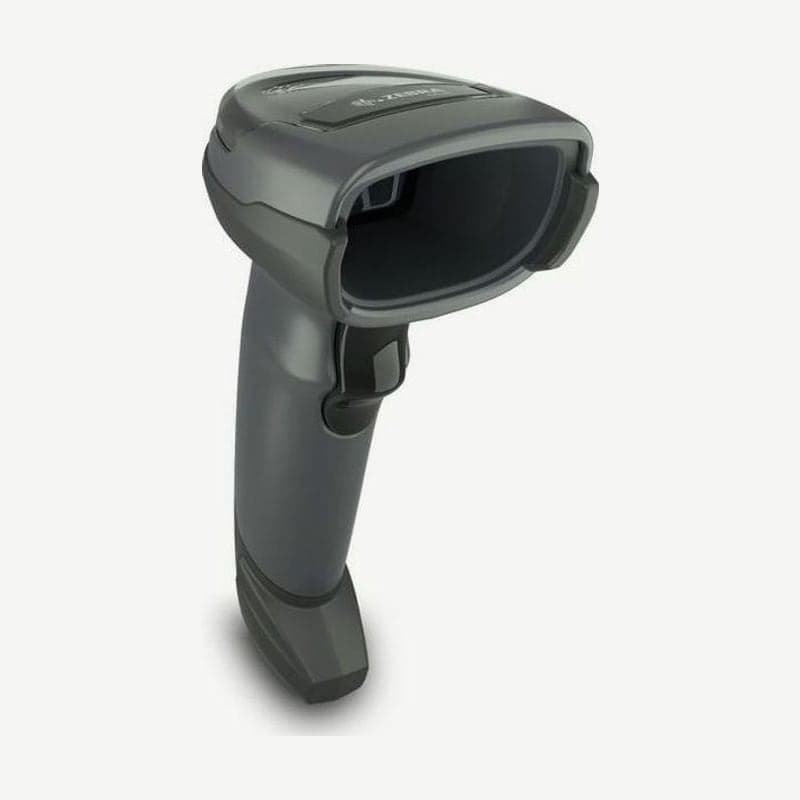
The DS4608 is a corded scanner in Zebra's DS4600 family that takes the place of the discontinued DS4308. The figures below are for the standard range (SR) configuration; with a 1,280 x 800 sensor it reads coupon and membership codes on phone screens and 1D/2D codes on labels, and reads product UPCs out to 71.1 cm.
Even within the DS4608, the engine and features differ by the configuration code that follows the name. Before ordering, first decide whether you need SR, high density (HD), or healthcare (HC).
Differences by DS4608 configuration code
| Configuration code | Engine and features | Color and sales region |
|---|---|---|
| DS4608-SR00006ZZWW | Standard range (SR) | Nova White |
| DS4608-SR00007ZZWW | Standard range (SR) | Twilight Black |
| DS4608-SR00007ZZAP | Standard range (SR) | Twilight Black, Asia-Pacific only |
| DS4608-HD00007ZZWW | High density (HD) | Twilight Black |
| DS4608-HD00007ZCWW | High density (HD) + Checkpoint EAS antenna | Twilight Black |
| DS4608-HC4000BZZWW | Healthcare (HC), green aiming, white illumination, vibration | Healthcare White |
The minimum resolution of the SR configuration is Code 39 3 mil and Data Matrix 5 mil. The HD goes down to Code 39 2 mil and Data Matrix 4 mil, but its maximum UPC distance drops to 45.7 cm.
Mobile Phone/Display mode for reading phone screens
The factory setting is "Normal Mobile Phone/Display Mode." If codes on phone or monitor screens are hard to capture, change this item to an enhanced mode.
There are three enhanced modes: handheld only (1), hands-free only (2), and both (3). At a checkout where customers hold their phones out in front of the stand, choose hands-free (2) or both (3) so it applies in the stand.
2 settings to try when used in a stand
When placed in the cup of the optional Gooseneck Intellistand, the scanner switches to hands-free (presentation) mode on its own. The reading area in this state is adjusted with "Presentation Mode Field of View"; the default is the full field of view (Full), and choosing Small or Medium searches only near the aiming center, which speeds up detection.
Where several codes are placed together, such as shelf labels, use Picklist mode. It reads only the one code under the aiming dot; it is off by default, and turning it on slows reading and makes long barcodes harder to read, so choose only the case you need (handheld only, hands-free only, or always).
Read indication when used handheld
When used handheld, you can turn on Direct Decode Indicator, which signals a successful read by flashing the illumination. It is off at shipment and works only when the handheld trigger mode is Auto Aim or Standard (Level). When on, the illumination flashes once or twice while the trigger is held, and it does not flash if you release the trigger right after the read.
Installation conditions for the Checkpoint EAS deactivation configuration
The EAS deactivation antenna is included only in the DS4608-HD00007ZCWW configuration and requires a dedicated Y cable that splits from the scanner host port into a host side and an EAS device side. Compatible devices are the Checkpoint CP-VII, CP-IX, and CP-XI; low-power receiver types such as the CP-IV are not supported.
Keep the EAS antenna box at least 15.24 cm from the scanner. Also keep the EAS control cable and controller box as far as possible from the scanner's host and power cables.
Power and USB CDC and RS-232 connection conditions
The DS4608 takes 4.5-5.5 V from the host; operating current is 340 mA for the SR and HD configurations and 375 mA for the HC configuration, and standby current is 150 mA (at 5 V). Only on connections where the host does not supply power do you plug a Zebra 5 V power adapter into the power jack on the cable.
To use USB as a virtual COM port (USB CDC), install the Zebra USB CDC driver first. Windows 10 includes a CDC driver that supports Zebra scanners as standard.
For RS-232, the signal on the scanner side is TTL level. For POS systems that need RS-232C levels, use a Zebra cable with TTL-to-RS-232C conversion built in.
If you need Bluetooth wireless, see the DS4678, which has the same SR reading ranges; to compare specifications with the existing DS4308, see the comparison table on the DS4308 page.