Even on a 203 dpi printer, EAN-13 prints at 113.64% magnification, and GS1-128 logistics barcodes print at 4 dots (0.500 mm), above the minimum X-dimension of 0.495 mm. Look at 300 dpi for narrow labels where bar width must go below one 203 dpi dot (0.125 mm), or where EAN-13 must fit close to the standard 100%.
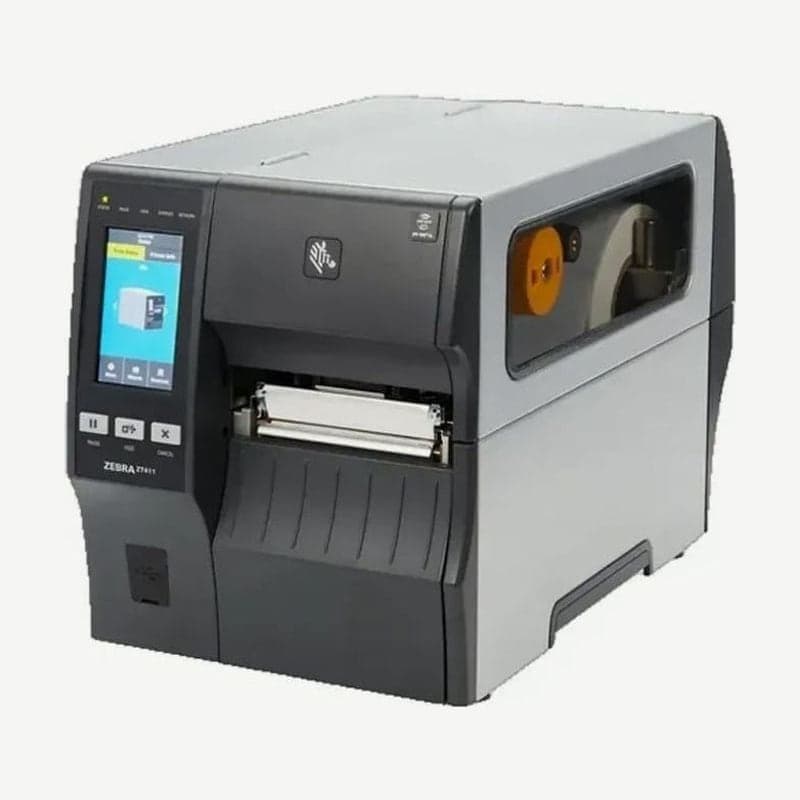
Raising the resolution reduces the maximum speed and the length printed per label, even on the same model. The Zebra ZT411's top speed is 356 mm/s at 203 dpi and 254 mm/s at 300 dpi.
Dot size and narrowest bar by resolution
| Zebra ZT411 | 203 dpi | 300 dpi |
|---|---|---|
| One printhead dot (W x H) | 0.125 x 0.125 mm | 0.084 x 0.099 mm |
| Bar width range (barcode printed horizontally) | 4.9-49 mil | 3.3-33 mil |
| Bar width range (barcode printed vertically) | 4.9-49 mil | 3.9-39 mil |
| Built-in font A character size (H x W) | 1.13 x 0.75 mm | 0.76 x 0.51 mm |
| Max continuous print length | 3,988 mm | 1,857 mm (ZT411 spec sheet) / 1,854 mm (user guide) |
| EPL commands | Supported | Not supported (ZPL only) |
A mil is 1/1000 inch, and 4.9 mil is 0.125 mm, the same as the width of one 203 dpi dot. The narrowest bar of a barcode (the X-dimension) cannot print thinner than one printhead dot.
The dots on a 300 dpi printhead are rectangles 0.015 mm taller than they are wide. So when a barcode is rotated 90 degrees and printed vertically, the narrowest bar thickens from 3.3 mil to 3.9 mil. At 203 dpi, where the dots are square, it starts at 4.9 mil in either direction.
EAN-13 magnification and resolution
The standard size of EAN-13 (100% magnification) is an X-dimension of 0.330 mm and a width of 37.29 mm including quiet zones. Direct thermal and thermal transfer printers make bar widths only from whole numbers of dots, so the magnifications available at each resolution come in a few fixed steps. The 203 dpi rows are figures from GS1 Table 5-60 (based on 8 dots/mm), and the 300 dpi rows are calculated from the actual 300 dpi dot width of 0.0847 mm.
| Resolution | Dots per module | X-dimension | EAN-13 magnification |
|---|---|---|---|
| 203 dpi | 2 | 0.250 mm | 75.76% |
| 203 dpi | 3 | 0.375 mm | 113.64% |
| 203 dpi | 4 | 0.500 mm | 151.52% |
| 300 dpi | 3 | 0.254 mm | About 77.0% |
| 300 dpi | 4 | 0.339 mm | About 102.6% |
| 300 dpi | 5 | 0.423 mm | About 128.3% |
203 dpi has no 100% step, so the magnifications closest to standard are 75.76% and 113.64%. Magnifications of 75-80% are allowed only for on-demand printing such as direct thermal and laser, and even then the area an 80% symbol and its quiet zones would take must be left clear. The magnification 200 and 300 dpi printers print closest to 80% is 75.7% or 76.9%, depending on dot shape. If the label width allows, set 203 dpi to 3 dots, 113.64%.
At 300 dpi, 4 dots give about 102.6%, printing closest to standard size; calculated at 12 dots/mm as in GS1 Table 5-60, it is 100.01%. A 113.64% symbol at 203 dpi is about 42.4 mm wide including quiet zones, so to fit a standard-size EAN-13 on a product label narrower than that, 300 dpi is the right choice.
Resolution and maximum print speed by model
| Model | 203 dpi | 300 dpi | 600 dpi |
|---|---|---|---|
| Zebra ZT411 | 356 mm/s (14 ips) | 254 mm/s (10 ips) | 102 mm/s (4 ips) |
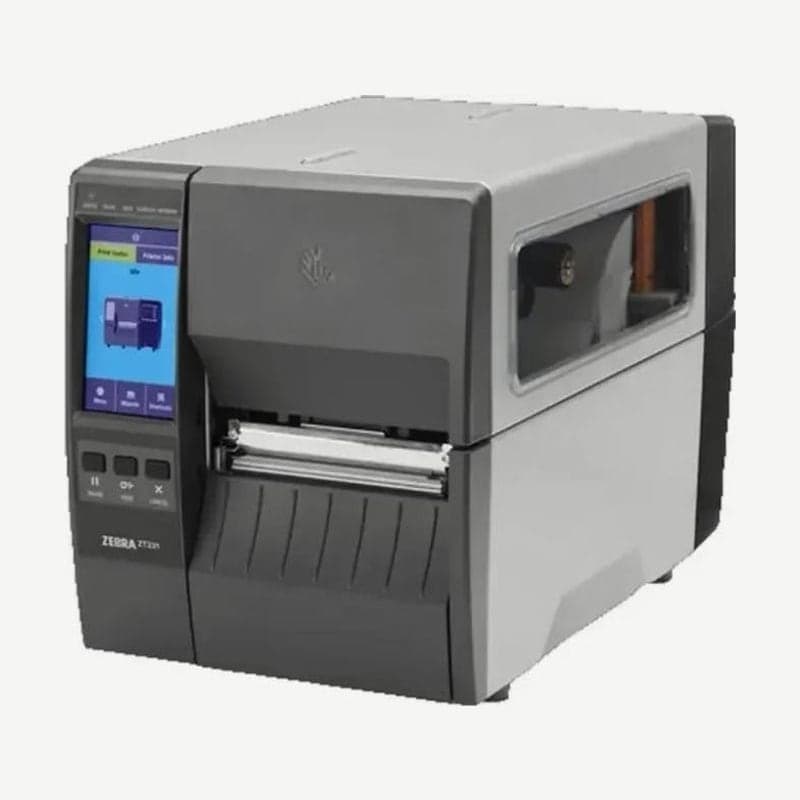
| Zebra ZT231 | 305 mm/s (12 ips) | 203 mm/s (8 ips) | None |
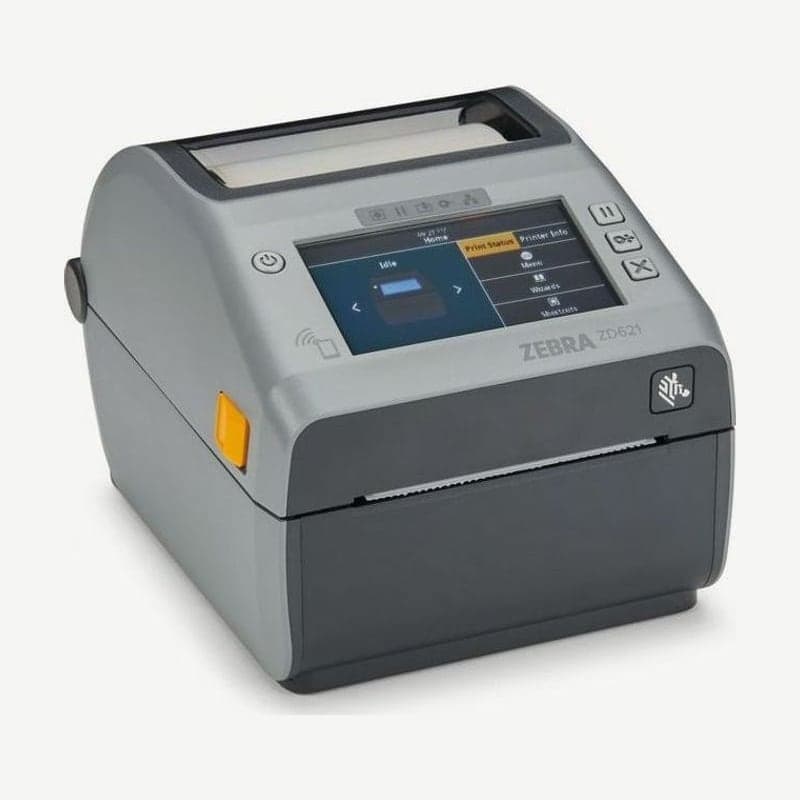
| Zebra ZD621 | 203 mm/s (8 ips) | 152 mm/s (6 ips) | None |
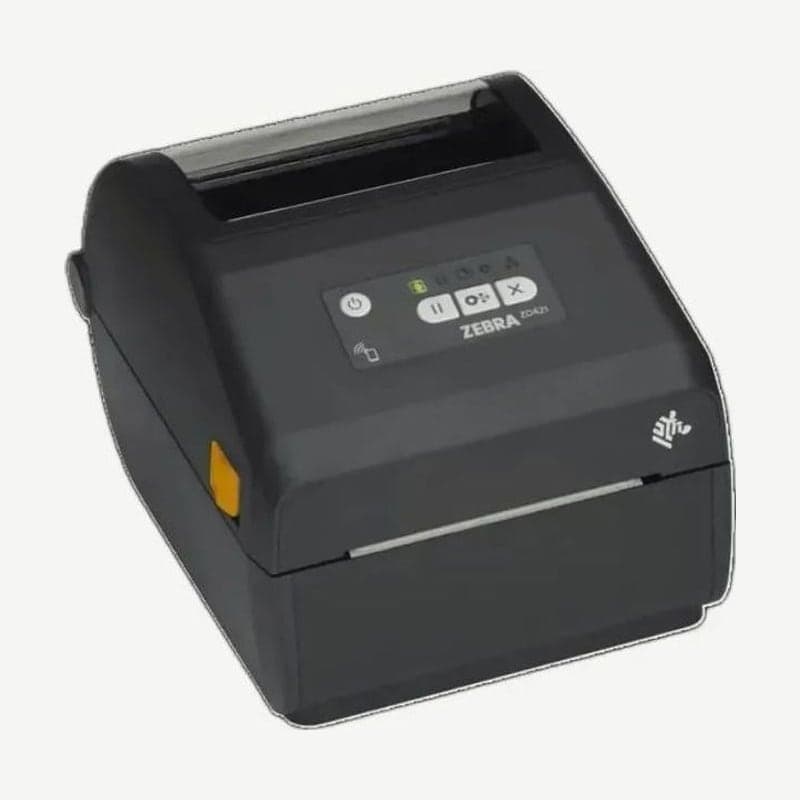
| Zebra ZD421 | 152 mm/s (6 ips) | 102 mm/s (4 ips) | None |
| Bixolon SLP-DX420 / DX423 | 178 mm/s (7 ips) | 127 mm/s (5 ips) | None |
| Honeywell PC45t | 8 ips | 6 ips | None |
| TSC MH241 / MH341 / MH641 | 356 mm/s (14 ips) | 305 mm/s (12 ips) | 152 mm/s (6 ips) |
Bixolon and TSC use a different model name for each resolution. The SLP-DX420 is 203 dpi and the DX423 is 300 dpi, and for TSC, the MH241, MH341, and MH641 are 203, 300, and 600 dpi in that order.
Zebra changes only the printhead resolution within one model name, as with the ZT411. On the part number sticker below the media hanger, the number after the model name is 2 for 203 dpi, 3 for 300 dpi, and 6 for 600 dpi; choose the resolution matching this number when installing the driver.
For long labels over 1 m per label, also check the length limit by resolution. The Honeywell PC45t prints up to 1,727 mm at 203 dpi and 900 mm at 300 dpi, and the TSC MH series drops from 25,400 mm to 11,430 mm to 2,540 mm.
Label types where 203 dpi is enough
For GS1-128 and ITF-14 applied to boxes and pallets, the minimum X-dimension for general logistics is 0.495 mm. Four 203 dpi dots (0.500 mm) exceed this, and with a barcode height of 31.75 mm and quiet zones of 10X on each side, it meets the specification.
High-volume shipping lines benefit from 203 dpi, which keeps the full top speed. On the ZT231, switching to 300 dpi drops 305 mm/s to 203 mm/s.
Sites that still use output programs written in EPL commands also choose 203 dpi. The Zebra ZT411 and ZT231 accept EPL only on 203 dpi models.
Label types that need 300 dpi or 600 dpi
Small labels that need the X-dimension narrower than 4.9 mil (0.125 mm) go to 300 dpi. Text also follows dot size: the smallest ZT411 built-in bitmap font, A, prints 1.13 mm tall at 203 dpi and 0.76 mm at 300 dpi.
Labels smaller than that use a 600 dpi printhead. The ZT411 600 dpi has dots of 0.0016 inch (about 0.04 mm), but its top speed drops to 102 mm/s and its max continuous print length to 991 mm. The 6-inch ZT421 has no 600 dpi version. The industrial ZT610 600 dpi model prints labels as short as 3 mm in rewind and tear-off modes (rewind 6 mm on 203 and 300 dpi models).
Checks before changing resolution
Before switching to 300 dpi because barcodes from a 203 dpi printer already in use do not scan, check darkness, printhead pressure, and barcode quiet zones first. Checks by symptom are covered in label print quality troubleshooting, and whether to use a ribbon in direct thermal vs thermal transfer.