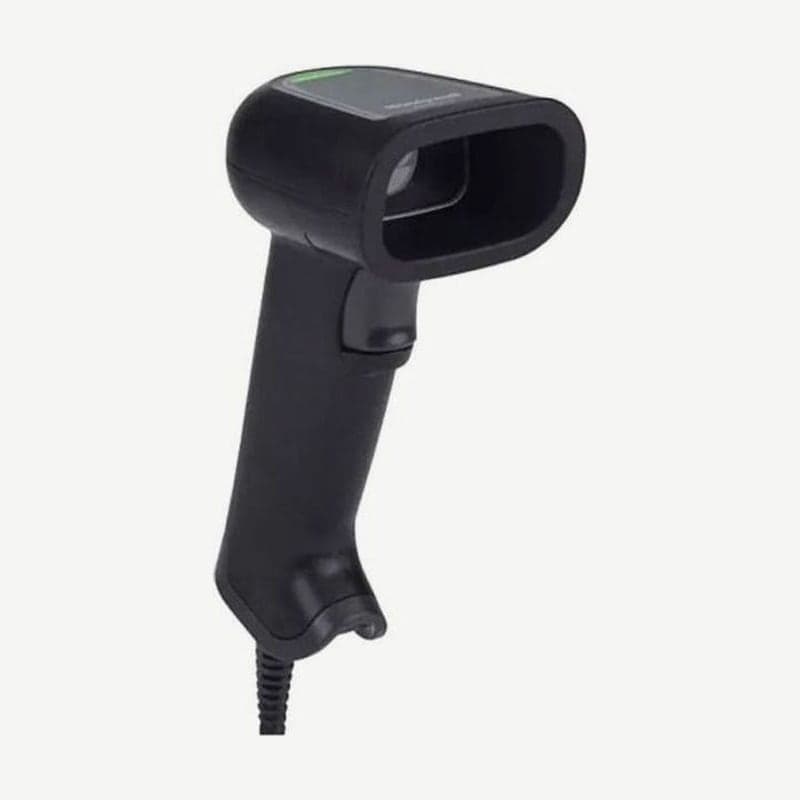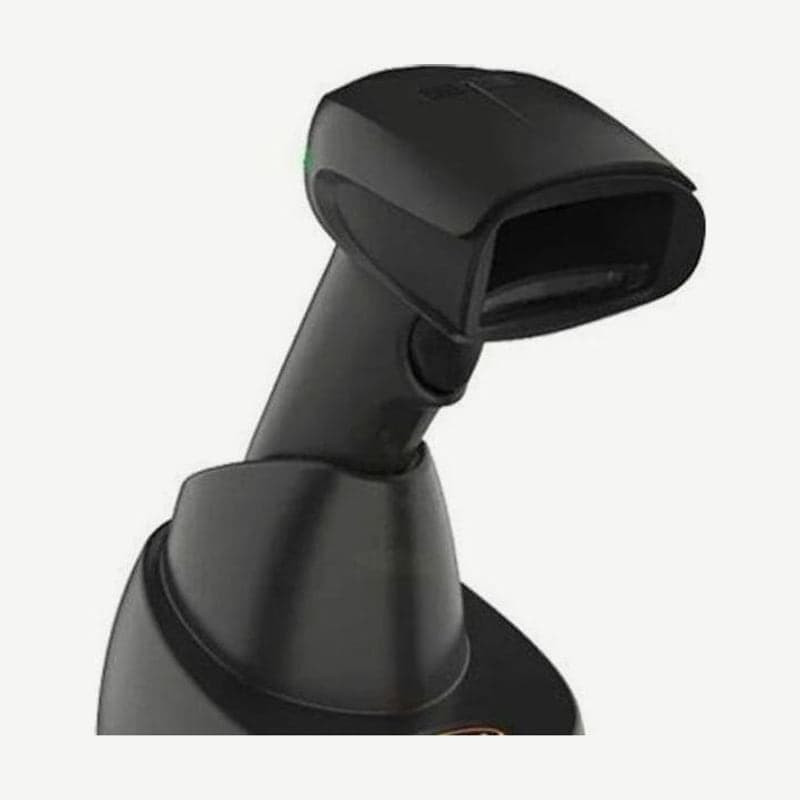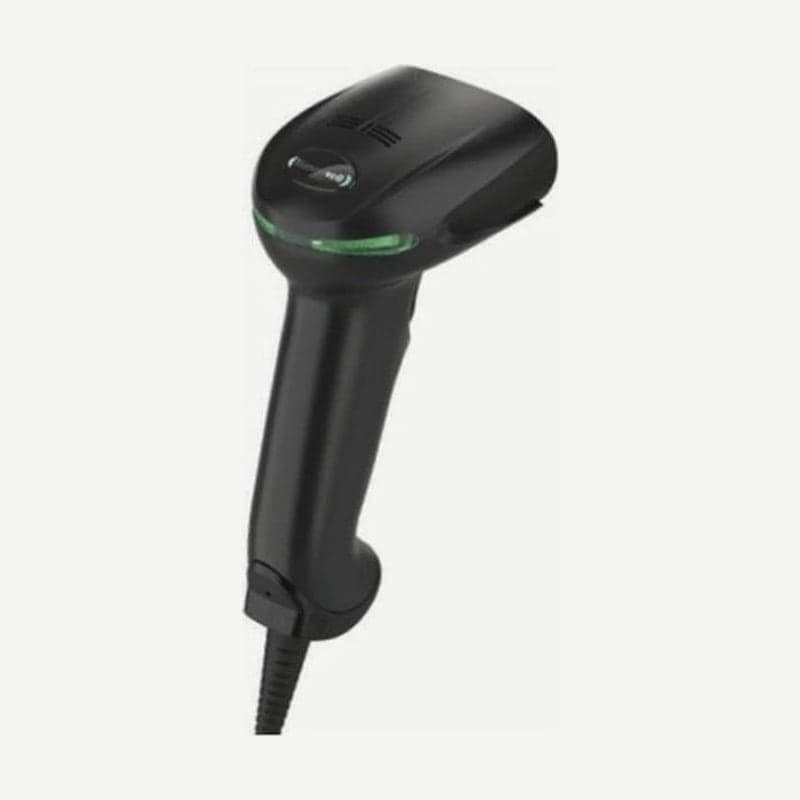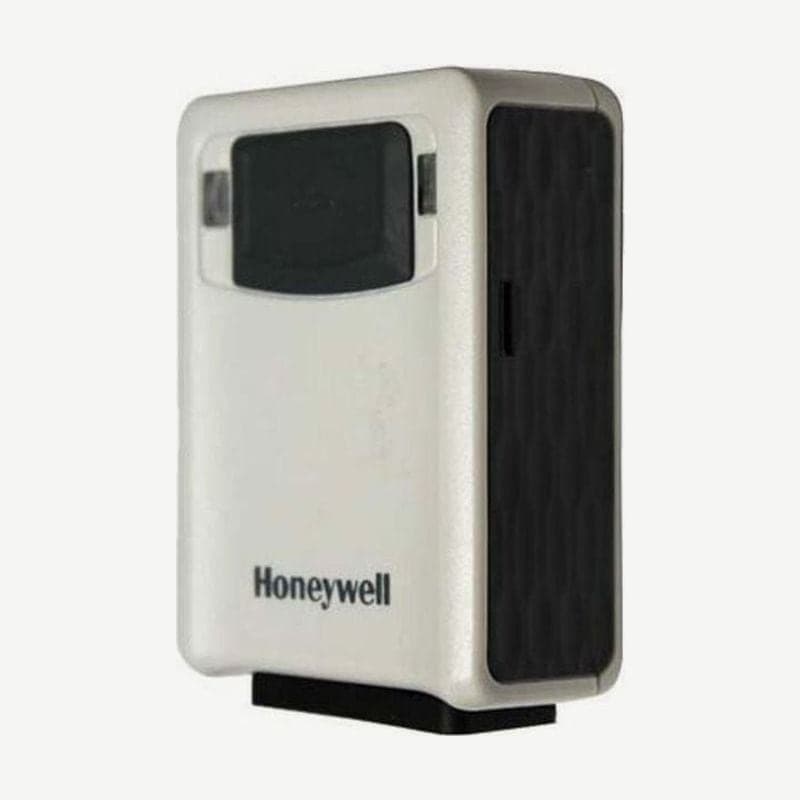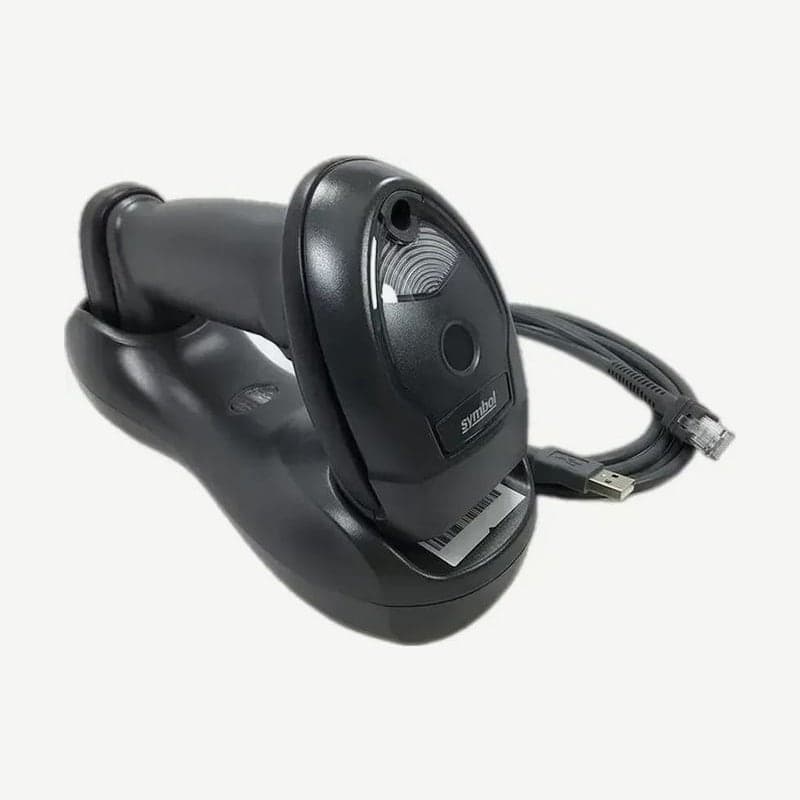
The LI4278 is a cordless linear imager that reads only 1D barcodes such as UPC, EAN, and Code 128. It does not read QR codes or Data Matrix, so if your site mixes in 2D codes, look at a 2D imager model. For checkouts and warehouses that use only 1D, the cradle you pair it with determines the installation method and radio range.
Differences among the 3 cradles
| Item | CR0078-S standard | CR0008-S charge only | CR0078-P presentation |
|---|---|---|---|
| Bluetooth communication | Yes, 10 m | None | Yes, 100 m (line of sight) |
| Scanners paired (Multipoint setting) | Up to 3 | Not applicable | Up to 7 |
| Power | USB host power or 5 V adapter | External adapter | 12 V adapter required |
| Hands-free scanning | No | No | Reads automatically when docked |
| Installation | Desk, wall | Desk, wall | Desk |
The CR0008-S is a stand and charger, so with this cradle alone no data goes to the PC. For checkouts where the scanner stands upright and items are presented to it, choose the CR0078-P; for this cradle, use a USB cable with a shielded modular plug.
If the CR0078-S is connected by USB only and powered by the PC, charging is slower. A full charge of an empty battery takes about 3 hours on external power and about 5 hours on host power.
Setting to pair several scanners with one cradle
The factory setting is Point-to-Point, with only 1 scanner per cradle. To pair 2 or more, scan the Multipoint-to-Point barcode with the first scanner, then scan the cradle's pairing barcode with each of the remaining scanners in turn.
In Multipoint mode, a setting barcode scanned with one scanner is passed to the other scanners on the same cradle (Parameter Broadcast, on by default). The pairing barcode differs for each cradle, so if you place cradles at 3 checkouts, each scanner must scan the barcode of its own checkout's cradle.
In the default Unlocked Point-to-Point state, if another scanner scans the pairing barcode, the existing scanner's connection is dropped. To fix 1 scanner to 1 checkout, lock it with Locked Pairing Mode and set the connection maintenance interval along with it.
How many codes fit in the 9,000-byte batch memory
The default Normal mode only sends as it scans; to collect data on the scanner, turn on one of the 3 batch modes below. The storage space is 9,000 bytes, and the number stored is 9,000 ÷ (barcode characters + 3). Up to 562 13-digit EAN-13 codes, or 391 20-character codes, fit.
- Out of Range stores from the moment the connection drops and sends when it returns within range and reconnects. Do not turn this mode on together with the auto-reconnect feature.
- Standard collects after the Enter Batch Mode barcode is scanned and sends when the Send Batch Data barcode is scanned. If the connection drops during transfer, it pauses and resumes sending when it returns within range (10 m for the standard cradle).
- Cradle Contact sends the collected data the moment the scanner is placed in the cradle. If the scanner is lifted during sending, the transfer stops, and it resumes when placed back.
NiMH battery care
The 750 mAh NiMH battery lasts up to 57,000 scans per charge at 1 scan per second, and 72 hours out of the cradle at 1 scan every 6 seconds. About once a year, scan the Battery Recondition barcode and place it in the cradle to run a reconditioning charge that repeats about 2.5 hours of discharge and about 3 hours of charge twice.
To change the battery, loosen the screw at the bottom of the handle counterclockwise with a Phillips screwdriver, open the cover, and replace it along with the connector. For spares, use the LS4278 battery BTRY-LS42RAA0E-01 as is. For long-term storage or shipping, turn the battery off with the Battery Off barcode; it turns on again when placed in the cradle for use.
To avoid battery temperature errors, charge within 0-40°C, preferably 5-35°C. The full reference guide and setting barcodes are available in the LI4278 downloads.