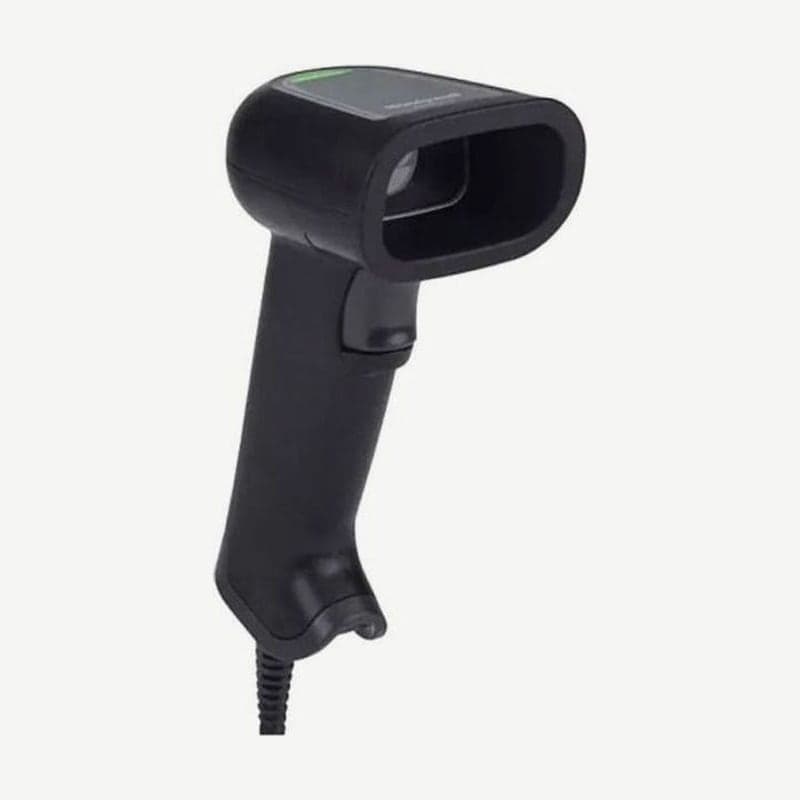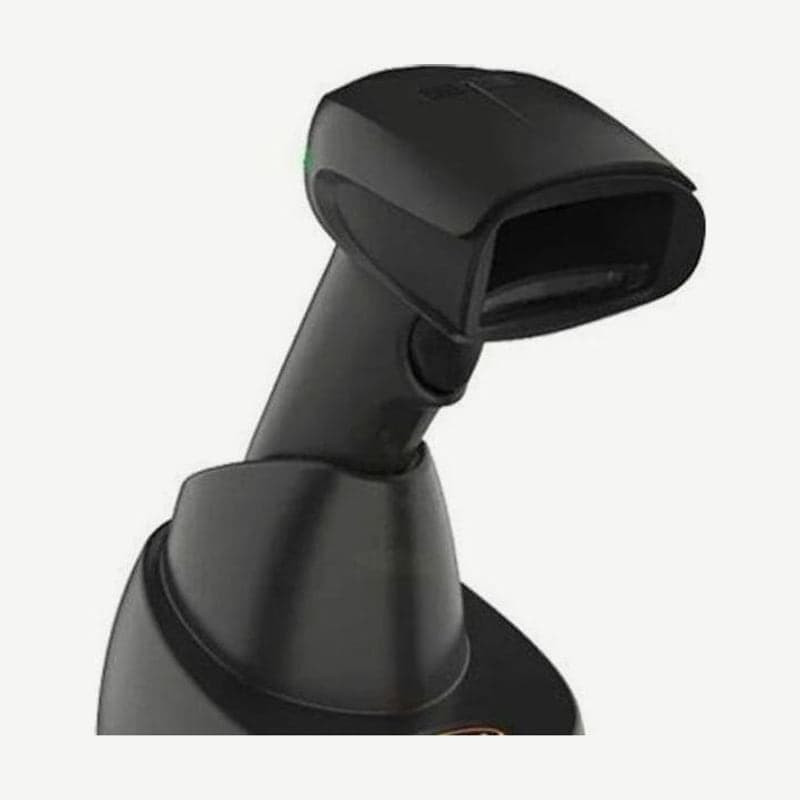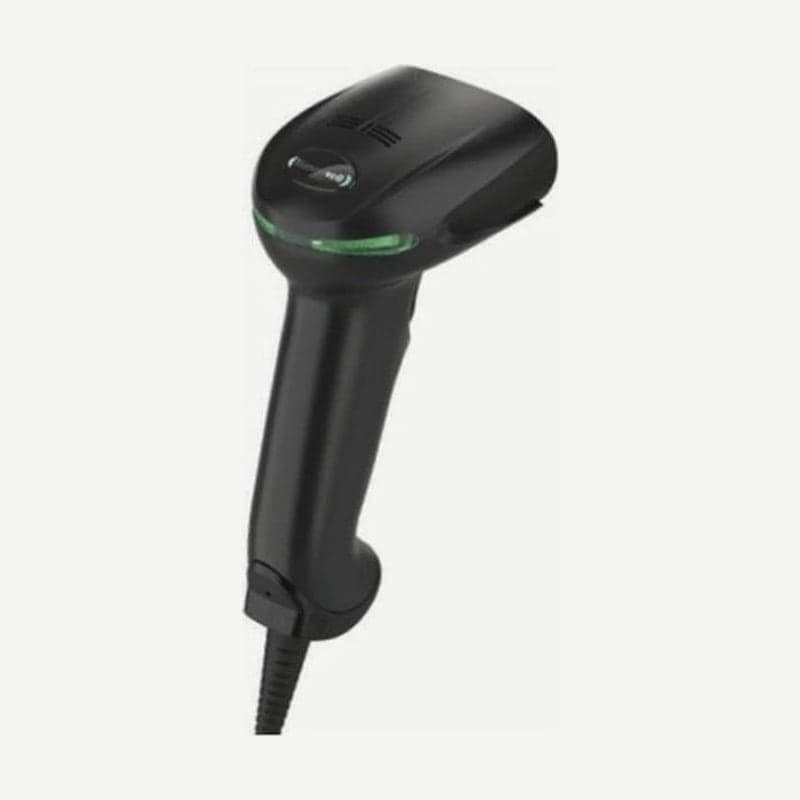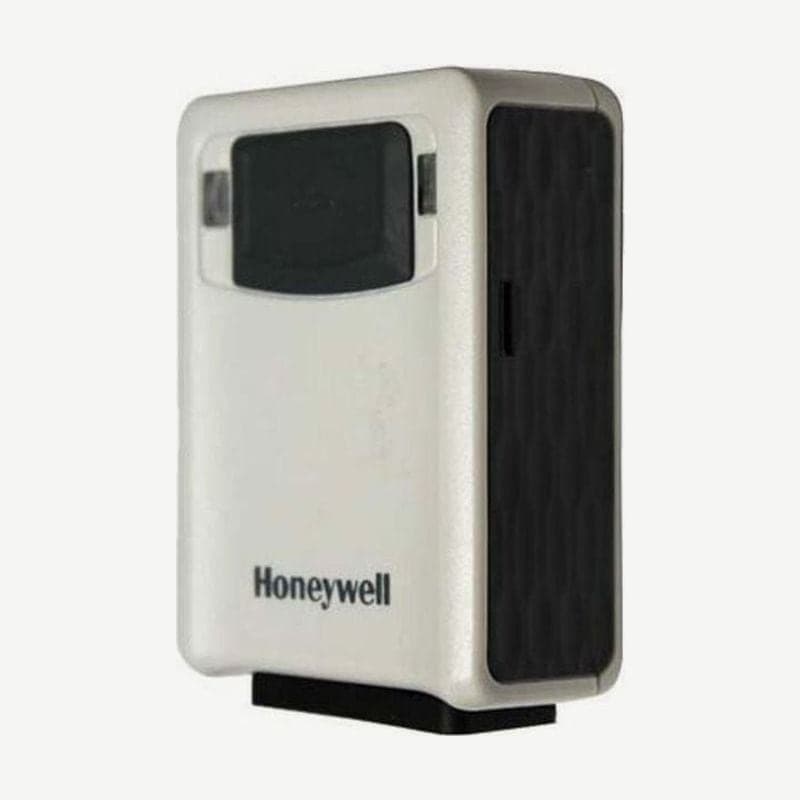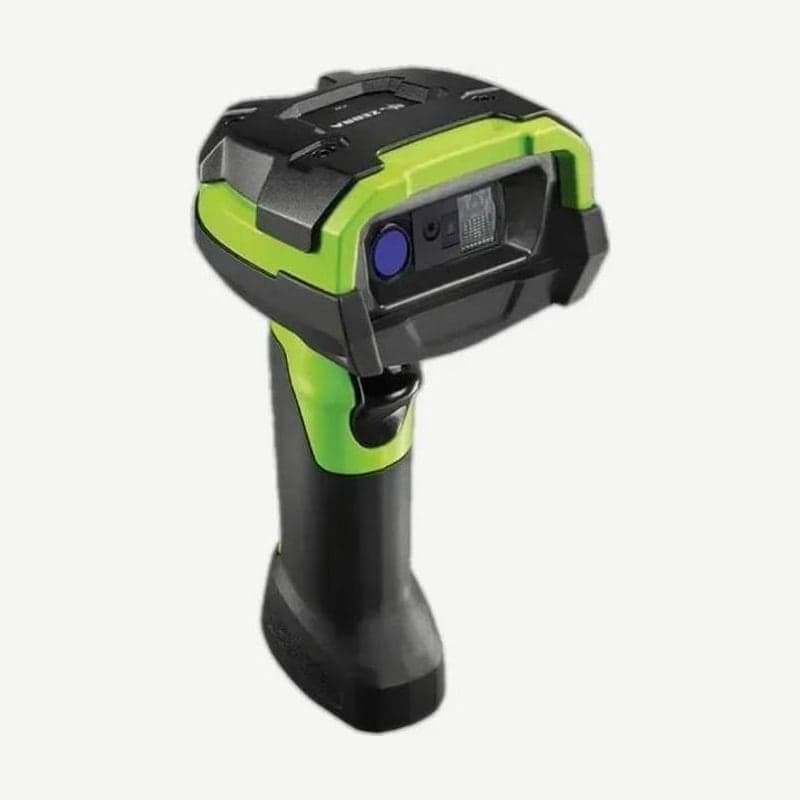
The DS3678 is the Bluetooth wireless model of the DS3600 ultra-rugged series. It works up to 100 m from the cradle in open space, and the default SR engine reads over 100,000 scans on one charge of the PowerPrecision+ 3,100 mAh battery.
It withstands repeated 2.4 m drops to concrete at -20 to 50°C; the scanner is rated IP65 and IP68, and the FLB cradle for forklifts is IP65. It suits forklift work and picking between racks where cables get in the way; if it will be fixed in one place, the corded DS3608, 102 g lighter, is the better choice.
Battery and weight differences among the 6 DS3678 engines
| Engine | Use | Scans per charge | Weight (with battery) |
|---|---|---|---|
| SR | General labels, standard range | Up to 100,000 | Approx. 407 g |
| HD | Close high-density codes | Up to 100,000 | Approx. 411 g |
| HP | Long range and high density, OCR and documents | Up to 100,000 | Approx. 411 g |
| DP | Direct part mark (DPM) codes | Up to 100,000 | Approx. 402 g |
| ER | Long range (100 mil Code 128 on reflective labels, 21.3 m) | Up to 70,000 | Approx. 436 g |
| XR | Extra-long range (100 mil Code 39, 32.6 m; shorter in dim light) | Up to 80,000 | Approx. 410 g |
The ER's scans per charge are about 70% of the SR's. If labels are within the SR working range (152.4 cm for 40 mil), the SR reads 30,000 more scans per charge. The HP and DP are covered separately on the DS3678-HP and DS3678-DP pages.
DS3678-SR working range
| Barcode | Line width | Working range |
|---|---|---|
| Code 128 | 5 mil | 3.3-17 cm |
| Code 128 | 20 mil | 7.1-71.1 cm |
| Code 128 | 40 mil | 4.4-152.4 cm |
| Data Matrix | 7.5 mil | 4.8-15.2 cm |
| Data Matrix | 10 mil | 3.5-21.8 cm |
40 mil pallet labels read even from 1.5 m away. The minimum print contrast is a 15% reflectance difference, and it also reads dirty or damaged barcodes, faintly printed barcodes, and barcodes under shrink wrap.
STB3678 and FLB3678 cradle connection steps
The STB3678 is the cradle placed on a desk or wall, and the FLB3678 is the cradle hung on a bracket with 3 isolators and mounted on a forklift. Cradles and cables for the previous generation LS3578 and DS3578 do not fit the DS3678.
- If the configuration needs a power adapter, connect the adapter to the outlet first.
- Plug the interface cable into the host (PC or terminal) port.
- Lift the cradle's retaining clip, plug the cable into the host port, and close the clip.
- Pair the scanner by inserting it into the cradle (when contact pairing is on) or by scanning the pairing barcode on the cradle. A high-low-high-low beep followed by a low-high beep means it is connected.
- If the interface is not autodetected, scan the corresponding host setting barcode.
By default (point-to-point), one scanner connects to each cradle, and scanning the multipoint barcode allows up to 7. Scanner settings are stored in the cradle, so when a scanner used on the forklift cradle is paired again with the shipping area cradle, it switches to the shipping area settings right away.
Turning on a new battery and charge time
New batteries ship turned off. Slide the battery door latch on the handle counterclockwise to open it, insert the battery with the rounded side toward the back, and then insert the scanner into the cradle once to turn the battery on.
A fully depleted battery takes up to 3 hours in a cradle connected to external power, and up to 10 hours in a cradle powered only by USB. If the cradle LED blinks amber, it is charging; if it stays green, charging is complete. Charging works at 0-40°C and is best at 5-35°C.
Sites that swap batteries between shifts use the SAC3600-4001CR charger, which charges 4 spare batteries at once (up to 5 hours for a full charge). For long-term storage or shipping, scan the "Battery Off" barcode while holding the scanner to turn the battery off; pulling the trigger turns it back on.
Virtual Tether to prevent scanner loss
With Virtual Tether on, the scanner and cradle both alert when the scanner goes out of Bluetooth range or does not return to the cradle within a set time. On the scanner side, the 4 alerts (beeper, LED, illumination, and vibration) can each be turned on or off.
This feature is for warehouses where scanners are often left on pallets, and it is off by default. Battery charge cycles and State of Health are viewed in 123Scan with the cradle connected by USB.