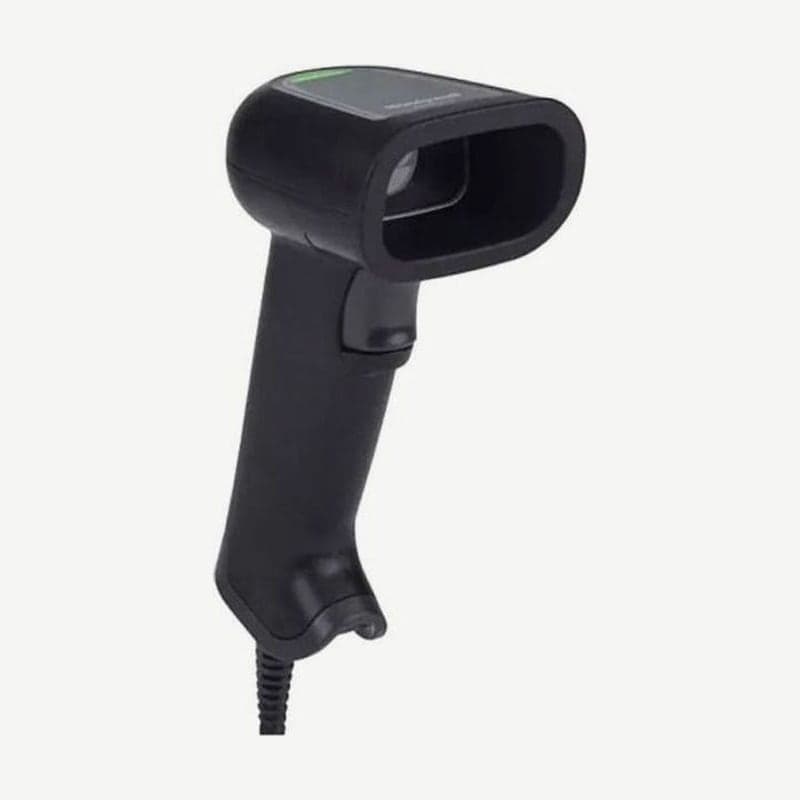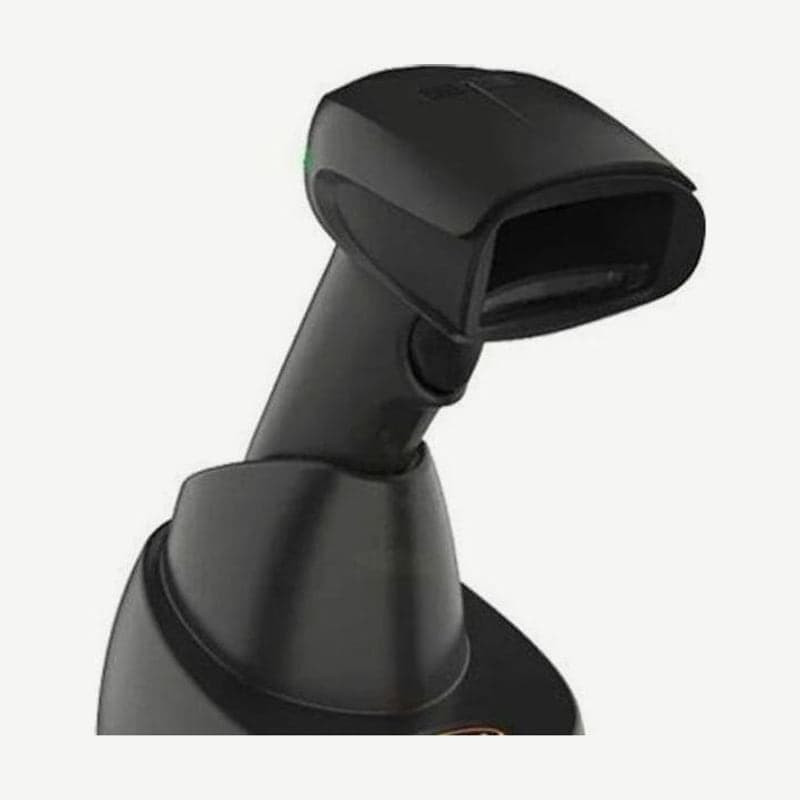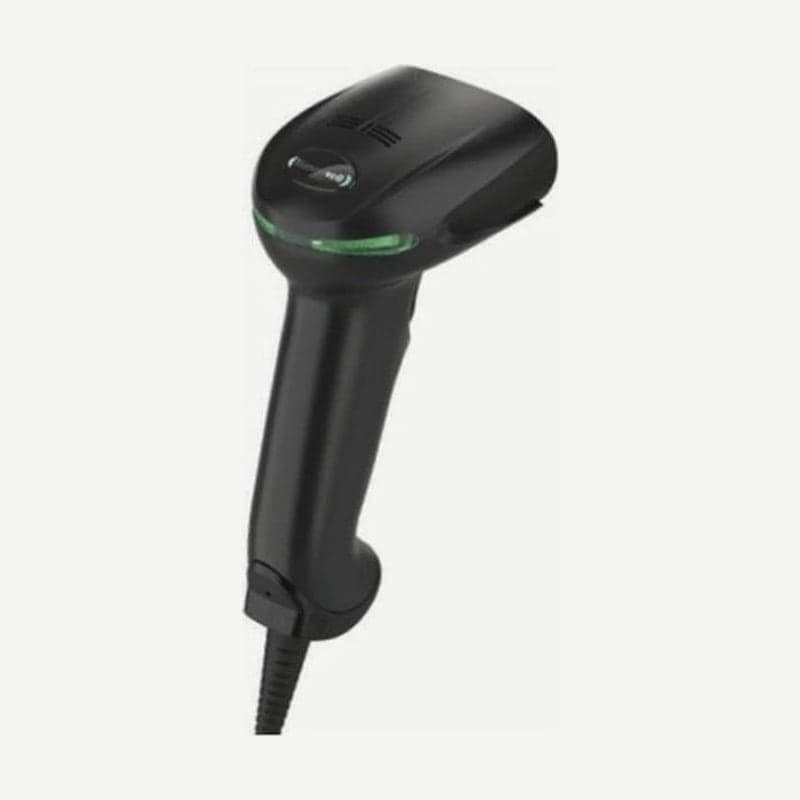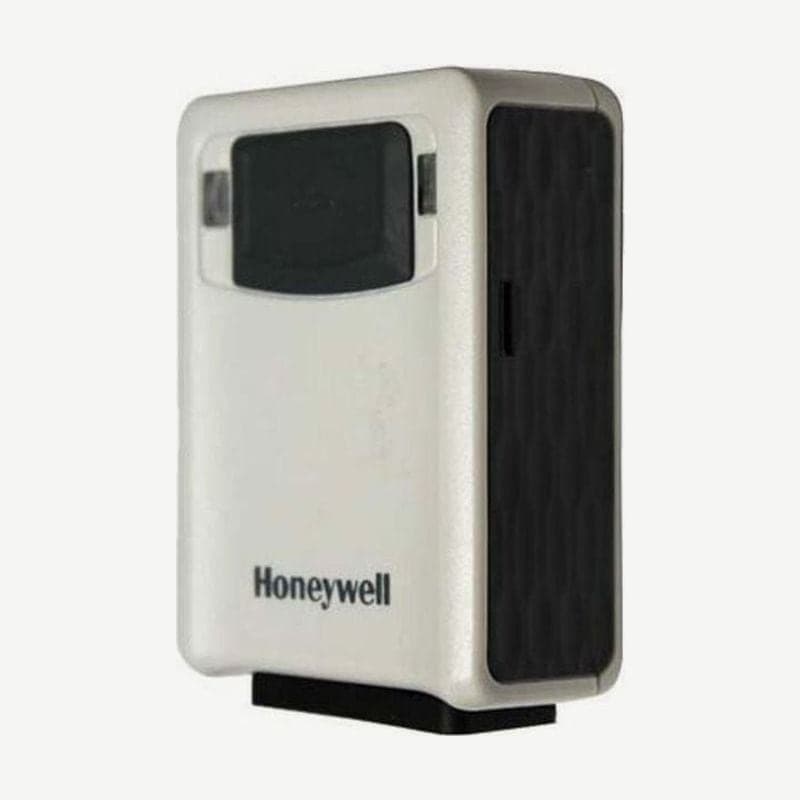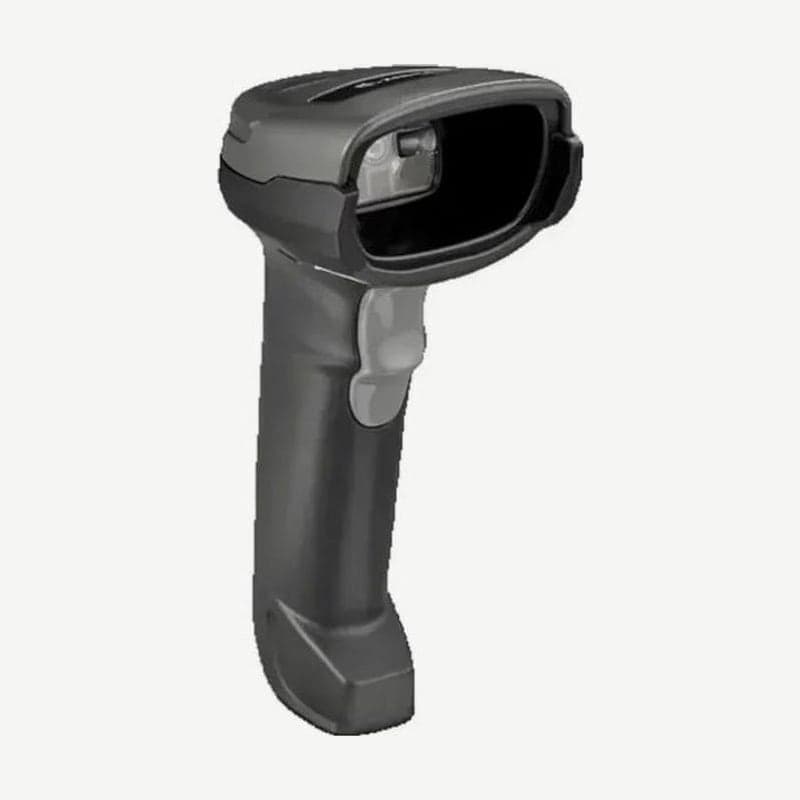
The DS2278 is a wireless scanner that puts a 2,400 mAh battery and Bluetooth 4.0 in the same 640 x 480 reading engine as the DS2208. At the checkout it sits in the optional CR2278 cradle for hands-free use, and it is carried out for receiving inspections or back-of-store inventory checks.
It weighs 214 g, 52.4 g more than the corded DS2208 (161.6 g). Working range and read angles are the same on both models, so the one deciding factor is whether you need to scan where the cable does not reach.
Full charge time by connection
| Charging source | Charge for a 14-hour shift | Full charge |
|---|---|---|
| Standard USB | 4 hours | 17 hours |
| BC1.2 USB | 1 hour | 5 hours |
| External 5 V power | 1 hour | 5 hours |
| Micro USB cable | 1 hour | 7 hours |
| BC1.2 Micro USB | 1 hour | 4 hours |
These figures are for a fully depleted battery. Using only a standard USB port on a PC takes 17 hours overnight, so to start each morning fully charged, connect external 5 V power to the cradle. The CR2278 cradle has no power jack of its own; the adapter plugs into a host cable that has a power jack.
Continuous hands-free scanning while on the CR2278 slows charging accordingly. Positioning the scan window so the scanner in the cradle does not start scanning unintentionally shortens charge time.
Battery usage and storage
One full charge reads 110,000 scans at 60 scans per minute, or 50,000 scans at 10 scans per minute. With a checkout pattern of 10 scans in 10 seconds followed by 50 seconds of rest, it runs for 84 hours.
The battery does not charge above 40°C. If you scan hands-free in the cradle in such a location, charging stops and the battery only drains, and once it runs out, scanning also stops until the temperature comes down.
4 short high beeps when you release the trigger mean the battery is low. The genuine replacement battery is part number BT-000317-01 (4.2 V, 2,400 mAh). For a scanner that will not be used for more than 6 months, remove the battery, charge it to about half, and store it in a cool, dry place.
3 Bluetooth connection methods
- Paired with the CR2278 cradle, it can be used up to 100 m away in open space. Only one scanner connects to each cradle.
- To connect directly to a PC, tablet, or smartphone without a cradle, scan the "HID Bluetooth Classic" barcode on page 12 of the quick start guide and select the scanner in the device's Bluetooth list. In this case the range is 10 m minimum, based on Class 2.
- On Windows and Android, scan once the barcode that the Zebra Scan-To-Connect (STC) app displays on screen to connect right away.
If the store has Wi-Fi, turn on Wi-Fi Friendly mode and exclude the channels the store's wireless LAN uses (for example, channels 1, 6, and 11). After connecting, the scanner and cradle communicate while avoiding those channels, so set all scanners in the same space to the same setting.
Bluetooth Low Energy (LE) coexists well with Wi-Fi, but its speed is 0.27 Mbit/s, up to 7 times slower than Classic (0.7-2.1 Mbit). Data-heavy tasks, such as updating firmware over Bluetooth, take that much longer.
Switching to HID when charging with the Micro USB cable
The Micro USB cable is for charging only, used to charge the scanner directly next to a tablet POS without a cradle. When plugged into a PC, the scanner is recognized as a CDC device, and on a PC without a CDC driver, charging is slow to start.
In that case, scan the "HID Device Conversion" barcode on page 6 of the quick start guide once. Once it is recognized as an HID device, charging starts sooner; the LED blinks green rapidly and stays green when fully charged.
Batch mode when out of wireless range
If you go outside the cradle's wireless range (up to 100 m in open space) during an inventory count, the scanned barcodes have nowhere to go. With the "Out of Range" method of batch mode turned on, data read while disconnected is stored in scanner memory and sent all at once the moment you return within range.
The number of codes that can be stored is 30,720 bytes ÷ (number of barcode characters + 3). For a 13-digit EAN-13, 30,720 ÷ 16 = 1,920 codes.