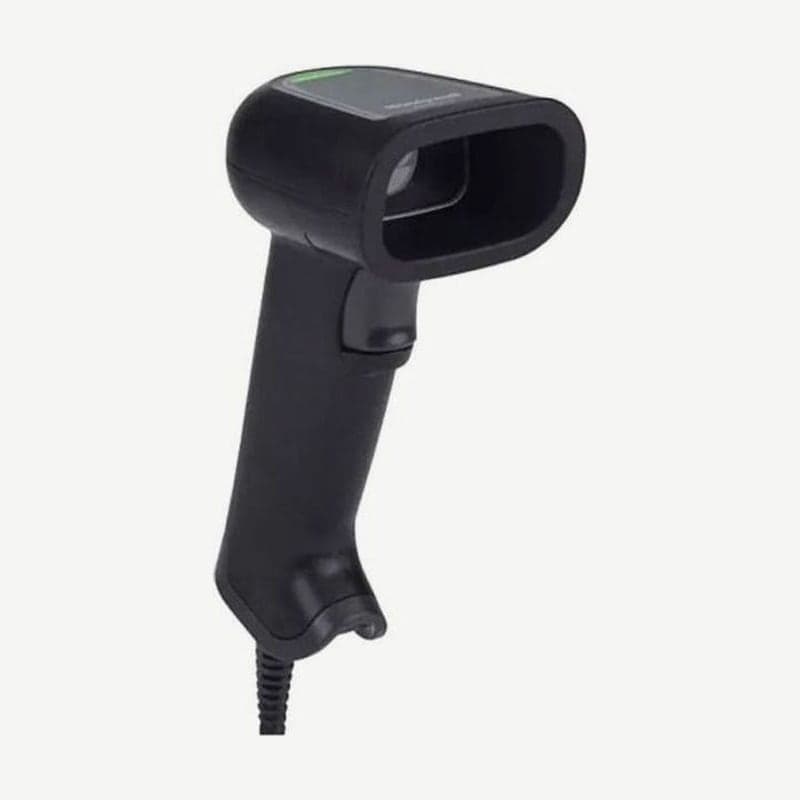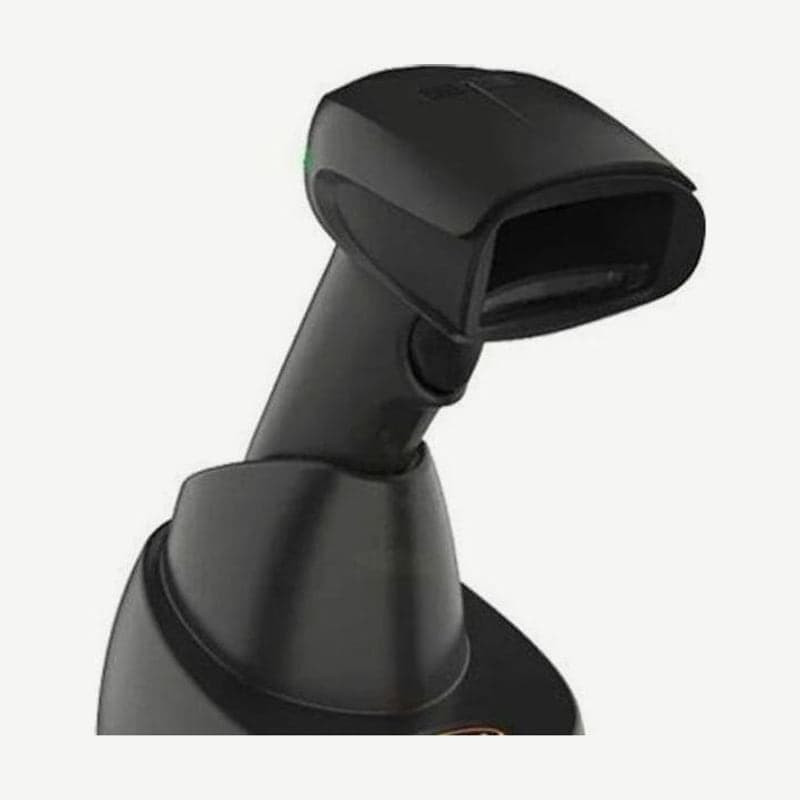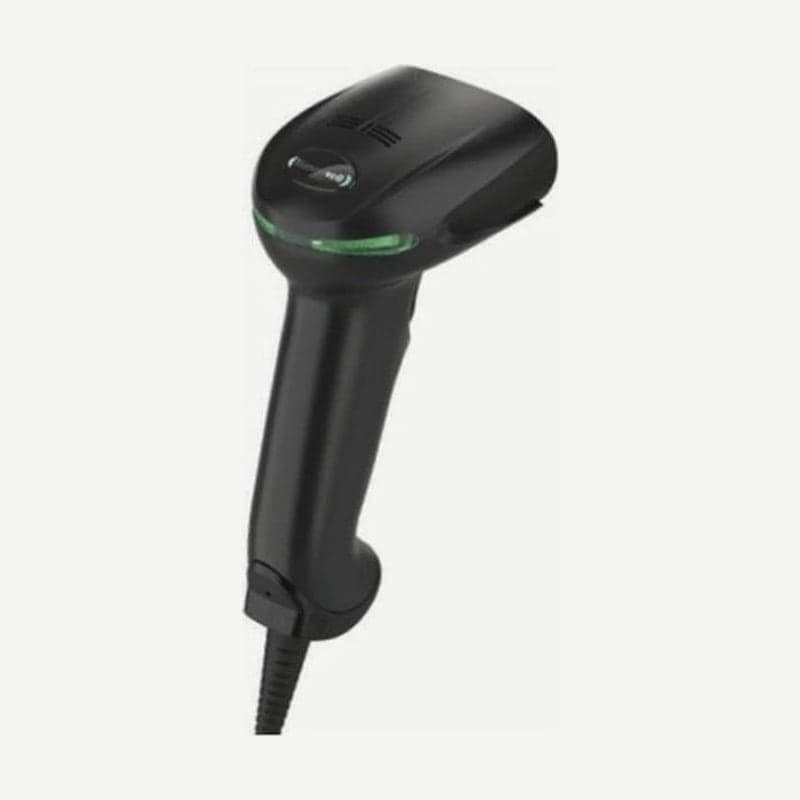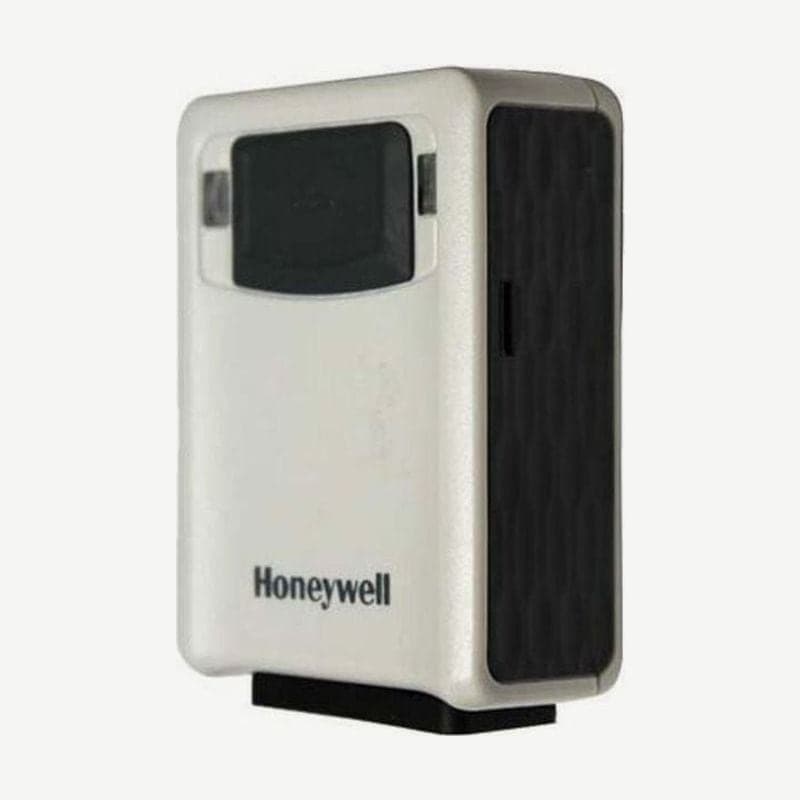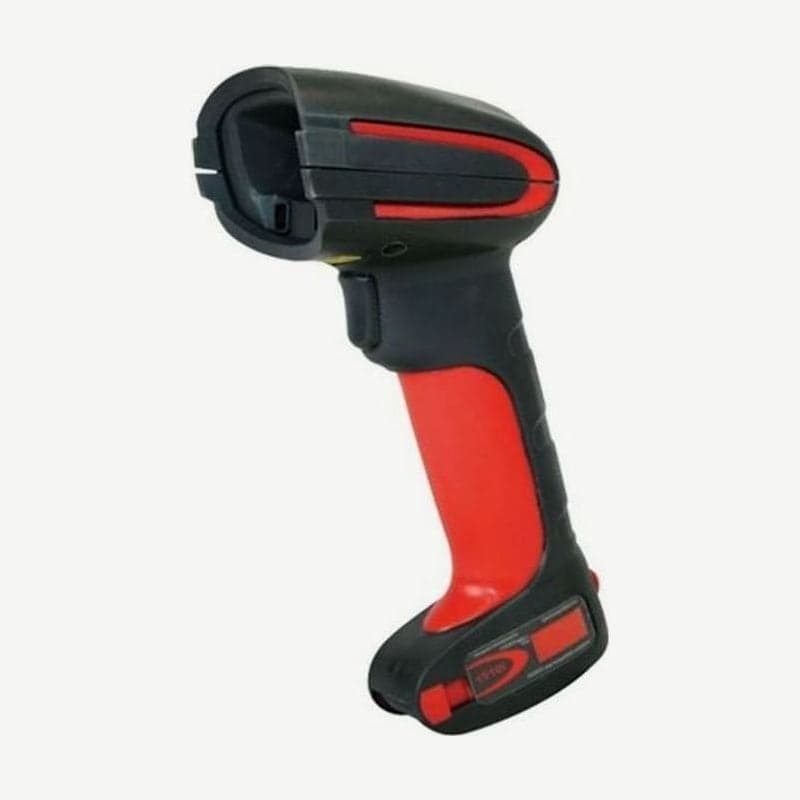
The Granit 1910i is an industrial 2D scanner that connects to a PC by cable. The unit is rated IP65 and is designed for 50 drops from 2 m to concrete (at -30°C) and 5,000 tumbles at 1 m.
The unit measures 133 x 75 x 195 mm and weighs 300 g. The differences from its wireless sibling are compared on the Granit 1911i page.
Temperature conditions for cold storage and the industrial cable
The operating temperature is -30 to 50°C, the storage temperature is -40 to 70°C, and humidity is up to 95% non-condensing. The -30°C lower limit applies when the optional industrial cable is connected, so for cold storage, order the scanner and cable together.
The power adapter is also ordered separately when needed. Input voltage is 4.0-5.5 V DC, and it uses 2.35 W (470 mA at 5 V) while operating and 0.5 W on standby.
Basis for read range figures
The manufacturer's read range chart is based on one model, the ER (extended range) focus model. Read range figures for the 1910iSR (standard range focus) model sold by Wooju OA have not been published, and we do not carry the ER figures over as SR performance.
The imager is an 838 x 640 pixel area type, so one unit reads 1D barcodes and 2D codes such as QR and Data Matrix.
Scanning posture and confirmation signals
The laser aiming beam gets smaller closer to the code and larger farther away. For small codes such as 7.5 mil, hold the scanner close; for large logistics labels such as 20 mil, hold it farther away and center the aiming beam on the code.
Read highly reflective codes, such as laminated labels, with the scanner tilted at an angle. With noisy lines in mind, the read result is signaled 3 ways: a bright LED, a louder beeper, and vibration.
Connection methods and setting barcodes
There are 3 connection methods: USB, keyboard wedge, and RS-232 TTL. On a Windows PC that uses USB as a virtual COM port (USB Serial), install the Honeywell driver first, and to use it as keyboard input, scan the USB PC Keyboard barcode once.
With keyboard country settings other than the U.S. (country code 0), some symbols such as @ | $ # { } are not entered. Adding Enter (CR) or Tab after the scanned data is changed with one barcode.
For data format editing, scan the Enter Data Format barcode, enter the format with the number and letter barcodes in the programming chart, and save with Save. Other additional functions are changed with the online setup tool EZConfig-Scanning.