
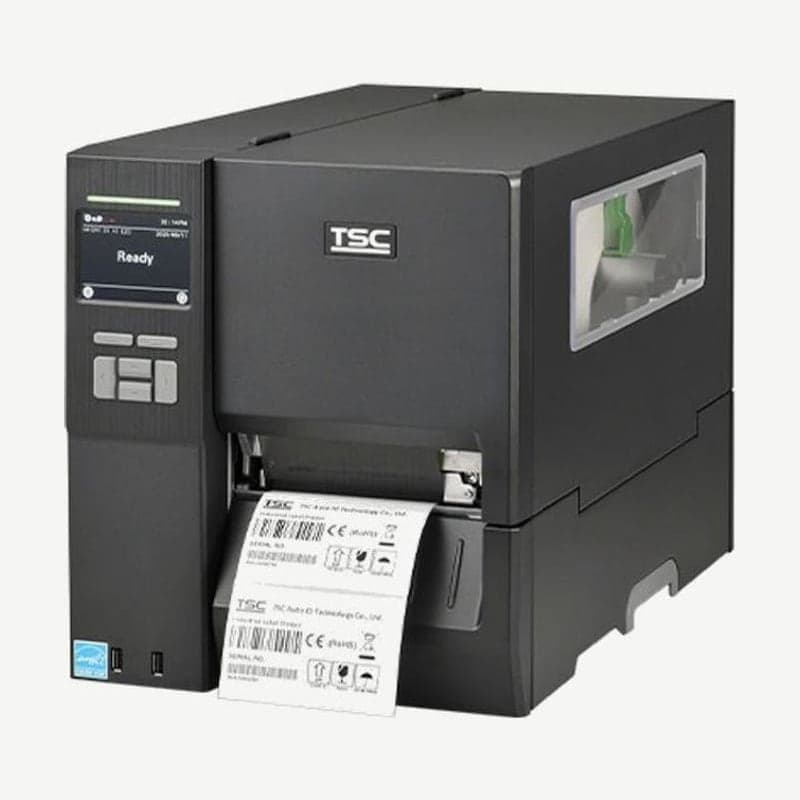
The MH341 is the 300 dpi model in the MH series and prints 12 dots per mm (dot pitch about 0.083 mm). Its dots are 1.5 times denser than the 203 dpi MH241, and its max speed of 305 mm per second is about 86% of the MH241 (356 mm).
The 600 m ribbon, 203.2 mm OD roll, 104 mm print width, and 15.35 kg die-cast body are the same as the MH241. What changes are the resolution, speed, and max print length (11,430 mm).
Speed settings at 300 dpi
MH341 speed is selected between 2 and 12 ips, and the factory default is 4 ips. Density in the TSPL settings has 16 levels from 0 to 15, with a default of 8. If the print is faint, clean the head and platen roller, then adjust density and speed together, and check for missing dots with a self-test print.
If you need even finer dot spacing, look at the 600 dpi MH641, which prints 24 dots per mm. In exchange, its speed is halved to 152 mm per second. Criteria by resolution are covered in 203 dpi vs. 300 dpi.
Head pressure and ribbon tension knobs
The MH341 has a head pressure adjustment knob (5 levels) and a pressure position knob. Media aligns to the inner side of the mechanism, so pressure must change when the width changes, and for media narrower than 2 in, set the pressure position knob inside the label edge.
Fix ribbon wrinkles in this order.
- Check that the head pressure knob matches the media width you are using (1-2 in, 3-4 in, and so on).
- If wrinkles run from the lower right to the upper left of the label, turn the ribbon tension adjustment screw (5 levels) clockwise with a screwdriver; if they run from the lower left to the upper right, turn it counterclockwise. Turn one step at a time and test print each time.
- If wrinkles remain after turning the screw to the last step, change the head pressure by 1 level and print again.
- If they still remain, have the mechanism inspected at the Wooju OA service center in Korea.
Care label and tag media and cutters
The MH341 accepts continuous, die-cut, black mark (bottom or top), fan-fold, notched, and perforated media, as well as tags and care labels. Media thickness is 0.06-0.28 mm.
Cutters are chosen as factory options. There are 5 types: standard and heavy-duty guillotine cutters, a care label cutter, a high-speed care label cutter, and a rotary heavy-duty cutter. The cutter tray (UCT) that catches cut labels is a dealer option.
Connectivity and driver
RS-232, USB 2.0, 10/100 Mbps Ethernet, and 2 front USB host ports are standard. Bluetooth 5.0 is a factory option, and the Wi-Fi and Bluetooth combo module is a dealer option. The driver and manual are on the MH341 driver download page.



