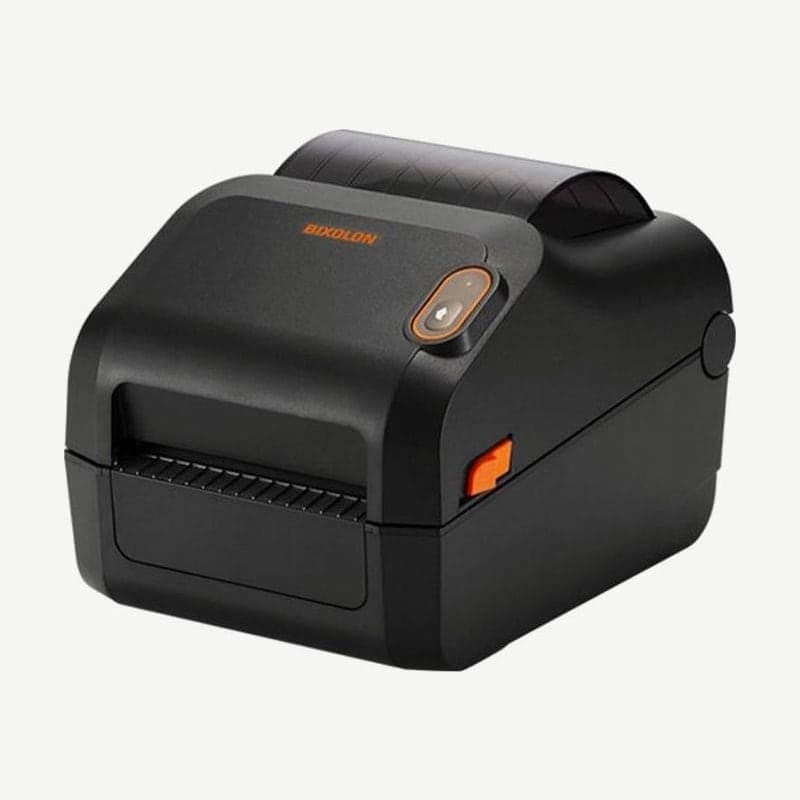
The ZD230TA is the ZD230 thermal transfer model with USB 2.0 and a USB-serial option. The ZD220 thermal transfer model takes only 74 m ribbons, while 300 m ribbons fit starting with the ZD230 thermal transfer models, including the ZD230TA, so ribbons are changed less often; with the ribbon removed and the print method set to direct thermal, it also prints direct thermal labels.
Sites that mix in product marking and asset labels that stay on for a long time choose this model, and places that print only waybills are served well by the ZD230DA, which needs no ribbon.
74 m and 300 m ribbon specifications
| Ribbon length | Roll OD | Core inner diameter | Media rolls per ribbon roll |
|---|---|---|---|
| 300 m | 66 mm | 25.4 mm | 4 rolls |
| 74 m | 34 mm | 12.7 mm | 1 roll |
Both ribbons are 33.02-110 mm wide, and loading a ribbon wider than the label, enough to cover the liner behind it, reduces head wear. The box contains an empty core for the 74 m starter ribbon, 1 empty 300 m core, and an adapter for other brands' 300 m ribbons.
Specifications to check when loading other brands' 300 m ribbons
- Use paper (fiberboard) cores with a 25.4 mm (1-inch) inner diameter. Hard cores such as plastic sometimes do not work properly.
- Ribbon width must be 33-110 mm and roll OD 66 mm or less.
- 300 m ribbons without Zebra-style notches on the left of the core are loaded fitted into the included adapter.
74 m ribbons wound on cores for older desktop printers do not fit because the core is too large. Cores notched on only one side are that older specification, and using cores with worn notches can let the core slip and cause ribbon wrinkles.
4 setup steps after loading the ribbon
- Attach the ribbon end to the empty take-up core and turn the hub to remove slack (for other brands' 300 m ribbons, wind at least one and a half turns).
- Close the cover and press FEED to feed out 20 cm or more of media to smooth out ribbon wrinkles.
- Change the print method from direct thermal (Direct Thermal) to thermal transfer (Thermal Transfer) in the driver or with the ZPL ^MT command.
- Print a configuration report and check that the PRINT METHOD item has changed to THERMAL-TRANS.
Step 3 loads the head temperature settings suited to thermal transfer media, so do not skip it. When going back to direct thermal labels, remove the ribbon and set the method back to direct thermal.
Zebra genuine ribbon types and top speeds
Zebra offers 4 ribbons for this model: Performance Wax, Premium Wax/Resin, Performance Resin, and Premium Resin. Performance Resin tops out at 6 ips on synthetic media and 4 ips on coated media, and Premium Resin goes up to 4 ips on synthetic media; how to choose by material is covered in thermal transfer ribbon types.
Drivers and user guides are on the ZD230TA download page.