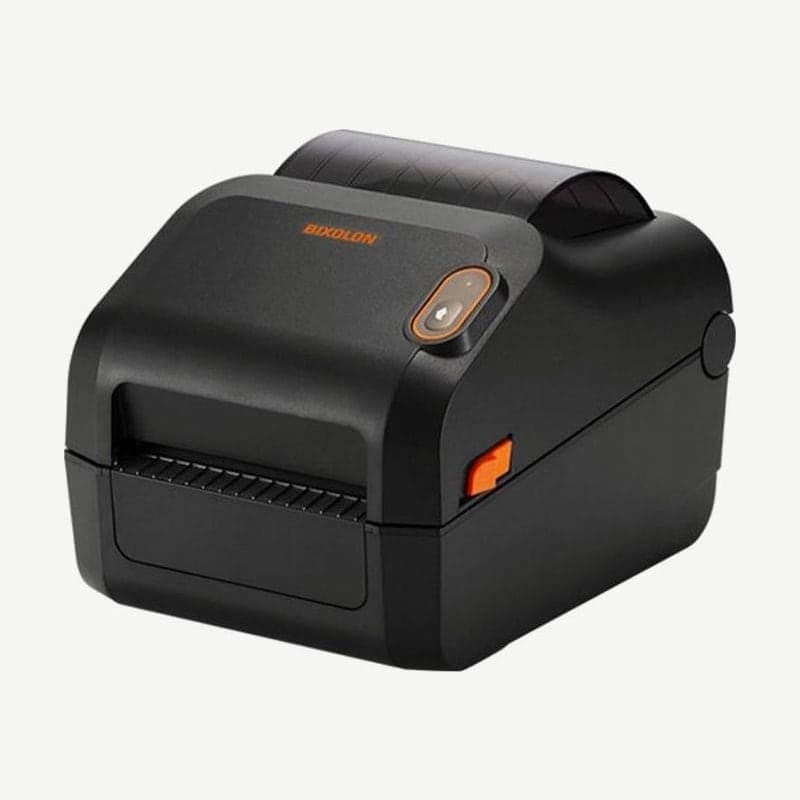
The XD5-40t is the t model in the XD5-40 series that does both thermal transfer and direct thermal, at a resolution of 203 dpi. Its maximum speed is 6 ips (152 mm/s), one step below the 7 ips of the direct thermal XD5-40d.
The unit measures 210 x 284 x 188 mm and weighs 2.48 kg, with a print width of 108 mm. The 300 dpi model, the XD5-43t, prints up to 4 ips (102 mm/s) at 105.7 mm wide, and the RFID model, the XD5-40tR, comes standard with UHF encoding (902-928 MHz in Korea), a 200 x 100 pixel LCD, and serial and Ethernet ports.
Thermal transfer and direct thermal switching menu
The Method menu on the LCD model is set to Trans (thermal transfer) at shipment. When you remove the ribbon and load only direct thermal labels, change it to Direct, and when you load a ribbon again, set it back to Trans.
In the same menu, the 203 dpi print speed is chosen from 3-6 ips, and the factory setting is 5 ips. To print at the maximum of 6 ips, change the Speed item to 6 ips.
Ribbon guide for correcting wrinkles in printouts
| Print condition | Adjustment |
|---|---|
| Wrinkles on the right | Lower the right side of the ribbon guide |
| Wrinkles on the left | Lower the left side of the ribbon guide |
Touch the guide only when printing has stopped; adjusting it during printing risks damaging the printer.
Ribbon preparation and ribbon errors
Ribbons are outside-wound wax, wax/resin, or resin, up to 300 m, 33-110 mm wide. The standard contents include two ribbon holders and empty cores (0.5 in and 1 in), so both core sizes can be loaded; set the ribbon assembly knob to PUSH-UP for 300 m ribbons on a 1-inch core, and to PULL-DOWN for 74 m ribbons on a 0.5-inch core and 1-inch core ribbons 2 inches wide or less.
On the LED model, LED1 and LED2 both light red when the ribbon is missing or cannot be read. If printing continues even after the ribbon runs out, turn on the ribbon sensor setting by command or in Unified Label Utility-II.
The standard ports are USB and USB host, and configurations adding wireless LAN or Bluetooth to a serial and Ethernet bundle are optional; drivers are on the XD5-40t driver download page. Uses by ribbon material are compared in thermal transfer ribbon types.