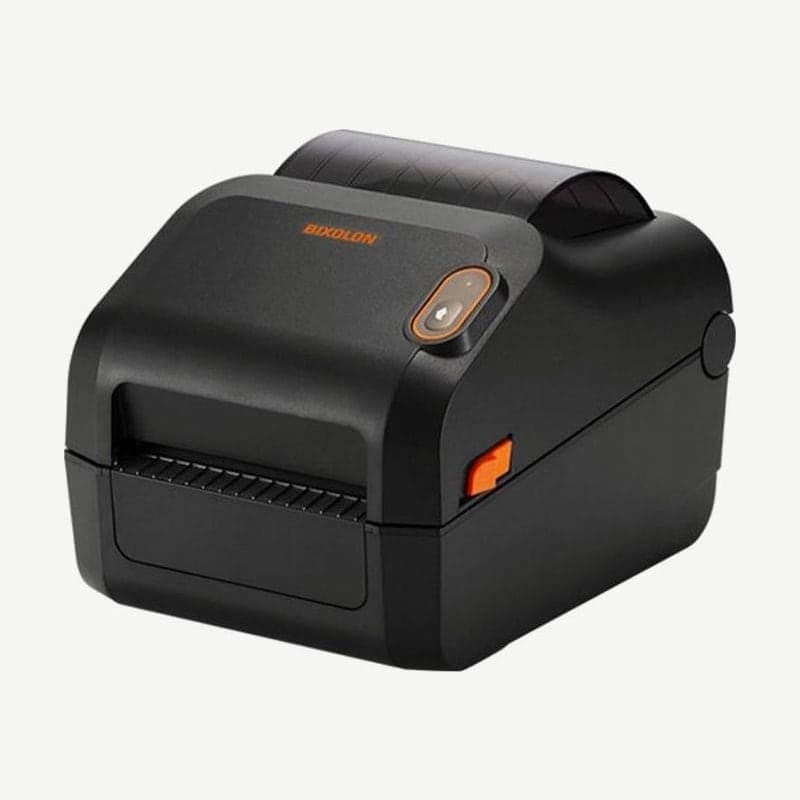
The XT5-40 is Bixolon's 4-inch industrial printer, printing at 203 dpi at up to 356 mm/s (14 ips), with a single label up to 4,000 mm long. It weighs 13.98 kg, and the power supply is built into the unit, so there is no external adapter.
It takes label rolls up to 203 mm OD on 1.5-3 inch (38.1-76.2 mm) cores, and 1-inch cores are loaded by switching to the optional 1-inch media holder. Ribbons are up to 450 m, and both ribbons with the ink on the outside and on the inside are used.
Limits by resolution for the XT5-40, 43, and 46
| Model | Resolution | Max speed | Print width | Max print length |
|---|---|---|---|---|
| XT5-40 | 203 dpi | 356 mm/s (14 ips) | 104 mm | 4,000 mm |
| XT5-43 | 300 dpi | 254 mm/s (10 ips) | 105.7 mm | 2,500 mm |
| XT5-46 | 600 dpi | 127 mm/s (5 ips) | 105.6 mm | 1,000 mm |
The standard ports are USB, serial, 10/100/1000 Mbps Ethernet, and 2 USB host ports. Optional configurations include parallel or GPIO (DB15, 5/24 V, 4 inputs and 8 outputs), wireless LAN, and Bluetooth.
The display is a 3.5-inch color TFT LCD with a keypad, and the XT5-40N has a 4.3-inch touch LCD. Drivers are on the XT5-40 driver download page, and criteria for choosing a resolution are covered in 203 dpi vs. 300 dpi.
Supply spindle set to ribbon width
Ribbon width is 40-110 mm per the specification table (50-110 mm per the spec sheet), and the spindle ships set for 4-inch wide ribbons. When switching to a narrower ribbon, change the tension of the ribbon supply spindle.
- For 3-inch or 4-inch ribbons, pull the spindle in the UP direction marked on it until it clicks.
- For narrower ribbons, push it in the DOWN direction until it clicks.
- Do not adjust the spindle while the printer is operating.
Head pressure and ribbon guides
The left and right knobs above the printhead have levels 1-5 and ship set to 3. Turn them to match media width and thickness; toward 1 (counterclockwise) reduces head pressure and print darkness, and toward 5 (clockwise) increases them.
If the ribbon wrinkles, adjust ribbon guides A and B. With a Phillips screwdriver, slightly loosen the screw on A to move it up and down, and loosen the screw on B to move it forward and back. Do not touch the guides during printing.
Media damper (standard model)
If labels stick to the ribbon guide or come out with their ends folded, use the media damper. Press the media damper button on the front of the printer down, and the damper rises.