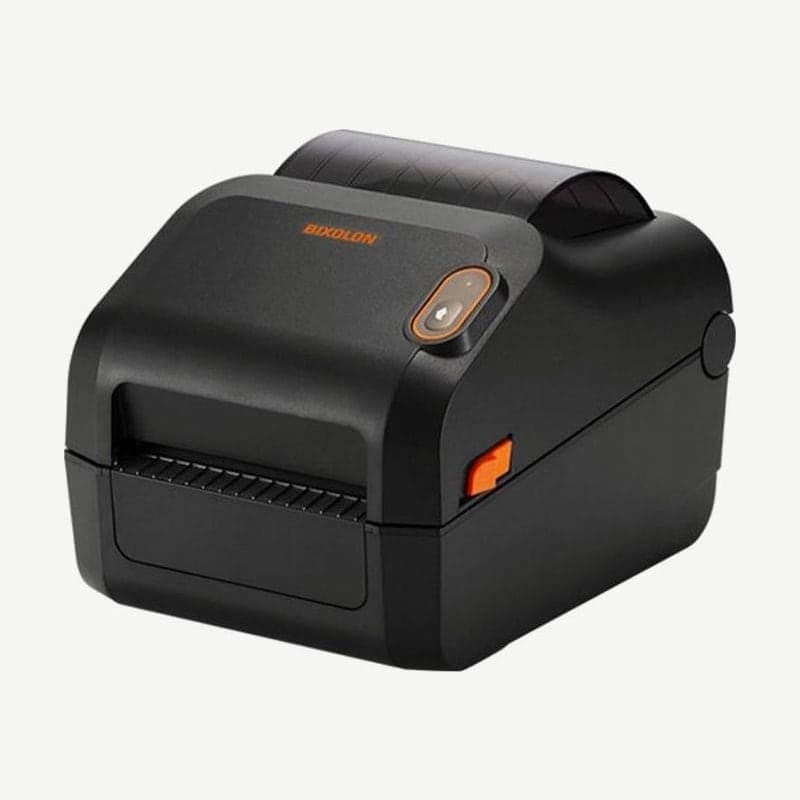
The XD5-40d is the direct thermal d model of the XD5-40 series, and its maximum of 7 ips (178 mm/s) is the fastest in the series. It prints at 203 dpi with a print width of 108 mm, and the unit measures 194 x 248 x 169 mm and weighs 1.89 kg; the 300 dpi model on the same body, the XD5-43d, prints 105.7 mm wide at up to 5 ips.
It differs from the XD3-40 in having two standard ports: USB Type B and a USB Type A host port. A USB memory stick plugs into the USB Type A host port to move settings and layouts or update firmware on the LCD model.
USB memory functions on the LCD model
The 200 x 100 pixel FSTN LCD is optional, and the LCD model is operated with four buttons: menu move, menu select, function 1, and function 2. The twin function in the file menu saves one printer's settings to a USB memory stick and loads them on another printer.
For settings, choose save or load under the PRT Set item, and when loading finishes, Load Ok appears on the screen. Layouts, PCX images, and downloaded fonts are saved and loaded the same way from the same twin menu, so when putting the same label layout on 2 or more printers, move it with one USB memory stick without connecting a PC.
Firmware is also updated by placing one .fls file in the FW_DOWNLOAD folder on the USB memory stick and starting from the F/W Update menu. When the update finishes, the printer restarts on its own.
Factory settings and adjustable ranges
In the LCD model settings menu, the 203 dpi print speed is changed between 3 and 7 ips, and the factory setting is 6 ips. To print at the maximum of 7 ips, raise the Speed item yourself.
Darkness ships at 20 on a 0-30 scale, and media type ships as gap. The print length setting (image buffer) is 153 mm by default and can be increased to 1,000 mm.
Connection option bundles
There are three options: a configuration adding serial and Ethernet (10/100 Mbps) to USB and USB host, one that adds wireless LAN (2.4/5 GHz) to that, and one that adds Bluetooth. There is no configuration that adds Ethernet alone.
On the wireless LAN configuration, the LED model enters SWC (Simple Wi-Fi Connect) mode by holding the feed/cancel button for more than 3 seconds, and the LCD model runs SWC from the wireless LAN item in the interface menu. Drivers and manuals are on the XD5-40d driver download page.
Print mode when using the cutter or peeler
The print mode (Mode) on the LCD model ships as Tear off, and printers with the auto cutter installed are switched to Cutter. The cutter is also turned on and off by command, and media loading is the same as on the XD5-40d without a cutter.
The peeler separates labels from the liner only with gap labels. While the peeler switch is on, it does not print the next label until the previous label is taken, and with the switch off the peeler does not operate. For labels that require a ribbon, move to the XD5-40t.