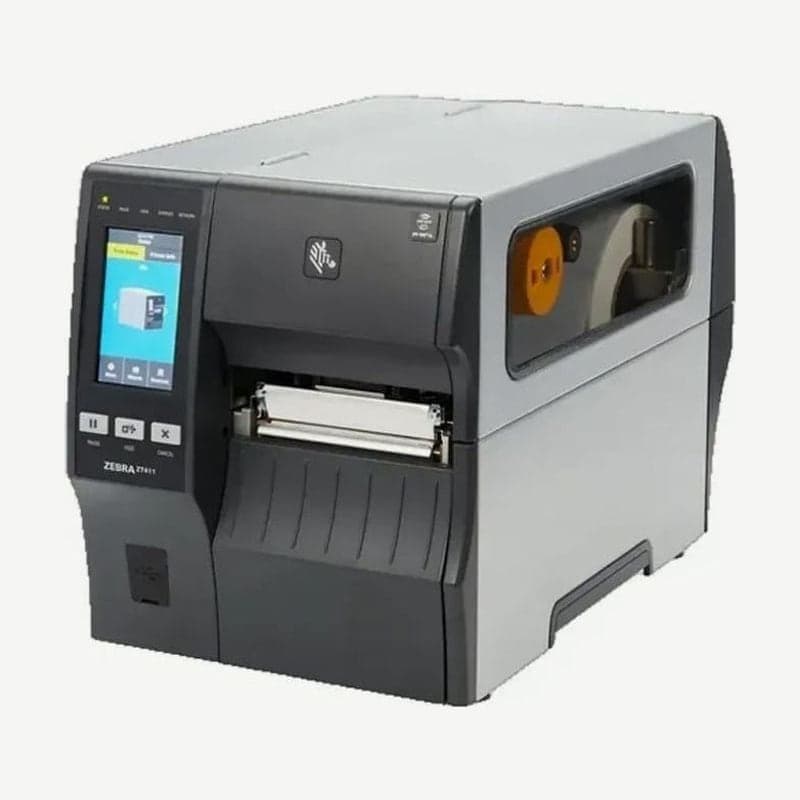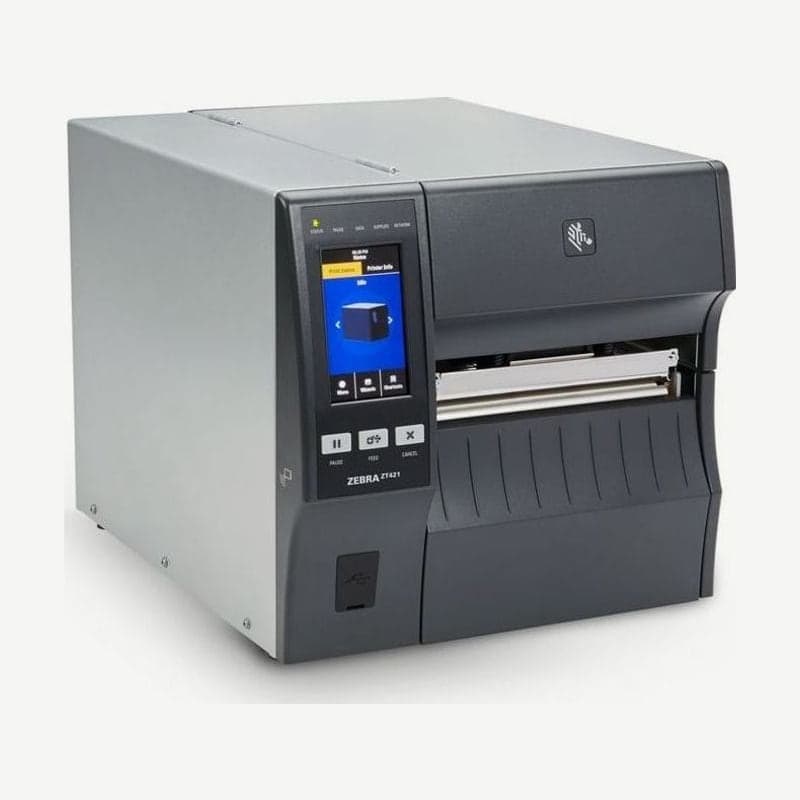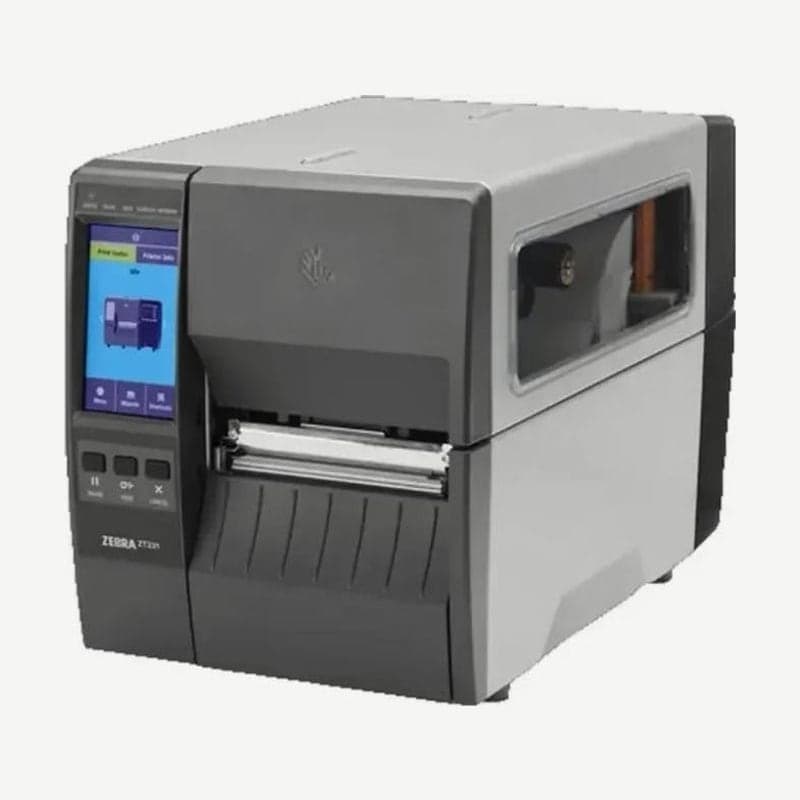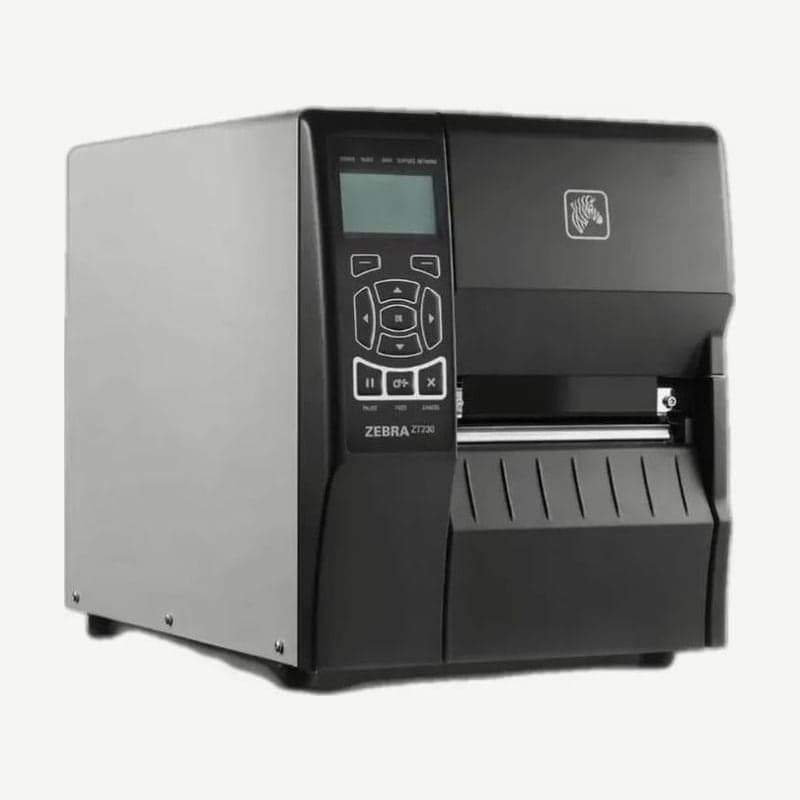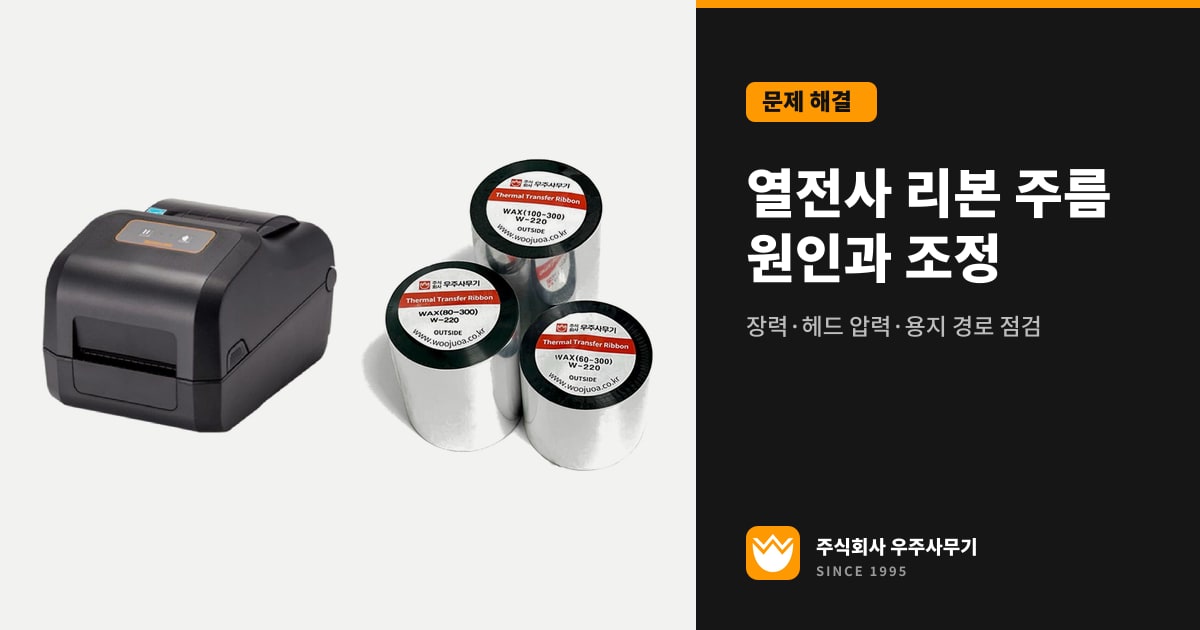
Thermal transfer ribbon wrinkles mostly come from five places: ribbon loading, burn darkness, left-right printhead pressure balance, media drifting to one side, and ribbon tension. First look at which side of the label the wrinkle starts on and in which direction it runs diagonally, then change the pressure or tension on that side one step at a time and repeat test prints.
If you turn pressure and tension several steps at once, you can't tell which adjustment made the difference. The rule is one place and one step at a time.
What ribbon wrinkles leave on labels
On the Zebra ZT411, fine, angular gray lines running diagonally across blank labels are ribbon wrinkles. Long tracks of missing print in the same spot across several labels can also come from wrinkles, and this symptom looks similar to damaged printhead dots.
A ribbon wrinkle leaves a void where printing should have occurred. If the void crosses barcode bars, the scanner misreads that barcode or can't read it at all. The used ribbon also winds unevenly onto the take-up roll.
Gray lines on direct thermal labels, which print without a ribbon, have nothing to do with ribbon wrinkles. The TSC TE210 attributes a gray line on a blank label to a dirty printhead or platen roller, and the cleaning steps are covered in printhead cleaning.
Checklist by cause
| Cause | Where to check | Action |
|---|---|---|
| Ribbon loaded incorrectly | Ribbon path, inner diameter and notches of the empty core | Reload the ribbon and wind up the slack until it is taut |
| Darkness too high | Darkness and speed settings | Use the lowest darkness that gives good quality, and lean toward a lower speed |
| Uneven printhead pressure | Left and right pressure dials or knobs | Raise the dial on the side that prints lightly, one position at a time |
| Media drifting to one side | Gap between the media guide and the media edge | Set the guide so it just touches the media edge |
| Ribbon tension | Tension knob, spindle end caps | One step at a time, according to the wrinkle direction |
| Printhead or platen installed incorrectly | Printhead mounting, roller installation | Service center inspection |
Ribbon loading, darkness, and media feeding are causes listed in the troubleshooting tables for all of the Zebra ZT411 and ZT230 and the TSC TE210 and MH241. Work down the table from the top, and if the wrinkle disappears at an earlier step, leave the pressure and tension alone.
On desktop ribbon-roll models such as the Zebra ZD421, the empty core can also be the cause. On the take-up side, use an empty core that matches the inner diameter of the ribbon roll, and replace any core whose notches are rounded or smashed, because it slips on the spindle and causes both wrinkles and end-of-ribbon sensing errors.
Resetting darkness and speed
On the ZT411 and ZT230, an incorrect burn temperature wrinkles the ribbon, and darkness set too high burns through the ribbon. On the ZT411 and ZT421, change darkness and speed from the Home screen under Menu > Print > Print Quality, and use the test labels from the Print Wizard to pick the lowest darkness that gives good print quality.
Slower speeds generally give better quality. Setting darkness too high on the ZT411 reduces barcode readability and also wears the printhead early. Don't raise darkness even one step to cover up a wrinkle.
Adjusting the Zebra ZT411 and ZT421 printhead pressure dials
The ZT411 and ZT421 set left and right pressure separately with two pressure dials, inside and outside, marked from 1 to 4. Start at the setting for your media width in mm as shown in the table below, and keep the pressure at the minimum that gives good print quality.
| Model | Media width | Inside dial | Outside dial |
|---|---|---|---|
| ZT411 | 25 mm | 4 | 1 |
| 51 mm | 3 | 1 | |
| 76 mm | 2.5 | 1.5 | |
| 89 mm or wider | 2 | 2 | |
| ZT421 | 51 mm | 4 | 1 |
| 76 mm | 3.5 | 1 | |
| 102 mm | 3 | 2 | |
| 127 mm or wider | 2.5 | 2.5 |
From the starting point, if the media shifts left while printing, increase the outside dial one position or decrease the inside dial one position. If it shifts right, do the opposite: increase the inside dial one position or decrease the outside dial one position.
The ZT231 has dials of the same design that turn in 0.5 increments, and its starting points for 25, 51, and 76 mm media and media 89 mm or wider are the same as the ZT411's.
TSC MH241 ribbon tension knob and wrinkle direction
The MH241 Ribbon Tension Adjustment Knob has 5 positions, and you change the position by turning a screw with a screwdriver. Because the ribbon is aligned to the inboard side of the print mechanism, readjust the tension knob when you change ribbon width.
- Check that the Print Head Pressure Adjustment Knob is in the correct position for the media width you are loading (1-2 in., 3-4 in., and so on).
- If the wrinkle runs from the lower right to the upper left of the label, turn the tension screw clockwise one level and make a test print.
- If the wrinkle runs from the lower left to the upper right, turn it counterclockwise one level at a time.
- If the knob has reached the innermost (or outermost) end and the wrinkle remains, adjust the printhead pressure by 1 level and print again.
- If the wrinkle still doesn't go away, have it inspected by the service center of the reseller you bought it from.
The MH241 printhead pressure knob also has 5 levels. For labels narrower than 2 in. (about 51 mm), fix the Print head pressure position knob inside the edge of the label so the printhead and platen roller don't rub directly against each other outside the label.
Adjusting the Bixolon XD5-40t ribbon guide
The XD5-40t corrects wrinkles through the left and right height of the ribbon guide. If wrinkles appear on the right side of the label, lower the right side of the guide; if they appear on the left side, lower the left side of the guide.
Only touch the guide while the printer is not printing. Adjusting it during printing can damage the printer.
Setting Zebra ZT230 spindle tension
On the ZT230, you pull out or push in the end caps of the ribbon supply spindle and the ribbon take-up spindle to switch tension between two settings, normal and low, and both spindles must use the same setting. Most applications use normal tension, with the end caps pulled out until they click in place.
Use low tension only when you load narrow ribbon, when the ribbon leaves scuff marks on labels at the beginning of a roll, or when the ribbon stalls at the end of a roll. If the ribbon slips and doesn't wind properly, first check that both spindles use the same tension.
Wrinkles that need a service center inspection
If wrinkles remain after you have set the ribbon loading, darkness, guide, and pressure, the remaining possibility is that the printhead or platen roller isn't installed correctly. Manufacturers also leave this to a service technician, so the Wooju OA service center checks the printhead mounting and the roller together.
How to choose ribbon grade and width is covered in thermal transfer ribbon types, and checks by symptom, including faint and smeared printing, are in label print quality troubleshooting. To set up thermal transfer print settings for each label material in Goodlabel Designer (free label design software), see ribbon pairings by label and Designer thermal transfer settings on glabel.kr.