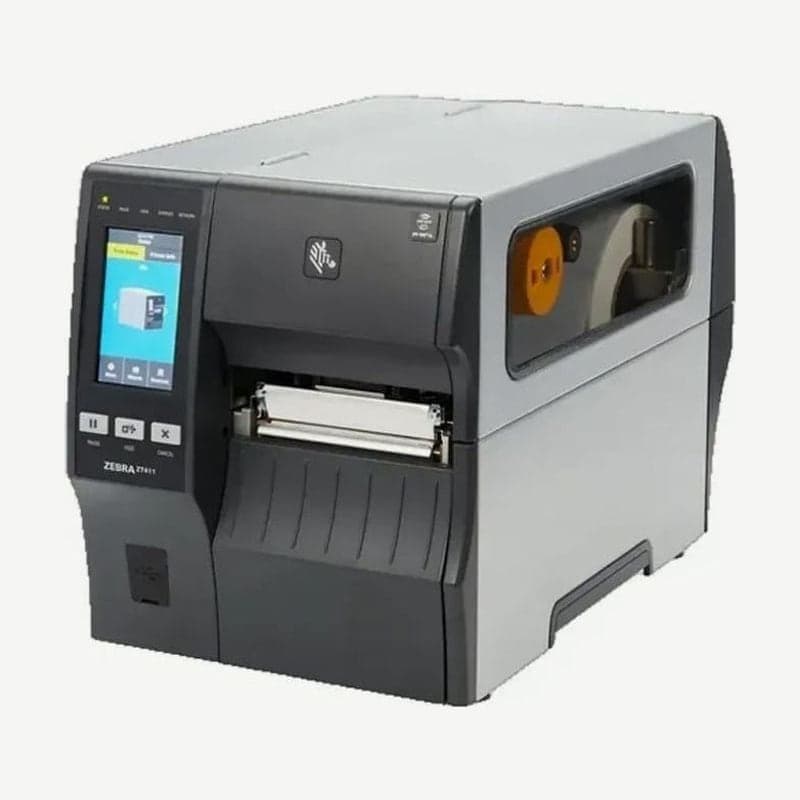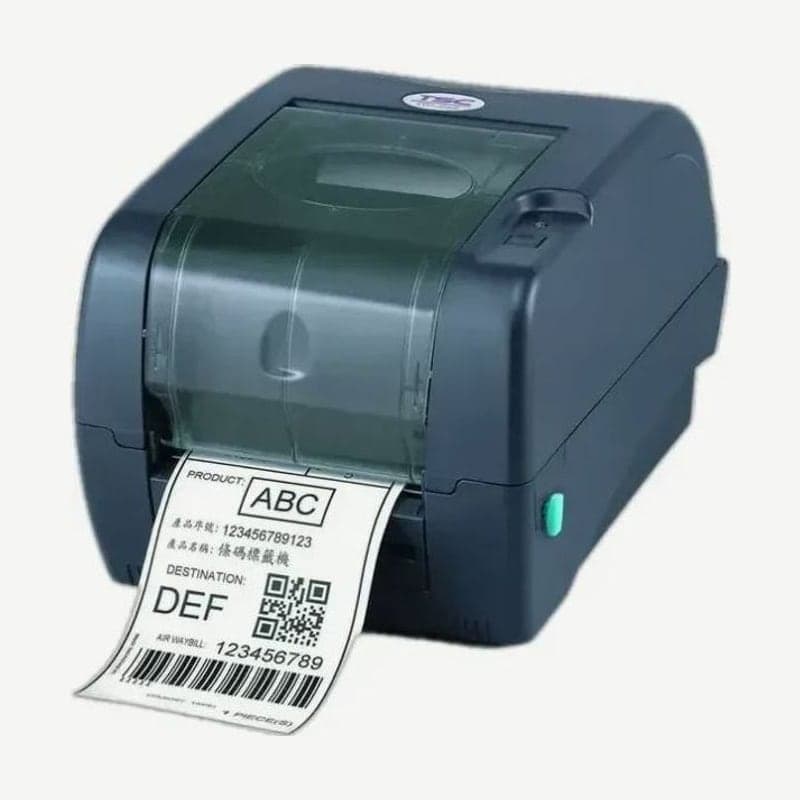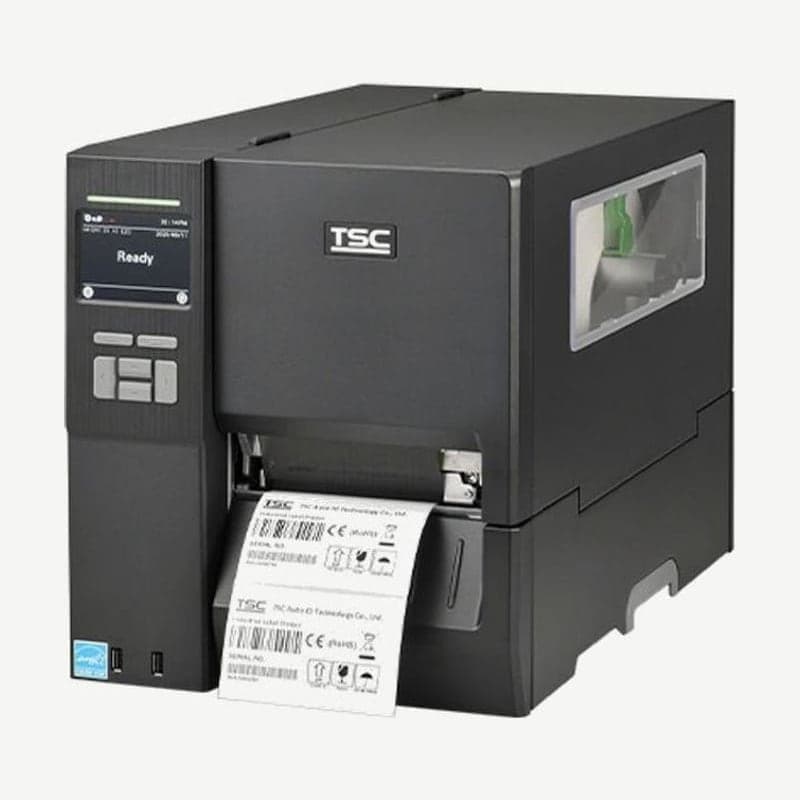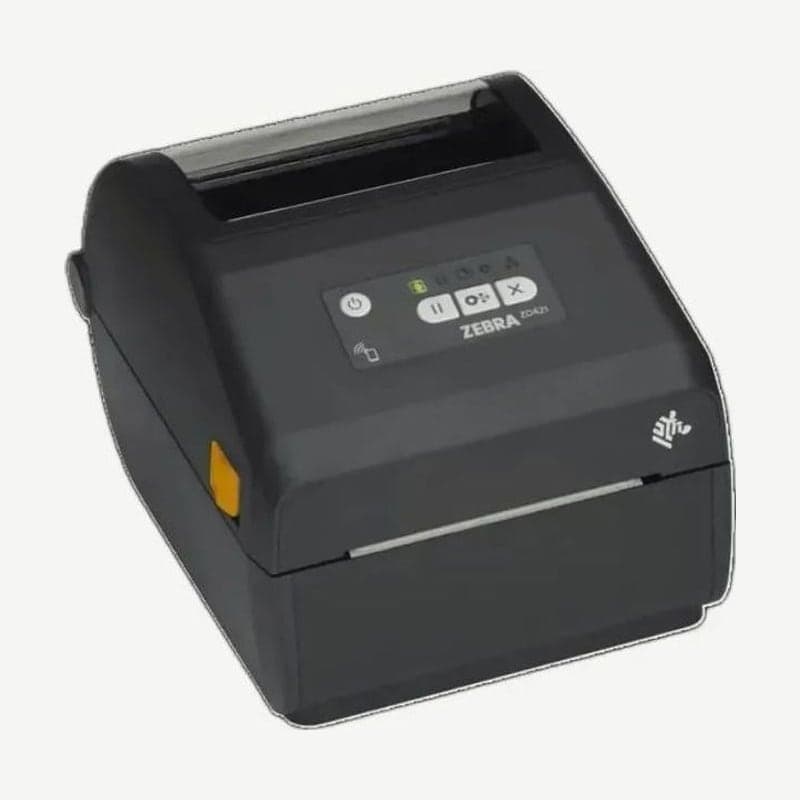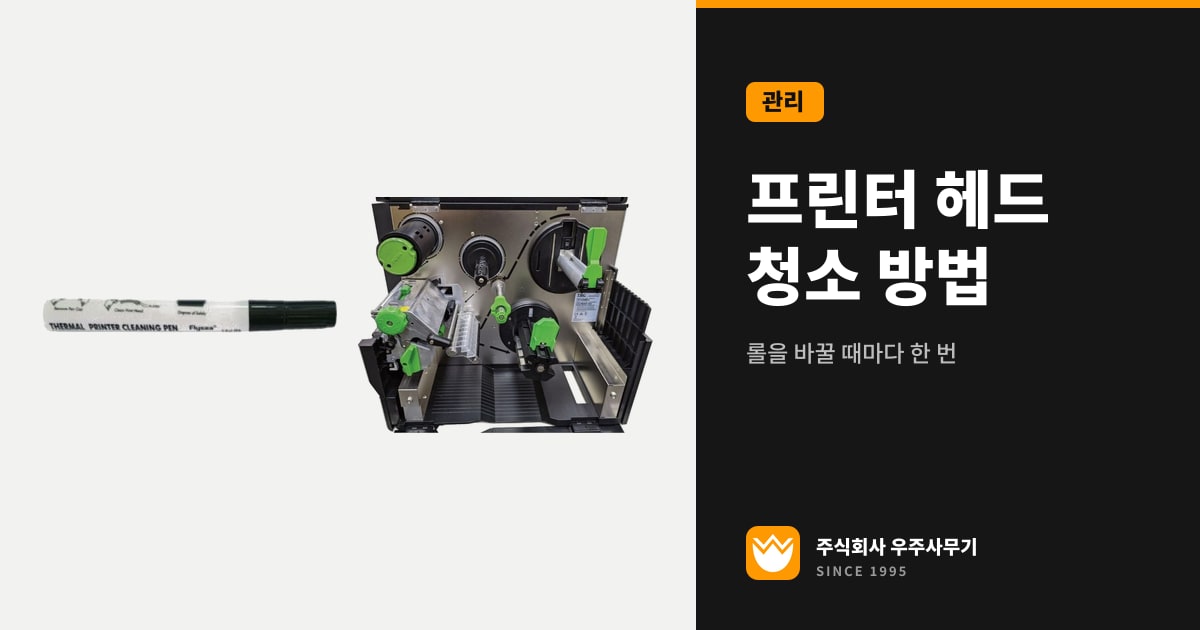
Clean the barcode printer printhead and platen roller every time you load a new label roll or ribbon roll. Wipe the printhead's heating line from end to end with a cotton swab moistened with 99% or higher isopropyl alcohol (IPA) or with a genuine printhead cleaning pen. If you have just printed, let the printhead cool down fully before you start; on TSC printers, wait at least 1 minute.
If you put off cleaning, paper dust and label adhesive stuck to the printhead leave gaps throughout barcodes and graphics. Each time labels and ribbon pass over it, the ceramic protective coating on the printhead surface also wears a little, and heating elements (dots) that have lost their coating eventually fail.
Printhead cleaning intervals by print method
| Part | Zebra ZT411/ZT421 | TSC TTP-247/MH241 |
|---|---|---|
| Printhead (direct thermal) | Every media roll; every 500 ft (about 152 m) for fanfold media | Every time a new label roll is loaded |
| Printhead (thermal transfer) | Every ribbon roll | Every time a new label roll is loaded |
| Platen roller | Same interval as the printhead | Every time a new label roll is loaded |
| Peel bar | Once a month | As needed |
| Media sensor | Remove dust with a brush, air, or a vacuum cleaner | Once a month, with a non-metallic brush or a vacuum cleaner |
| Cleaning solution | Preventive maintenance kit or 99.7% IPA | 99% or higher IPA or a genuine cleaning pen |
Both companies treat loading a new roll as the time to clean, and they differ only for thermal transfer printing. Zebra has you clean with each ribbon roll, since the ribbon shields the space between the printhead and the label, while TSC has you clean with each label roll regardless of print method.
The intervals in the table are baseline guidelines, so if your workplace is dusty or your labels shed a lot of dust and adhesive, clean the printhead more often than the table says. On a ZT411 or ZT421 with a cutter, also clean the cutter blade with every media roll if you cut continuous pressure-sensitive labels, and every 2 to 3 rolls if you cut tags or liner.
Printhead cleaning supplies and alcohol concentration
Use only isopropyl alcohol of 99% or higher on the printhead and the standard white platen roller. On the Zebra ZT411 and ZT421, clean with the swabs from the Zebra preventive maintenance kit (part number 47362); if you don't have the kit, use 99.7% IPA. The 99% threshold is there to reduce the risk of moisture corrosion on the printhead. Use 75% ethanol to disinfect the printer's exterior and interior, and keep it off the printhead.
On the ZT411 600 dpi model, clean with a specially coated film (Save-a-Printhead) that removes only contamination without damaging the printhead. On 203 dpi and 300 dpi printheads as well, if printing doesn't improve after cleaning with alcohol, use this film one more time.
To clean the TSC TTP-247 and MH241, use cotton swabs, a lint-free cloth, 99% IPA, a genuine printhead cleaning pen, a soft non-metallic brush, a vacuum cleaner with a conductive, grounded nozzle and hose, 75% ethanol, and a mild chlorine-free detergent for the exterior.
Printhead and platen roller cleaning procedure
It is safer to turn off the power before opening the printhead. On the TSC TTP-247 and MH241, always turn off the switch before cleaning, but leave the power cord plugged in to keep the printer grounded and prevent static damage. Turning off the power erases label formats temporarily stored on the Zebra ZT411 and ZT421, so send the formats again after turning the printer back on.
- Discharge the static electricity built up in your body by touching the printer's metal frame once, or by using an anti-static wrist strap and mat.
- Lift the cover and open the printhead. On the ZT411 and ZT421, rotate the printhead open lever up to open it. A printhead that has just finished printing is hot enough to cause severe burns, so let it cool for at least 1 minute (per the TSC models) before moving on to the next step.
- If you are using a ribbon, remove the ribbon first, and then remove the label roll from under the printhead as well.
- Wipe the brown strip (heating line) on the printhead from one end to the other with a cotton swab or cleaning pen moistened with 99% or higher IPA (for Zebra, a preventive maintenance kit swab or 99.7% IPA), and leave it until the alcohol dries.
- Wipe the entire circumference of the standard white platen roller, turning it by hand as you go, and let it dry.
- On the dark brown linerless platen roller, use neither alcohol nor kit swabs. Lightly press the adhesive side of a linerless label against it to lift off debris, and turn the roller to cover every surface.
- Reload the ribbon and label roll, and rotate the lever down to lock the printhead. On the ZT411 and ZT421, printing resumes only after you close the cover and press PAUSE.
Cleaning mistakes that damage the printhead
- Don't touch the printhead's heating surface with bare hands; if you touch it by accident, wipe that spot with 99% IPA right away.
- Don't reach into the printer while wearing rings or other metal objects.
- Don't spray or pour alcohol directly onto the printer; moisten a lint-free cloth with it instead.
- Don't use canned compressed air inside the TSC TTP-247 or MH241. It blows dust and debris onto the sensors and key components, so clear sensor dust with a brush or a grounded vacuum cleaner.
- Don't use any cleaner on the printhead other than 99% or higher IPA, a genuine cleaning pen, or the manufacturer's preventive maintenance kit.
Print defects that remain after cleaning
If a Zebra industrial ZT411 or ZT421 still leaves long streaks of missing print across several labels after the printhead has been cleaned, the cause is not contamination but one of two things: damaged dots or ribbon wrinkles. If the gaps are still there after you reload the ribbon to smooth out the wrinkles, the dots are damaged, so have the printhead inspected at the Wooju OA service center.
The ZT411 and ZT421 detect dots that are not working on their own and report them on the display; if the missing dots fall within the label's print area, replace the printhead.
If the print position is off on 1 to 3 labels, or the print start position shifts up and down, also suspect a dirty platen roller. The step-by-step checks for each symptom are covered separately in the article Troubleshooting label print quality problems.
Settings that slow printhead wear
Balance printhead pressure and darkness (heat) against each other, and set both to the lowest level that still gives acceptable quality. Setting the ZT411 and ZT421 this way means less wear on the printhead coating; running them with darkness set high shortens printhead life.
For thermal transfer printing, load a ribbon that is as wide as or wider than the label. If the ribbon is narrower than the label, the rough label surface rubs directly against the printhead dots and wears that area first. The ribbon widths you can load are 51 to 110 mm on the ZT411 and 51 to 174 mm on the ZT421.
How to choose ribbon width and coated side is covered in the article Thermal transfer ribbon types, and manual files for each model are available on the ZT411, TTP-247, and MH241 download pages.