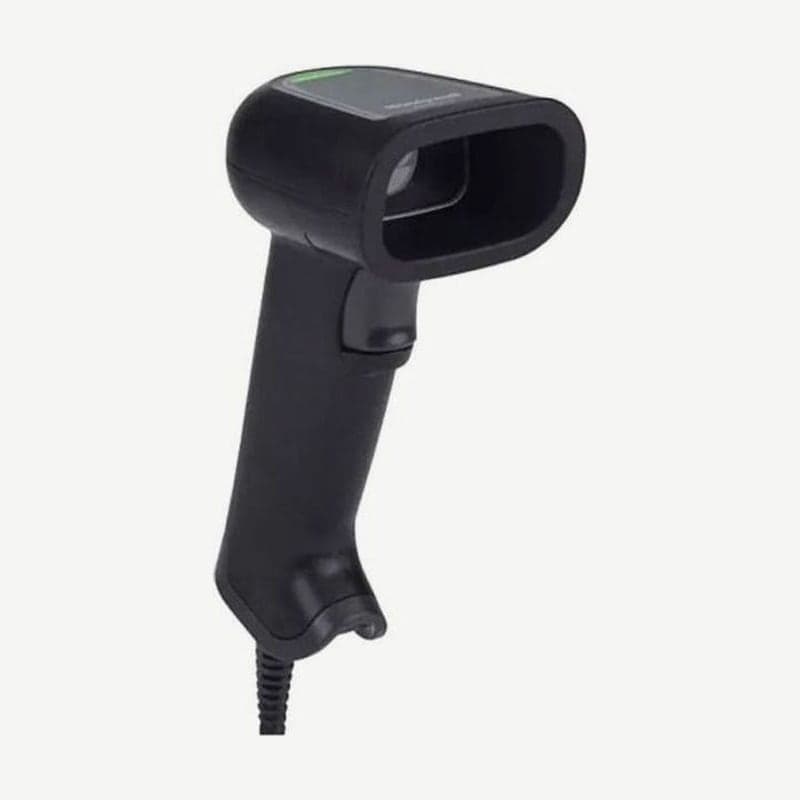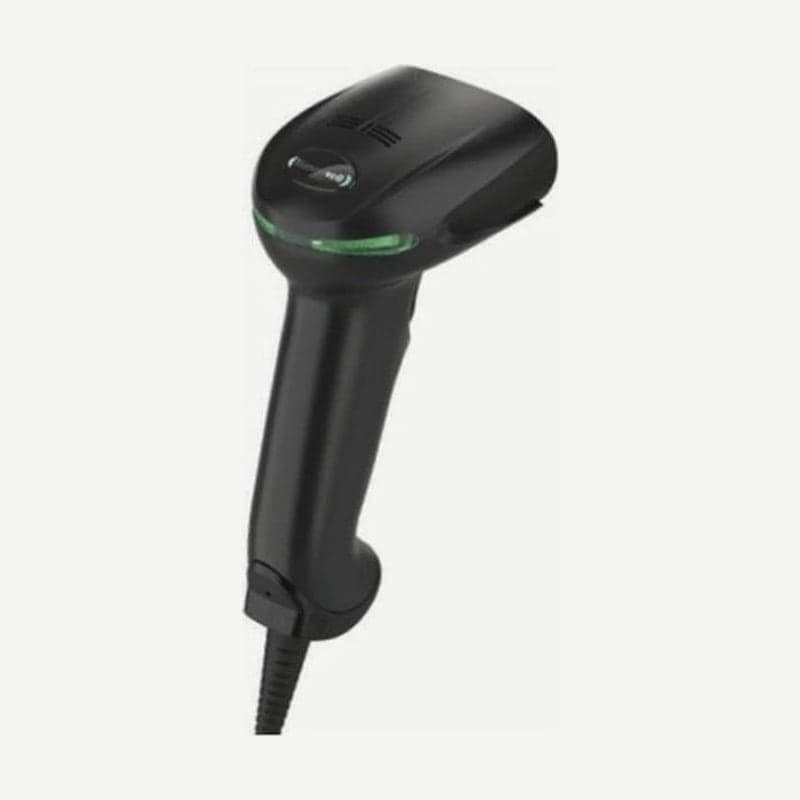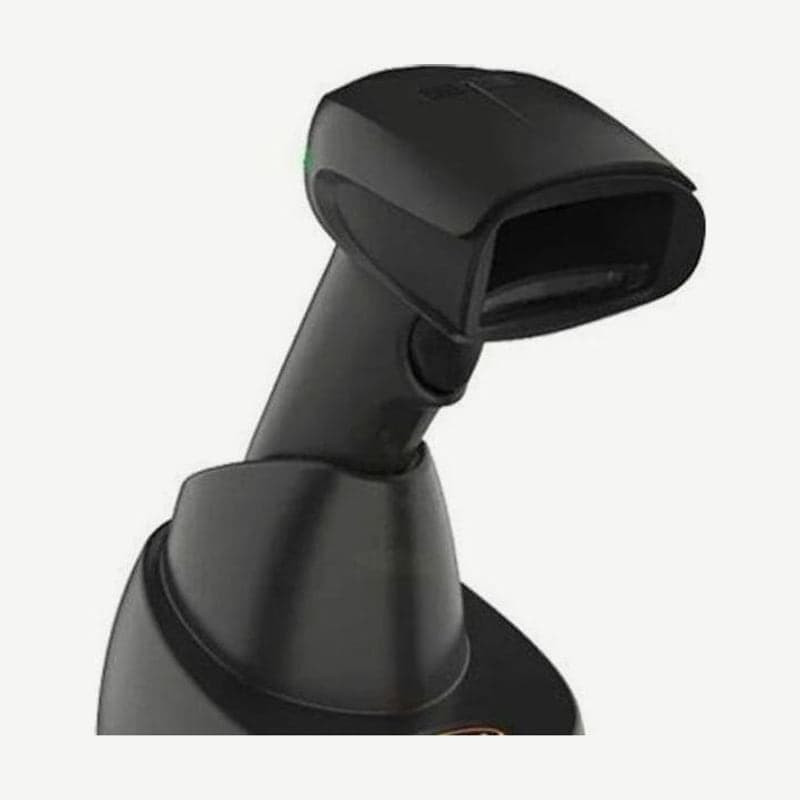
The Xenon XP 1952g is a wireless scanner that puts Bluetooth v4.2 and a battery into the same 104.1 x 71.1 x 160 mm body as the corded Xenon XP 1950g. It weighs 212.62 g, about 65 g more than the 1950g, and its working ranges for the SR, HD, and UD focus versions are the same as the 1950g.
Size and weight of the two bases
| Base | Dimensions (L x W x H) | Weight |
|---|---|---|
| Presentation base | 132 x 101 x 81 mm | 179 g |
| Desk/wall mount base | 231 x 89 x 83 mm | 260 g |
Both bases charge the scanner while communicating with the PC, and the PC connection is one of USB, keyboard wedge, RS-232, or IBM 46xx (RS485). Power consumption is 2.5 W while charging and 0.75 W when not charging.
Connect the cable to the base with the PC turned off. When power is applied and the scanner is placed on the base, the green LED blinks and charging begins; when pairing for the first time, both devices beep once briefly.
To read in streaming presentation mode with the scanner seated in the base, a power adapter must be connected to the base's auxiliary power jack, and switching to this mode by pressing the base's Page button twice also works only with external power. Charging works with power from the interface cable alone, without an adapter, but it is slower than with external power.
The power adapter is ordered separately when needed. When presentation mode is used on the base, the charging setting is fixed to External Power Only.
Wireless range and scanning out of range
Wireless defaults to Class 1 with 100 m line of sight, and changing the setting reduces it to Class 2 at 10 m. If a code is read while out of range, the scanner sounds an error tone, and an Out-of-Range Alarm on the base can also be turned on in the settings.
Batch mode is off in the factory default settings, so reading out of range with it off only sounds an error tone and nothing is stored. With Automatic Batch Mode on, codes read out of range are stored, about 500 on a UPC basis, and sent to the base all at once as soon as the scanner returns within range. While storing, instead of an error tone, a short buzz when the trigger is pressed indicates that the wireless link is lost.
Linking multiple scanners to one base
In Multiple Scanner Operation mode, up to seven scanners connect to one base. An eighth scanner can link only after one of the existing seven is unlinked or goes out of range.
Pressing the base's Page button makes the connected scanners beep three short times and one long time to show their location. Settings are stored in the base, not the scanner, so 1952g setup barcodes are read while connected to that base.
In multi-link mode with seven scanners, if scanners frequently move in and out of range, some batched codes may be lost, so use batch mode with a one-to-one link.
Battery and charging temperature
The battery is lithium-ion, 2400 mAh or more, and scans up to 65,000 times per charge with 18 hours of use. Charging takes 4.5 hours.
The scanner operates at 0-50°C, but base charging works only at 5-40°C. The base Out-of-Range Alarm duration is set from 1 to 3000 seconds; at the default of 0 seconds, the alarm does not sound.