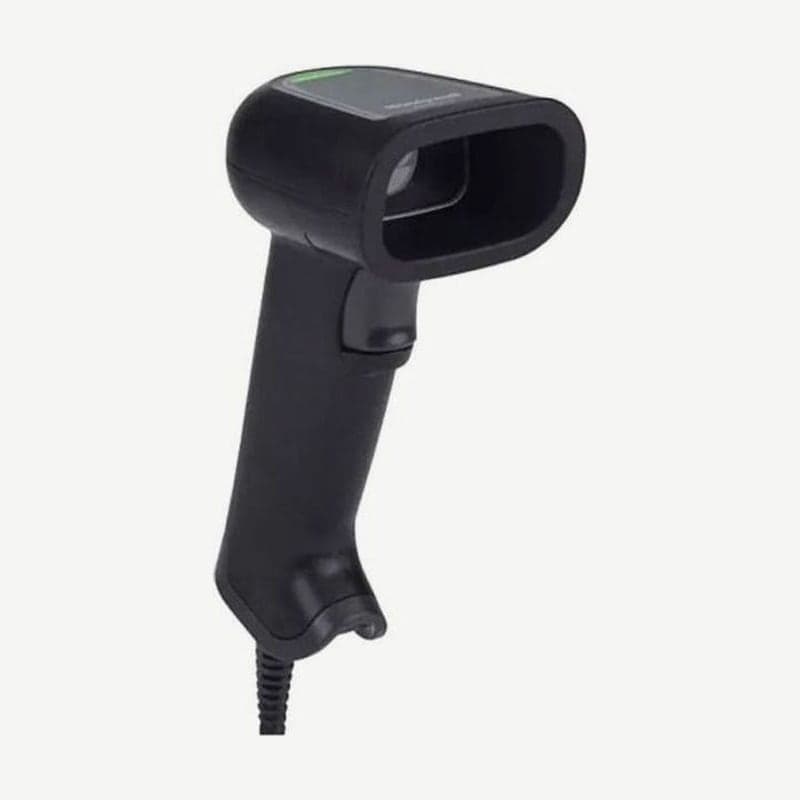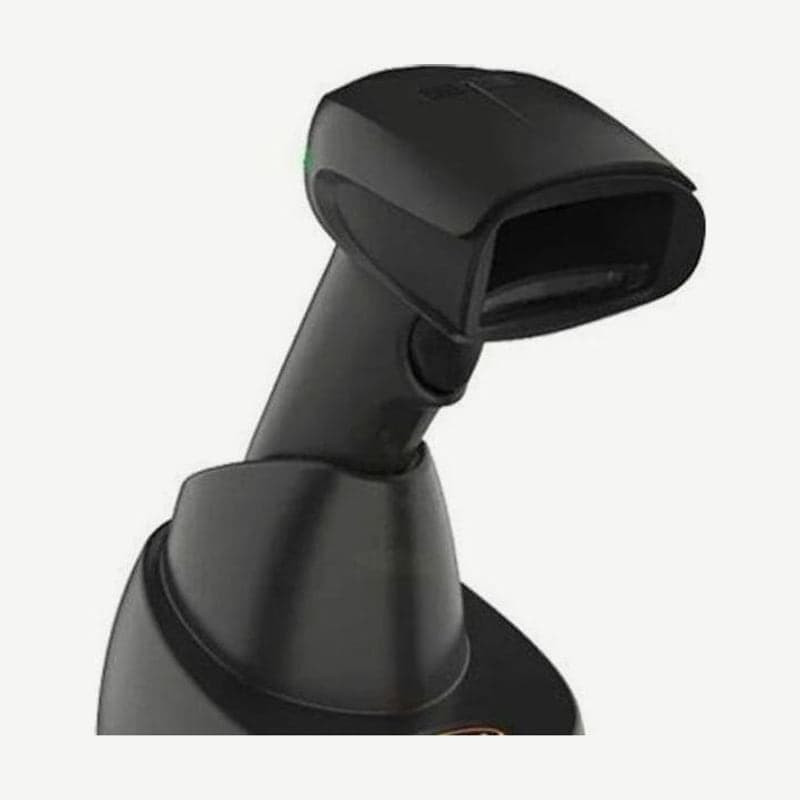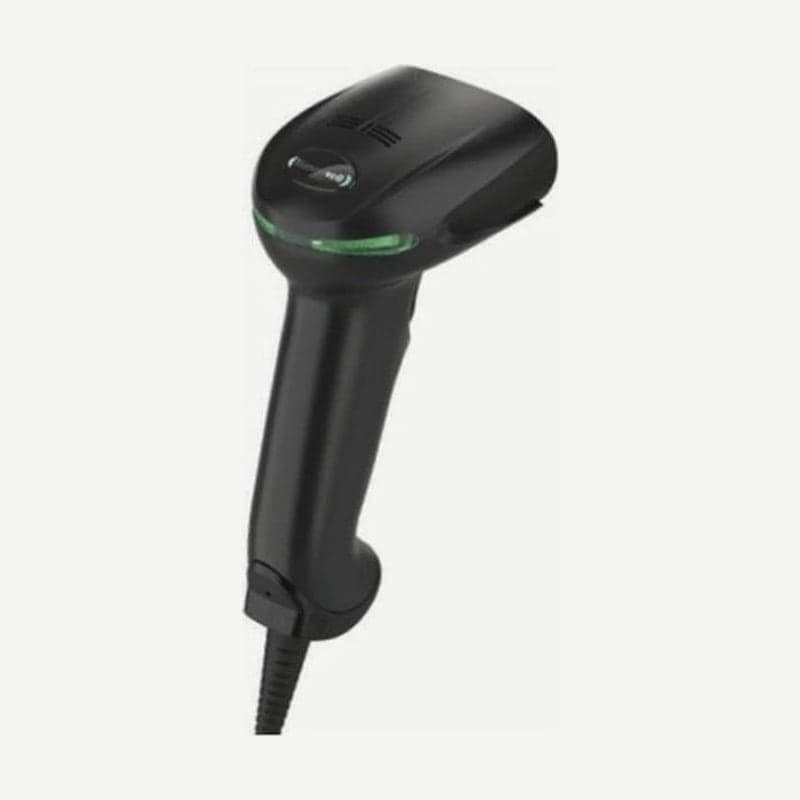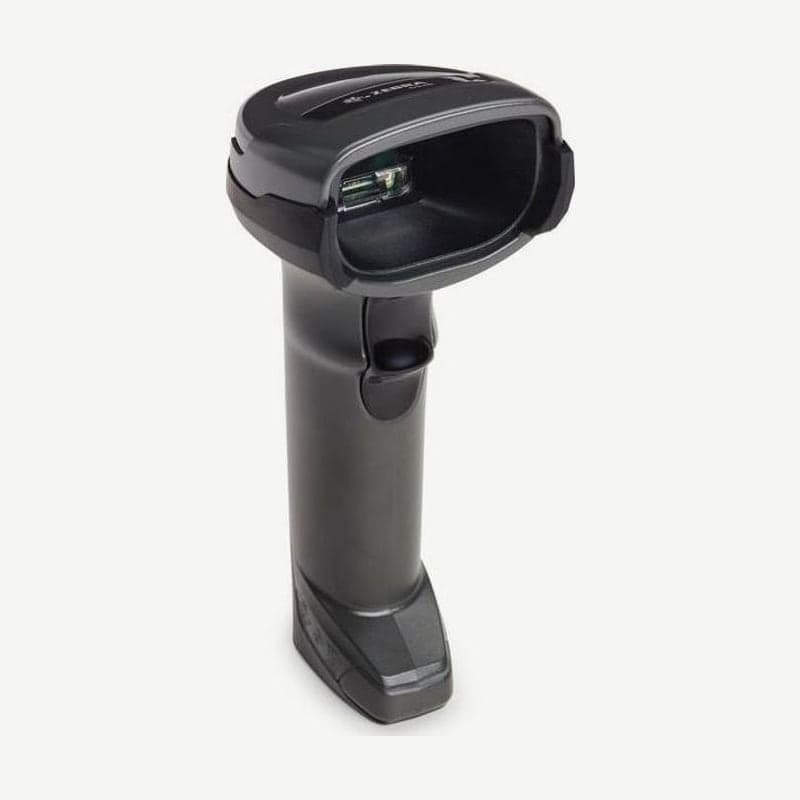
The DS4678 is a Bluetooth 5.2 wireless scanner in the same DS4600 family as the corded DS4608. The reading range of the SR configuration (UPC 13 mil 0-71.1 cm) is the same as the DS4608, and with a battery inside it weighs 225 g, 63 g more than the corded model (161.9 g).
Charging and cable connection to a POS or PC are handled by the CR8178-SC (standard) or CR8178-PC (presentation) cradle; cradles other than these two are not compatible with the DS4678. The cradle is ordered separately from the scanner.
Full battery charge time by power source
| Cradle power | From empty to full charge |
|---|---|
| External 12 V power | 2 h 15 min |
| BC1.2 USB port | 3 h |
| External 5 V power | 4 h 30 min |
| Standard USB port | 7 h 45 min |
The cradle accepts 4.7-5.5 V on USB power and 10.8-13.2 V on external power. Cradle operating current is 470 mA on standard USB and 743 mA at 12 V, and full charge time differs by more than 3 times between the fastest, 12 V, and the slowest, standard USB.
On a cradle attached to a low-power host such as a standard USB port, continuous scanning uses more than the charge supplies, so the battery gradually drains. For checkouts with almost no breaks, use a BC1.2 port or switch to a Zebra USB cable that takes external power.
Charging works only at 0-40°C and is best at 5-35°C. Frequent scanning while sitting in the CR8178-PC presentation cradle delays a full charge, so turn it so passing items do not catch the scan window.
Scanner behavior by battery level
| Level | Scanner behavior |
|---|---|
| 3-100% | Scanning, beeper, and host communication all normal |
| 0-3% | Scanning and beeper stop, only host communication maintained |
| 0% | Power off, no communication |
When the level nears empty, each time you release the trigger the scanner LED stays red and 4 short high beeps sound. If left at 0% for a long time, the battery over-discharges; placed in the cradle, it appears off for a few minutes, then the LED blinks red as recovery begins.
In the battery configuration, a fully charged 2,500 mAh battery reads 50,000 scans at one scan per second. That is more than 13 hours of nonstop scanning. There is also a configuration with a PowerCap capacitor instead of a battery; PowerCap reads 2,000 scans when fully charged and 100 more after 35 seconds in the cradle.
Charge status from the cradle LED
| Cradle LED | Meaning and action |
|---|---|
| Amber, steady | Pre-charge |
| Amber, blinking | Main charge in progress |
| Green, steady | Fully charged |
| Amber, fast blinking + scanner LED off | Cradle cannot supply current → reseat the scanner, clean and dry the contacts |
| Red, blinking (while charging) | End of battery life → replacement battery BTRY-DS81EAB0E-00 |
| Red, blinking (during firmware installation) | Normal; wait until installation finishes |
If fast amber blinking continues after cleaning the contacts, check again that the scanner is fully seated in the CR8178. If the cradle LED blinks blue twice quickly and once slowly, it is not a charging problem; it is paging the scanner with the page button.
Wall mounting dimensions for the standard cradle
To mount the CR8178-SC vertically on a wall or cart, first remove the scanner latch, turn it so the tab faces the cradle, reinsert it, and have the latch face down. Hold the cradle in place and mark the top and bottom ends, then drill holes 65 mm in from the top and 100 mm in from the bottom for the screw hole method, or 55 mm from the top and 74.5 mm from the bottom for the keyhole method.
The screw holes on the cradle base are 2 of M4 size, and screws must not go more than 5 mm into the cradle. Press the cable into its channel before fixing. When changing hosts later, unplug DC power first and then the host cable so the CR8178 recognizes the new host.
Wi-Fi Friendly settings for stores where channels overlap with the wireless router are covered on the DS2278 page, and the scanner loss alarm (Virtual Tether) on the DS3678 page.