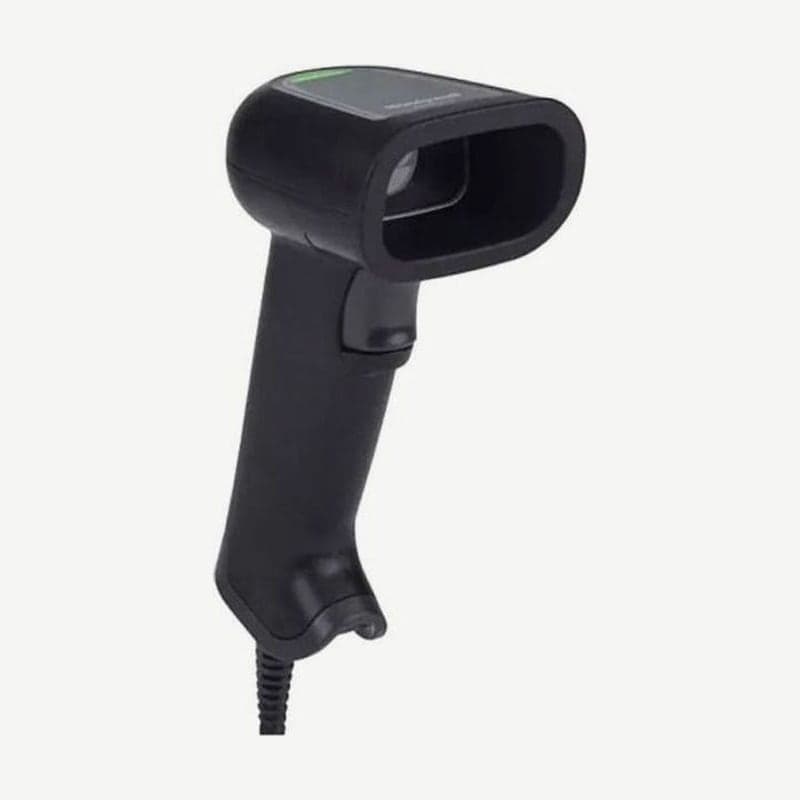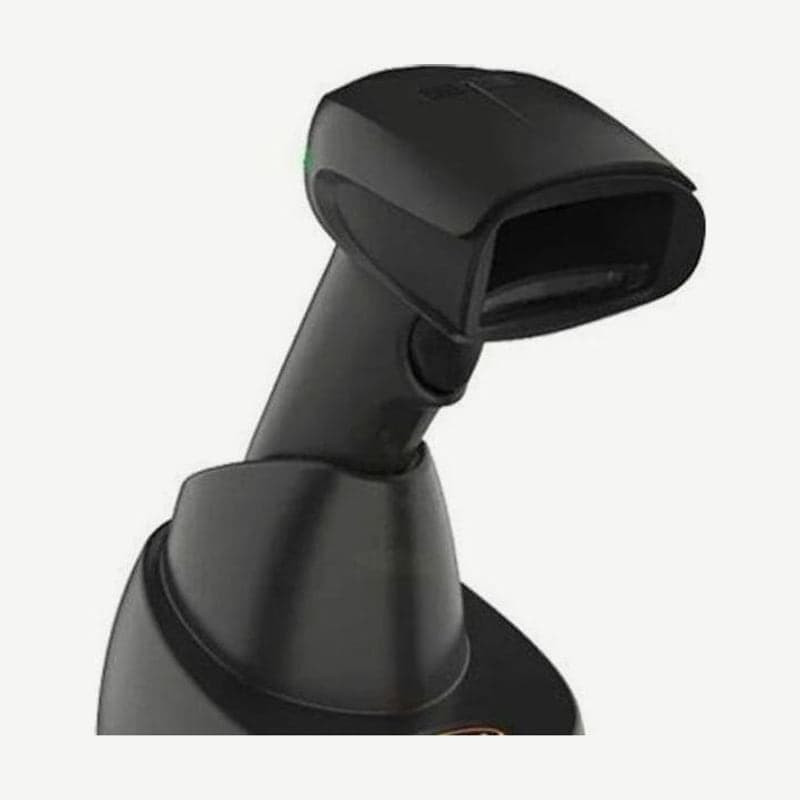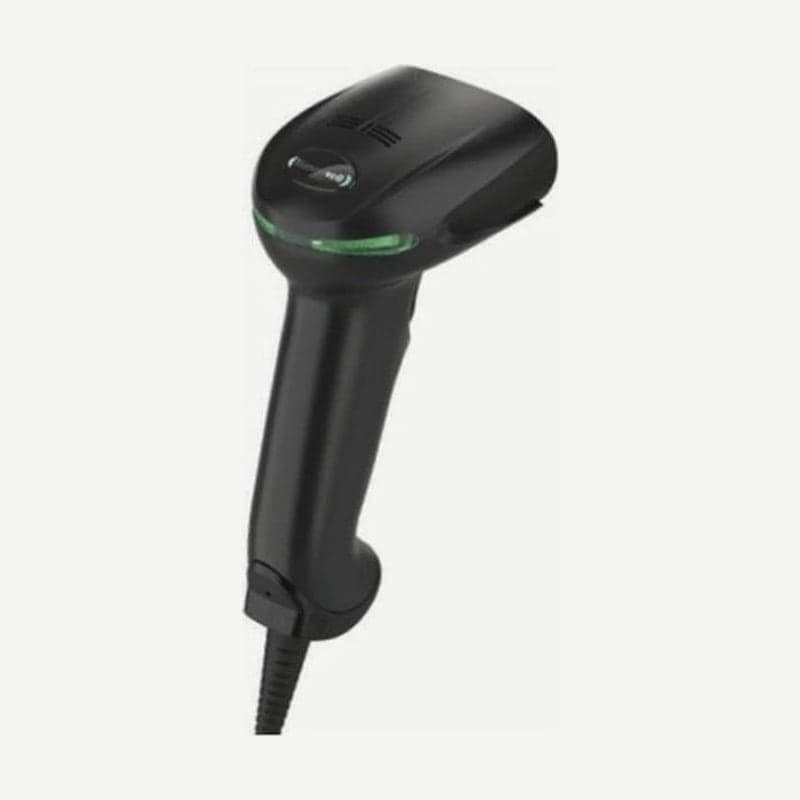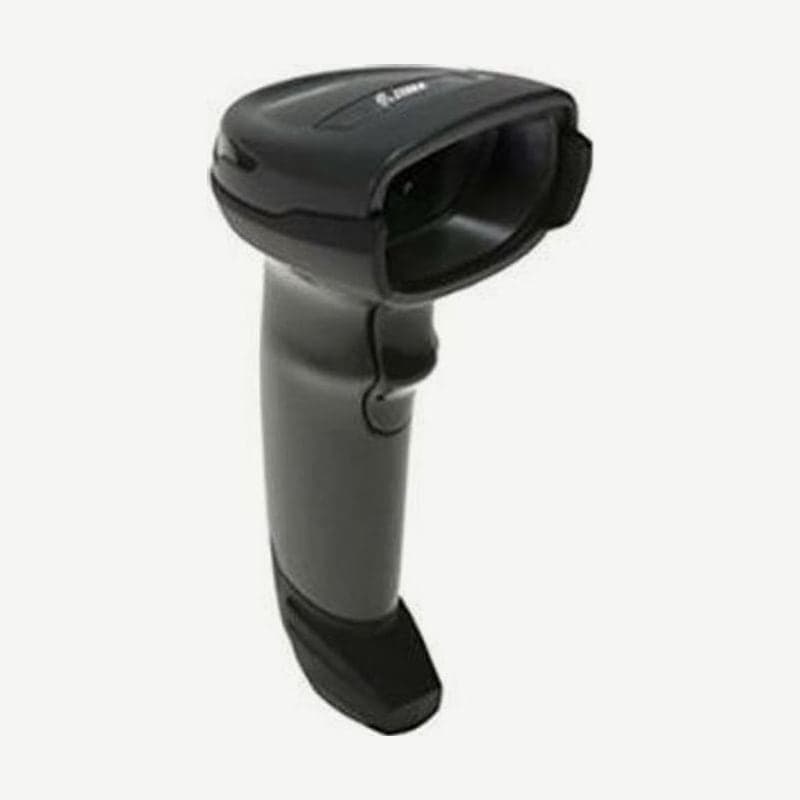
The DS4308 is a Zebra corded 1D/2D scanner whose sales ended on February 29, 2020. Zebra's service and support also ended on May 31, 2025, and the replacement models designated by Zebra are the DS4608 and the DS9908.
Even after May 31, 2025, drivers and manuals on the Zebra support page remain available for download. However, no new firmware or document updates will be released, and Zebra customer support no longer takes inquiries about this model.
DS4308 end of sale and support schedule
| Item | Details |
|---|---|
| Last sale date | February 29, 2020 |
| End of service and support | May 31, 2025 |
| Zebra-designated replacements | DS4608, DS9908 |
| Downloads after end of support | Driver and manual downloads remain, no further updates |
Reading ranges by code for the standard range (SR) engine
The figures below are typical reading ranges for the SR configuration (DS4308-SR, including the DL for driver's license parsing). The high-density configuration, used mainly for small codes, is covered separately on the DS4308-HD page.
| Barcode | Density | Near | Far |
|---|---|---|---|
| Code 39 | 3 mil | 3.8 cm | 13.7 cm |
| Code 39 | 5 mil | 0 cm | 27.9 cm |
| Code 39 | 20 mil | 0 cm | 134.6 cm |
| UPC (100%) | 13 mil | 0 cm | 71.1 cm |
| PDF417 | 6.6 mil | 2.8 cm | 20.3 cm |
| Data Matrix | 10 mil | 5.1 cm | 22.9 cm |
| QR | 10 mil | 2.8 cm | 21.6 cm |
| QR | 20 mil | 2.3 cm | 41.1 cm |
A thick 20 mil Code 39 reaches out to 134.6 cm. Conversely, a 3 mil Code 39 reads only between 3.8 and 13.7 cm, so the thinner the code, the closer the scan window must be held.
Specification differences between the DS4308 and the successor DS4608 (SR)
| Item | DS4308 (SR) | DS4608 (SR) |
|---|---|---|
| UPC 13 mil max distance | 71.1 cm | 71.1 cm |
| Code 39 20 mil max distance | 134.6 cm | 111.8 cm |
| QR 20 mil max distance | 41.1 cm | 44.5 cm |
| Data Matrix minimum resolution | 7.5 mil | 5 mil |
| Sealing | IP42 | IP52 |
| Ambient light | Indoor lighting 1,600 lux, sunlight 86,000 lux | 0-107,000 lux |
| Weight (without cable) | 162 g | 161.9 g |
Both models read product UPCs at the same distance, 71.1 cm. For warehouse work scanning thick Code 39 from more than 1 m away, the DS4308 reaches about 23 cm farther. For reading small Data Matrix codes or in dusty places, the DS4608, with a smaller minimum resolution and an IP5X dust rating, has the advantage.
USB cables at checkouts that took over from the LS2208 or LS4208
A shielded connector cable (for example, CBA-U21-S07ZAR) is required when connecting the DS4308 by USB. If this scanner was installed at a checkout that used an LS2208 or LS4208, first check that a shielded cable is plugged in, not the old laser scanner cable.
Push the cable into the port on the back of the scanner until it clicks. When properly inserted, a three-tone low-medium-high power-up beep sounds, and if it does not come out when pulled lightly, you are done.
Self-check steps after end of support
- If the 617 nm aiming dot does not appear when you pull the trigger, reconnect the host cable and the power adapter (if your configuration uses one).
- If the aiming dot appears but it does not read, check that you are within the distances in the reading range table above. The aiming dot does not represent the whole field of view, so keep the entire code inside the illumination rectangle.
- If it reads but data does not reach the host and 4 long low beeps sound, the scanner's host type and communication settings differ from the connected equipment. Scan the setting barcode for that host, and for RS-232, match the baud rate and parity.
- If 5 low beeps sound, it is a conversion or format error, so fix the data conversion settings or ADF rules.
- If 4 short high beeps sound when reading right after connecting USB, USB is initializing; wait a few seconds and scan again.
Power-up beeps repeating several times when the PC starts are normal behavior as the USB bus turns power off and on. If symptoms remain after these checks, scan the "Report Software Version" barcode on page 3-6 of the manual and note the firmware version.
If you plan to switch to wireless, see the DS4678 in the same DS4600 family. It is the wireless model with the same SR reading ranges as the DS4608 (UPC 71.1 cm and so on).