
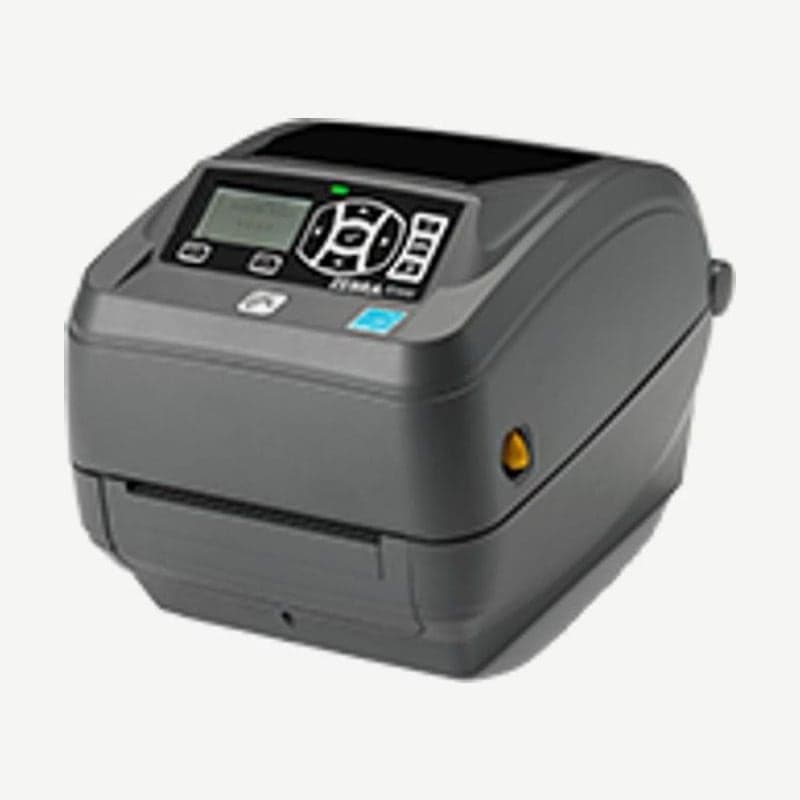
The ZD500 is a Zebra 4-inch desktop printer that prints both direct thermal and thermal transfer, and it is now listed as discontinued in Zebra's support list. Its successor, the ZD620, replaced the GX series and the ZD500, and drivers and user guides are still on the Zebra support page and in our downloads.
This model has USB 2.0, RS-232 serial, and bidirectional parallel ports and a 10/100 Ethernet print server all built in. In the driver installation wizard, choose the port the cable is plugged into (USB, serial, or parallel), and when installation finishes, check the connection with a Windows test print.
Manual media calibration from the display menu
The ZD500 has a display and menu buttons on the front, so calibration is run from the menu. The steps below are for labels with gaps.
- Set the movable sensor to the center (transmissive sensing) position and load the label roll.
- Peel off about 80 mm of the leading labels so only the liner lies over the platen roller, and put the leading edge of the next label under the media guides.
- Close the cover, turn the power on, choose the SENSORS menu and then MANUAL CALIBRATION from the home button, and press START.
- When LOAD BACKING appears on the display, press PAUSE once, and when RELOAD ALL appears, press it once more.
- When the printer feeds a few labels and shows READY, calibration is complete; tear off the excess media that came out the front.
Pressing the three buttons PAUSE, FEED, and CANCEL together for 2 seconds also starts the same calibration without going through the menu. When only changing rolls from the same batch of media, there is no need to repeat it.
3-inch core adapter and cutter conditions
The standard roll holder takes rolls on 12.7-38.1 mm cores, and rolls on 76.2 mm (3-inch) cores are loaded by fitting the adapter included in the box onto the roll holder. Either way, the roll OD is up to 127 mm.
The cutter is a factory-installed option and cuts liner, tags, and receipt paper 19-108 mm wide. The cut interval must be 25.4 mm or more to avoid jams, and it is factory-set to make a self-cleaning cut once every 25 cuts.
Reprint mode and operating temperature
With REPRINT MODE set to ON in the settings, pressing and holding PAUSE and CANCEL together prints the last label once more. To turn it on remotely, use the ZPL ^JZ or SGD ezpl.reprint_mode command.
The operating temperature is 5-40°C for thermal transfer and 0-40°C for direct thermal, so in 0-5°C refrigerated spaces it is used for direct thermal only.
Files are on the ZD500 drivers and manuals page. The variant with an RFID encoder is on the ZD500R page, and the current 4-inch model on the ZD621 page.



