
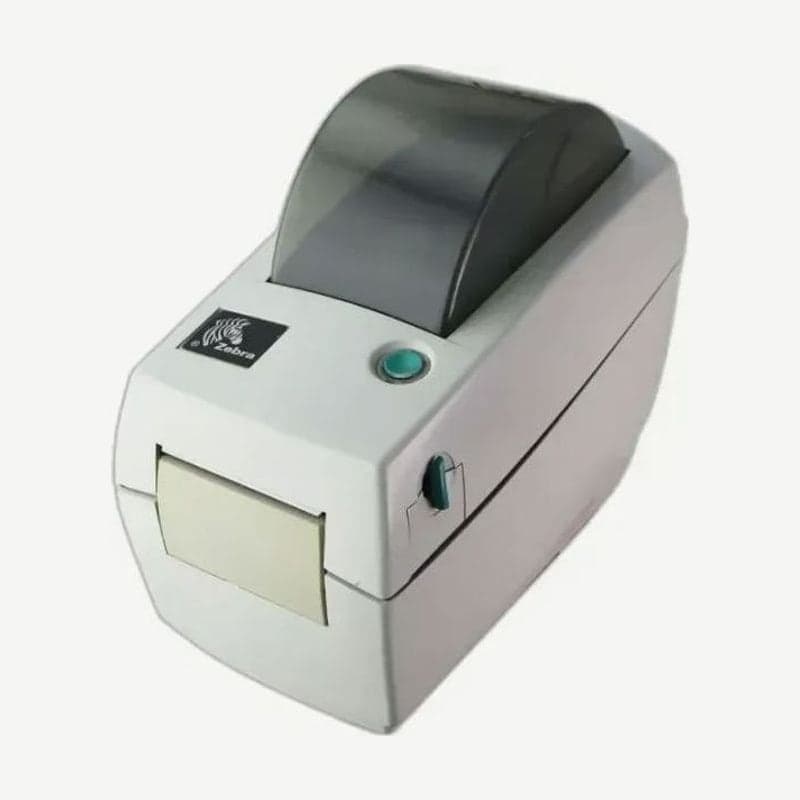
The LP2844 is a direct thermal printer with both EPL2 page mode and the older EPL1 line mode in one firmware. The two modes are switched with the FEED button at power-on, and the mode once chosen is kept even when the LP2844 is turned off and on.
USB 1.1 and RS-232 serial are on every LP2844, and the remaining slot is either a parallel port or ZebraNet Ethernet. Cleaning cards are the 4-inch-wide type.
Switching modes when command characters print instead of labels
If you send a format and program code or stray characters print on the label, or nothing comes out at all, first check whether EPL1 line mode is on. Printing one status report shows the current mode.
- Turn off the power, then turn it back on while holding the FEED button.
- When the indicator starts flashing, release the button.
- When the indicator starts flashing a second time, press and hold the FEED button again.
- When the indicator turns solid amber, release it; when it turns green, the mode switch is complete.
To switch by command from a PC, send OEPL1 between line breaks to go to line mode, and send <ESC>EPL2 to return to page mode.
Fanfold media and the hanger locking screw
When feeding folded fanfold media through the rear feed slot, set the roll hanger spacing to the media width and lock it with the screw.
- Open the top cover and, holding the actual media to be used, set the hanger spacing to lightly touch the media edges.
- Tighten the hanger locking screw with a No. 1 Phillips screwdriver.
- Set the media guides to the same media width, then pass the media fed through the rear slot between the hangers and guides.
- Close the top cover.
Direct thermal printhead replacement steps
Before replacing the head, unplug the power cord and prepare a grounded antistatic mat and wrist strap. The only tool needed is a No. 1 Phillips screwdriver.
- Pull the release levers forward to open the cover, and remove the 4 screws securing the latch frame to the top case.
- Pull the head spring to the left to remove it, and gently unplug the wire harness connected to the head.
- Remove the 2 screws and washers securing the head to the bracket, and take out the head.
- Tighten the new head with the ground wire under the right screw, and seat the V-shaped bend of the spring in the groove on top of the bracket.
- Check that the cable is not pinched, retighten the 4 screws, then clean the head with a cleaning pen and print a status report to confirm.
ZD230D and ZD230DA compared by line mode formats
If jobs printed in EPL1 line mode on the LP2844 remain, whether formats need changing depends on which of the ZD230 direct thermal models, the ZD230D or the ZD230DA, you choose.
| Item | ZD230D | ZD230DA |
|---|---|---|
| EPL1 line mode | In the specs | Not in the specs (EPL2 page mode) |
| Flash memory | 128 MB | 8 MB |
| Connections besides USB | Ethernet, Wi-Fi, and Bluetooth factory-installed options | USB-serial option |
To keep sending line mode formats as they are, choose the ZD230D; if moving to the ZD230DA, convert formats to EPL2 page mode. Neither model has a parallel port.



