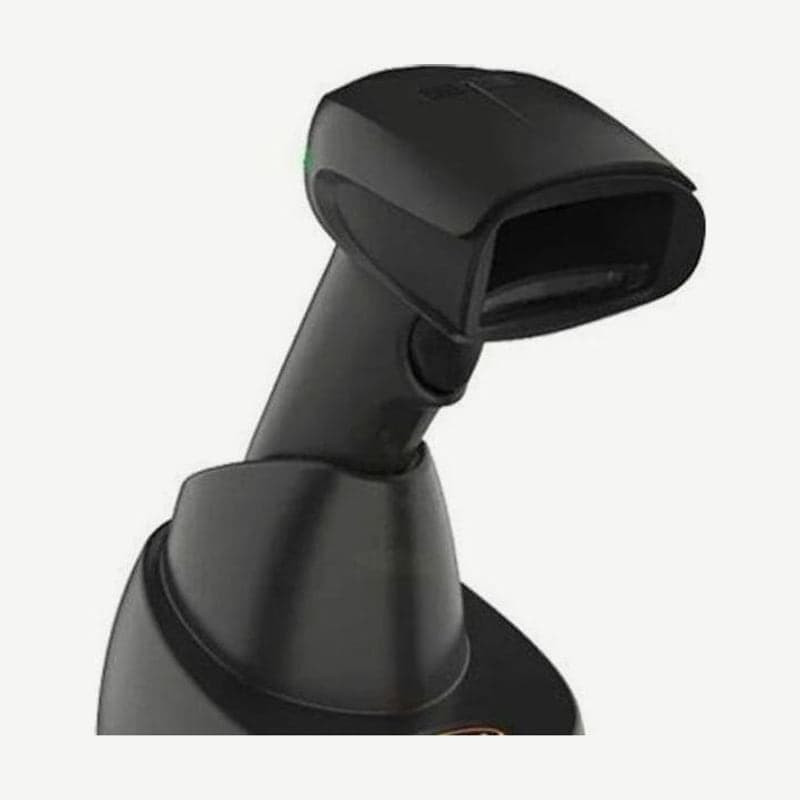
The GD4220 is a USB-only 1D scanner that runs on 5 VDC from a PC or a powered USB hub, so no separate adapter is plugged in. When the cable is plugged in, the GD4220 detects USB and first works as a USB keyboard, and what it reads is entered in the text field with the cursor as if typed on a keyboard. The model for serial terminals is the GD4290.
GD4220 USB operating modes
| Mode | Where data goes |
|---|---|
| USB Keyboard (default) | Keyboard input with standard key encoding |
| USB Alternate Keyboard | Keyboard input with alternate key encoding |
| USB-COM-STD | Virtual COM port emulating standard RS-232 |
For programs that receive data on a COM port, scan one USB-COM-STD barcode to switch. Modes not in the table, such as USB HID POS, USB for Toshiba TEC, and keyboard + COM composite (USB Composite), are chosen with setting barcodes in the GD4200 Product Reference Guide (PRG).
Order for scanning setting barcodes
- Set the interface first. The factory reset barcode restores defaults based on the current interface, so the order must not change.
- Scan the ENTER/EXIT barcode once to enter programming mode.
- Scan the barcode for the item to change, then scan ENTER/EXIT a second time to save and return to normal operation.
The Green Spot that lights over the barcode on a good read stays on for 300 ms at shipment. Setting barcodes extend it to 500 ms or 800 ms, or turn it off entirely.
Removing and reattaching the cable
The GD4220 cable is held by a latch inside the release hole at the back of the handle. Insert a straightened paper clip or one straight new staple into the hole, press the latch, and pull the cable out. When reattaching, align the connector latch with the same side as the release hole, insert it, and confirm by the click that it is fully seated.
Reading status from the LED and beeper
At power-on it beeps 4 times at the highest pitch and volume, and on a USB connection the top LED blinks until the PC finishes recognizing the device. When the scanner is disabled, the LED repeats 0.1 seconds on and 0.9 seconds off. A ROM error makes the LED blink at 0.2-second intervals and sounds one 0.2-second error tone at the loudest volume.