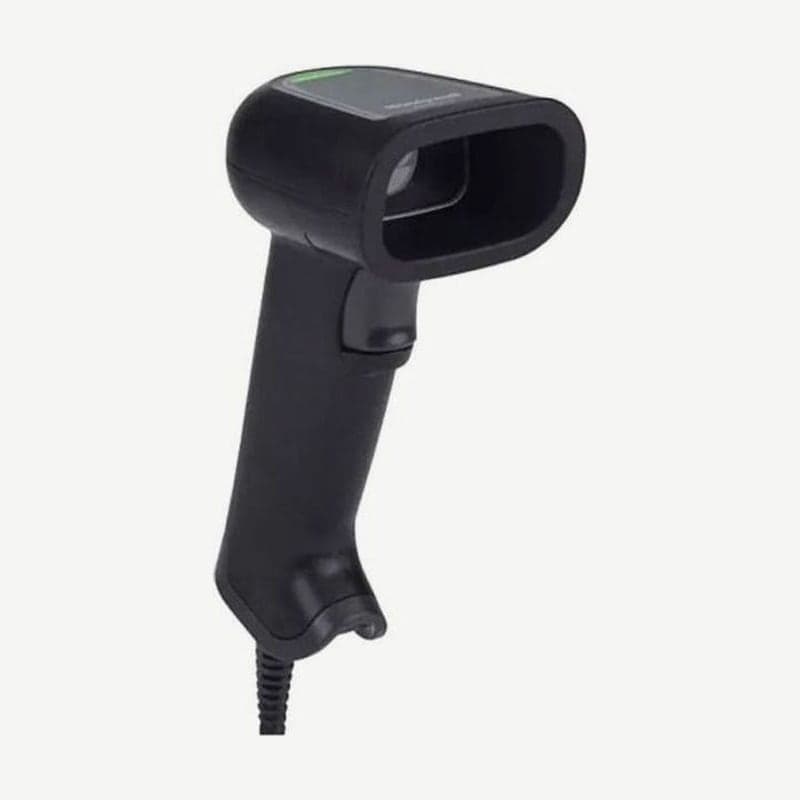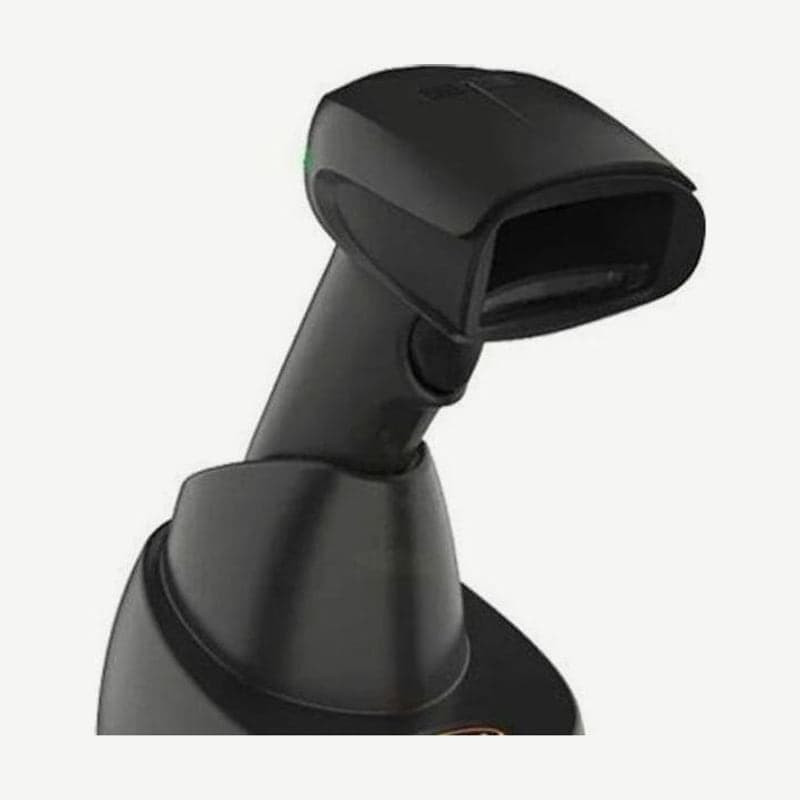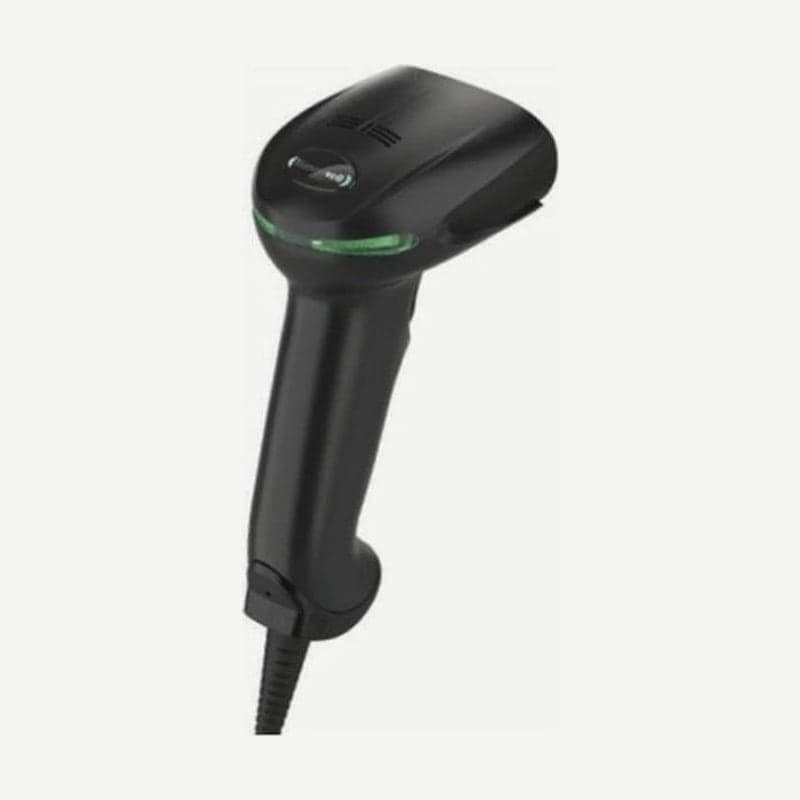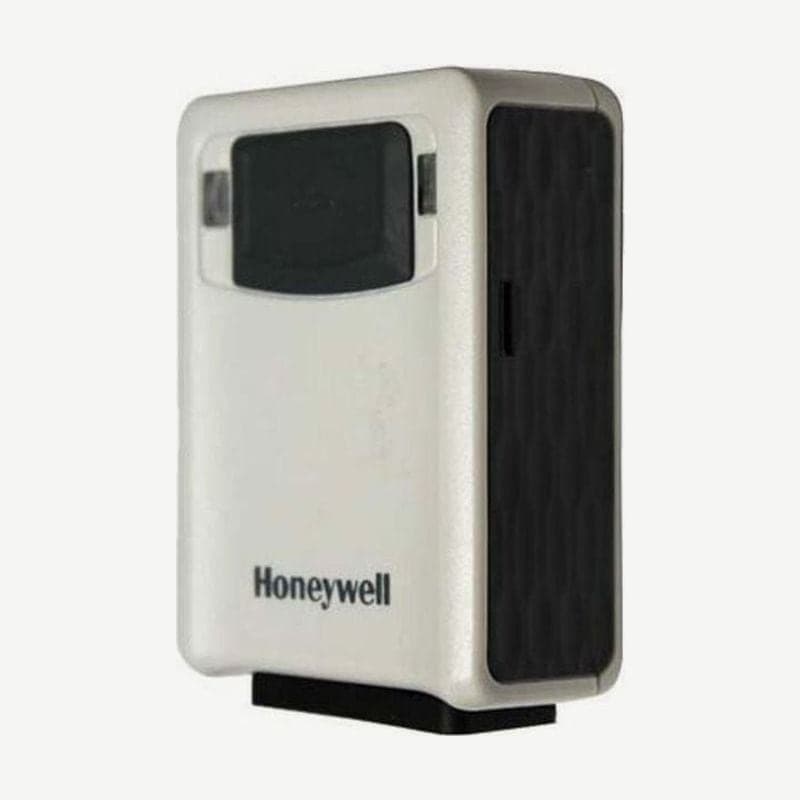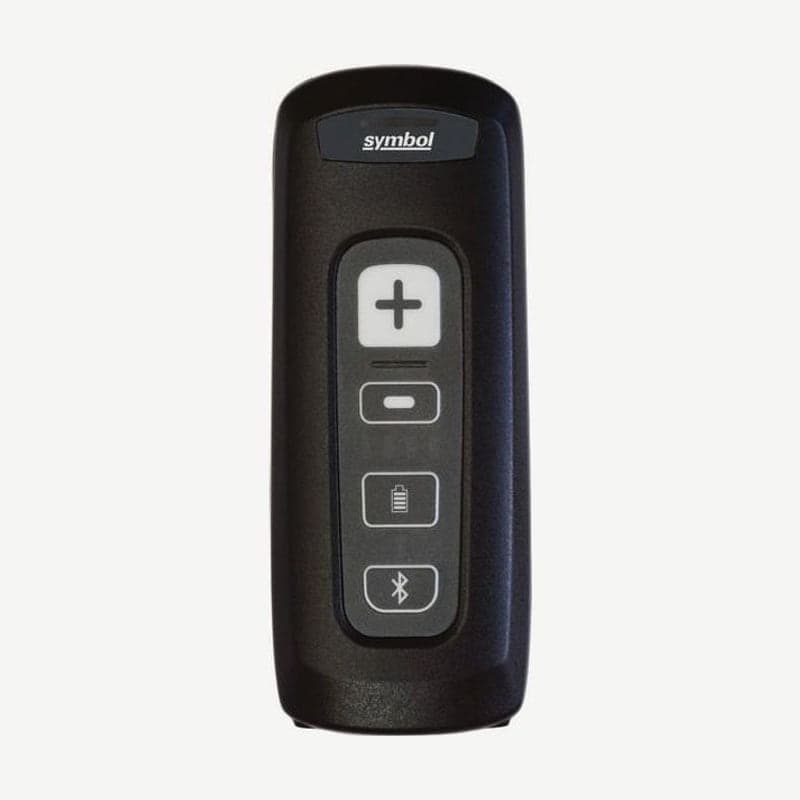
The CS4070-HC is the hospital configuration of the CS4070 (CS4070HC). It adds a vibration motor not found on the standard CS4070SR, and the Bluetooth USB dongle that plugs into a PC (BT-CS1-0BR) is exclusive to this configuration. Zebra sold the CS4070 series only until September 8, 2021, and its customer support desk closes on November 8, 2026. If you are buying a new ward scanner, move to the successor CS60-HC.
Vibration alerts and automatic mute on night wards
The vibration motor (Decode Pager Motor) is on from the factory, so it vibrates for 200 ms when a barcode is read. The vibration length is chosen with a setting barcode from 8 levels: 150, 200, 250, 300, 400, 500, 600, and 750 ms.
With Automatic Day/Night Mode on, the beeper turns off during the set hours and vibration alerts instead. Set the hours by scanning one of the four shift profiles below, or enter the start and end times directly.
| Profile | Mute hours |
|---|---|
| Shift 1 (default) | 20:00 to 08:00 the next day |
| Shift 2 | 23:00 to 04:00 the next day |
| Shift 3 | 01:00 to 08:00 |
| 24 Hour Shift | Muted for 24 hours from 20:00, sound for the next 24 hours, then repeats |
To enter times directly, scan the Start Time barcode and enter the time in 24-hour format with 4 number barcodes, then enter the Stop Time the same way. For a start at 8:15 a.m., scan 0, 8, 1, 5 in order.
Mute hours follow the scanner's internal clock. After a factory reset, or after removing and reinserting the battery, the scanner clock must be synchronized with the PC using RTCSync.exe from the Zebra support site; if the clock is off, an error beep sounds and mute does not turn on at the right time. To restore sound briefly during mute, hold the scan button (+) for more than 10 seconds; repeating the same action, or reaching the next start time, returns it to mute.
Steps to connect to a PC with the BT-CS1-0BR dongle
- To mount the dongle on a wall, prepare #3 wood screws (thread diameter 2.52 mm or less, round head) or M2.5 machine screws separately.
- Plug the RJ45 end of the cable into the dongle and the USB end into the PC.
- Scan the pairing barcode on the label on the front of the dongle once with the CS4070-HC.
No PIN entry is needed; if the dongle's blue LED stays on, it is connected, and if it is off, it is unpaired. Only one scanner connects to each dongle.
The dongle draws under 100 mA from USB bus power and is recognized as keyboard input (HID) without drivers on Windows and 32- and 64-bit Linux PCs. The body is IP40 and is built to be fixed on a wall or shelf, so the pairing barcode stays visible from the front after mounting. If you lose the cable, order the replacement CBA-U21-S07ZAR.
Alarm when the scanner leaves its area
With the Out of Range Electric Fence Alarm on, when the scanner stays outside the Bluetooth host's range for the set time, it beeps continuously, vibrates, and the LED blinks rapidly red and amber. The wait from leaving range until the alarm is 3 seconds by default and is chosen from 8 levels between 0 seconds and 5 minutes.
The alarm sounds for 3 seconds by default, up to 10 minutes. It stops when you press and release the (-) button for more than 3 seconds or when the scanner returns within range. Switching to a batch mode (Standard, Out of Range, Batch Only) turns this alarm off automatically.