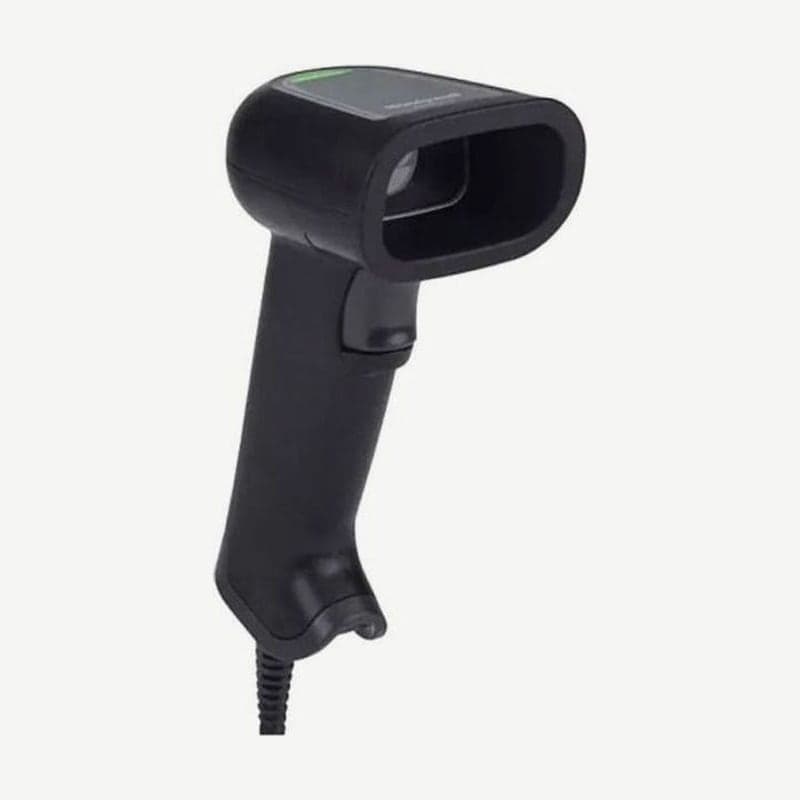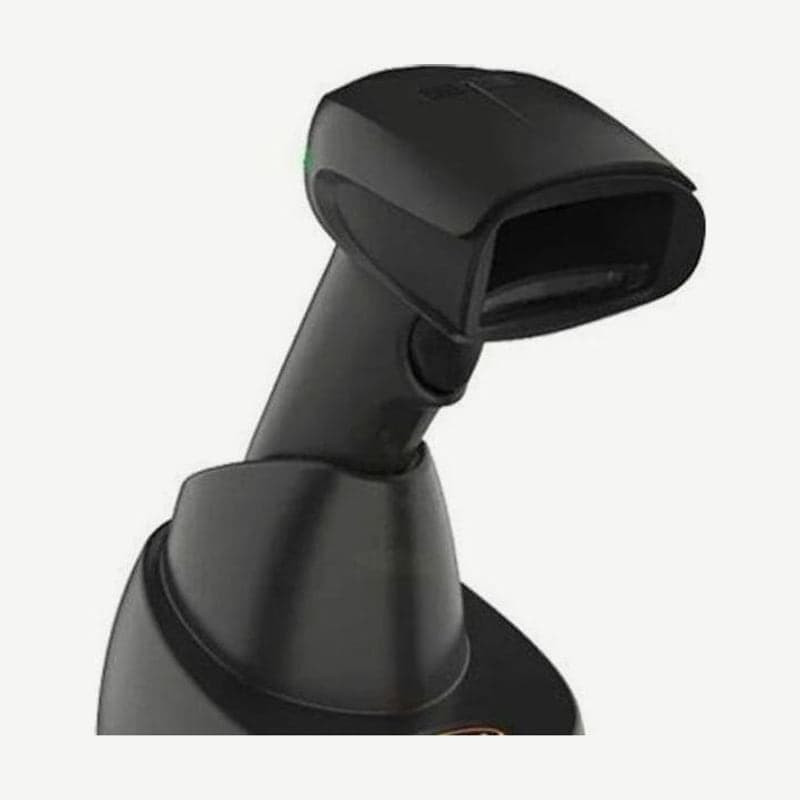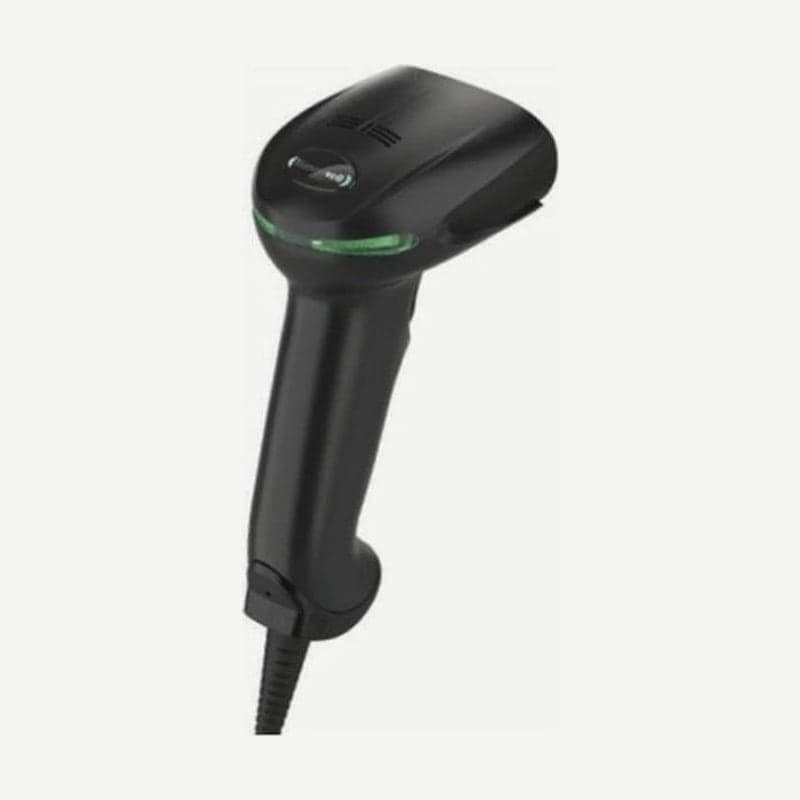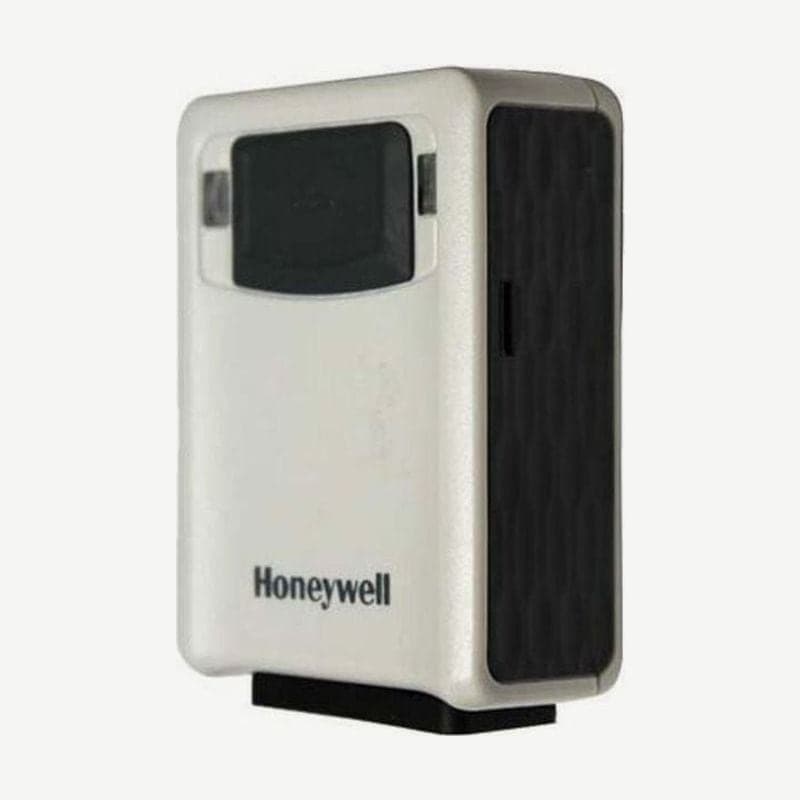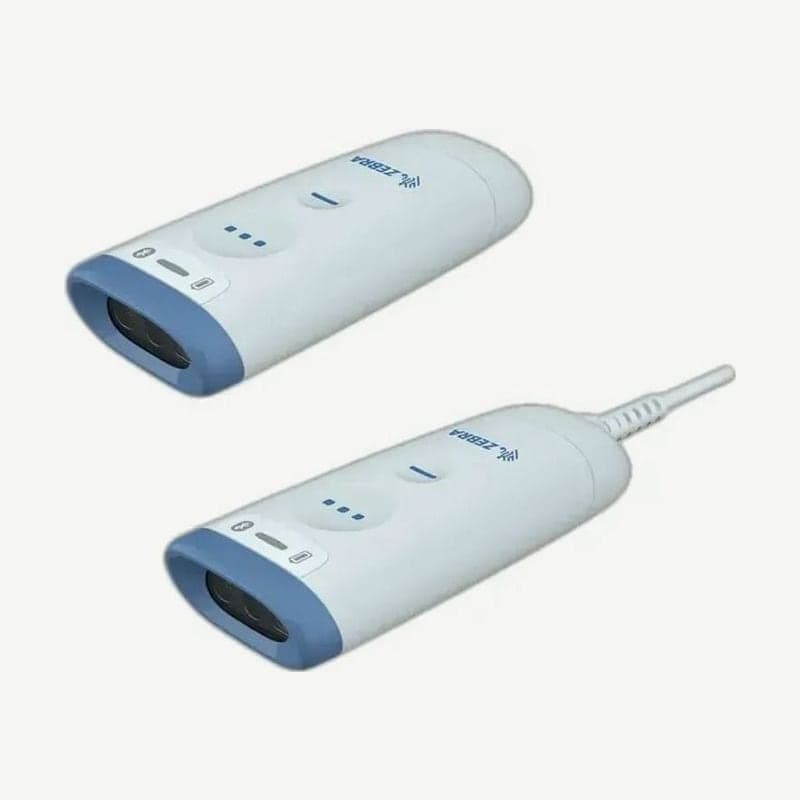
The CS60-HC is the hospital configuration of the CS6080 companion scanner (CS6080-HC). It differs from the standard retail version (SR) in having a white body, a separate approved hospital disinfectant list, a working night mode, and lamp mode turned on at shipment. The cordless version (87 g) is worn on a lanyard or kept in the healthcare presentation cradle, and the corded version (58 g) stands in a white gooseneck stand.
Order codes for Korea and 4 healthcare kits
| Order code | Configuration |
|---|---|
| CS6080-HC4F00BVZK | Cordless, Qi charging, white, FIPS, vibration motor (for Korea, India, Japan) |
| CS6080-HCKF00BVZK | Corded, white, FIPS, vibration motor (for Korea, India, Japan) |
| BTRY-CS60EABHE-0BK | HC spare battery (for Korea, India, Japan) |
| CR6080-PC100FBWW | White healthcare presentation cradle, USB-C cable (CBL-CS6-S07-0B) sold separately |
Kits include the cordless scanner with presentation cradle (CS6080-HCB00004P1W), the corded scanner with gooseneck stand (CS6080-HCB0000KSVW), the cordless scanner with lanyard (CS6080-HCB0000TZVW), and CS6080-HCB0000TP1W, which bundles all three. The 2.1 m USB conversion cable for the corded version, the cup, and the standard and weighted Intellistands are also available separately under HC white part numbers (ending in -0B).
CR6080-PC100FBWW cradle and charge time
The CS60-HC goes into the healthcare presentation cradle upside down, scan window first. The cradle measures 9.0 x 5.3 x 6.1 cm, weighs 96 g, and has 2 M4x5 screw holes for mounting.
The full charge time for the HC configuration is 8 hours on standard USB and 6 hours on BC1.2 USB, longer than the SR configuration (6 hours and 3 hours). Wards with back-to-back shifts keep at least 1 HC spare battery (BTRY-CS60EABHE-0BK) and alternate.
5-minute lamp mode lighting and night mode
The CS6080-HC ships with lamp mode set to "turn on without scanning" (setting 2), while the SR configuration ships with it off (setting 0). With the cordless CS60-HC in the healthcare presentation cradle, press the programming button (-) once and the scanner illumination keeps lighting the surrounding work area, turning off after 5 minutes by default. The off time can be shortened to 1 minute.
Night mode turns off the beeper and alerts by vibration instead; scanning the night mode barcode on the SR configuration produces an error beep. There are 2 ways to enter and exit it.
- Scan the night mode toggle barcode on page 7 of the quick start guide, and it vibrates on entering; scan it once more to exit with 2 short beeps.
- With the night mode trigger turned on (off by default), point away from any barcode and press the scan button, then keep holding for 5 more seconds after the light turns off to toggle.
Removing the battery or scanning the restore defaults barcode also releases night mode. Lamp mode, night mode, and Low Light Assist are not turned on at the same time.
HC approved disinfectants and ingredients to avoid
The approved list includes Clorox Healthcare, PDI Sani-Cloth, and Metrex CaviWipes disinfectant wipes, and solutions diluted yourself include 3% hydrogen peroxide, 10% bleach (0.55% sodium hypochlorite), and 91% isopropyl alcohol. Even with solutions, moisten a soft cloth to wipe, and do not let liquid pool on the scanner.
Sodium hypochlorite products such as 10% bleach are used on the scanner only, not on the cradle. Wear gloves when wiping, and then remove the residue with a damp cloth so metal parts such as charging contacts do not corrode. Ingredients that damage plastic are ketones such as acetone, aromatic solvents such as benzene and toluene, and ammonia solutions.
Reading UDI and ICCBBA blood bag labels
UDI Scan+ and Blood Bag Parse+ on the CS60 series send only the required items, in a set order, from the multiple barcodes spread across medical device UDI labels or ICCBBA blood bag labels, just by sweeping while holding the scan button. Rules are built by drag and drop in 123Scan, and when using UDI rules on ICCBBA blood bag labels, turn off ISBT Concatenation.