
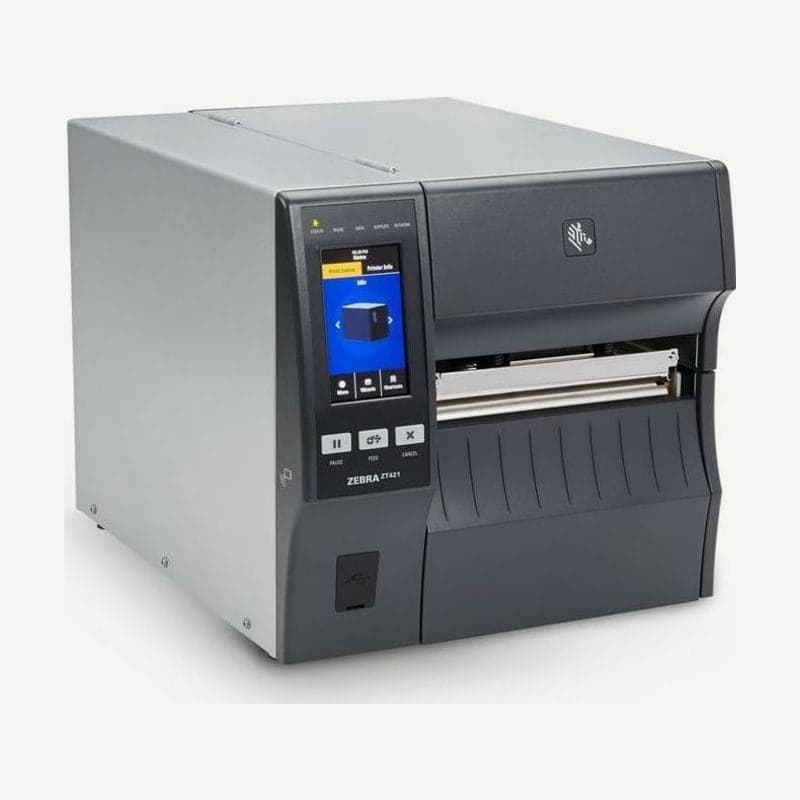
A 6-inch 300 dpi model faster than the ZT420 300 dpi
The ZT421 300 dpi prints 12 dots per mm across a 168 mm width at 61-254 mm per second. The 300 dpi version of the previous ZT420 ran at 61-203 mm/s, so it is 51 mm per second faster at the same resolution.
Bars print from 3.3 mil in the unrotated direction and from 3.9 mil when rotated 90°. It is the model to choose instead of the ZT421 203 dpi when wide logistics or product labels also carry small ingredient text or dense Data Matrix codes.
Print limits that change with the 300 dpi head
| Item | ZT421 203 dpi | ZT421 300 dpi |
|---|---|---|
| Max speed | 305 mm/s | 254 mm/s |
| Dot size (nominal) | 0.125 x 0.125 mm | 0.084 x 0.099 mm |
| Bar (not rotated / rotated 90°) | 5 mil / 5 mil | 3.3 mil / 3.9 mil |
| Max continuous print length | 2,590 mm | 1,143 mm |
At both resolutions the first dot prints 2.5 mm (±0.9 mm) from the inner edge of the media, and vertical registration accuracy is ±1.0 mm at all speeds. Leave the starting margins of your formats unchanged when switching resolution.
Short labels and cutter requirements
The minimum label length is 12.7 mm for tear-off, peel, and rewind, and 25.4 mm for the cutter. Labels caught in the cutter catch tray can be up to 152 mm long, and labels with gaps print up to 991 mm per label.
Continuous labels longer than 1,143 mm and a comparison with the other 6-inch 300 dpi model are covered on the ZT620 300 dpi page.
300 dpi label width setting (dots)
The printer's label width is entered as a number of dots. The ZT421 300 dpi takes 2-1,984 dots and the 203 dpi 2-1,344 dots, changed in the menu under Print > Print Quality > Label Width (Dots) or with the ZPL ^PW command.
If the width is set narrower than the actual label, part of the format does not print; if set wider, it prints onto the platen roller outside the label. When moving a 203 dpi format to a 300 dpi unit, the number of dots increases by about 1.5 times, so reset this setting first. The driver and manuals are on the ZT421 driver download page.



