
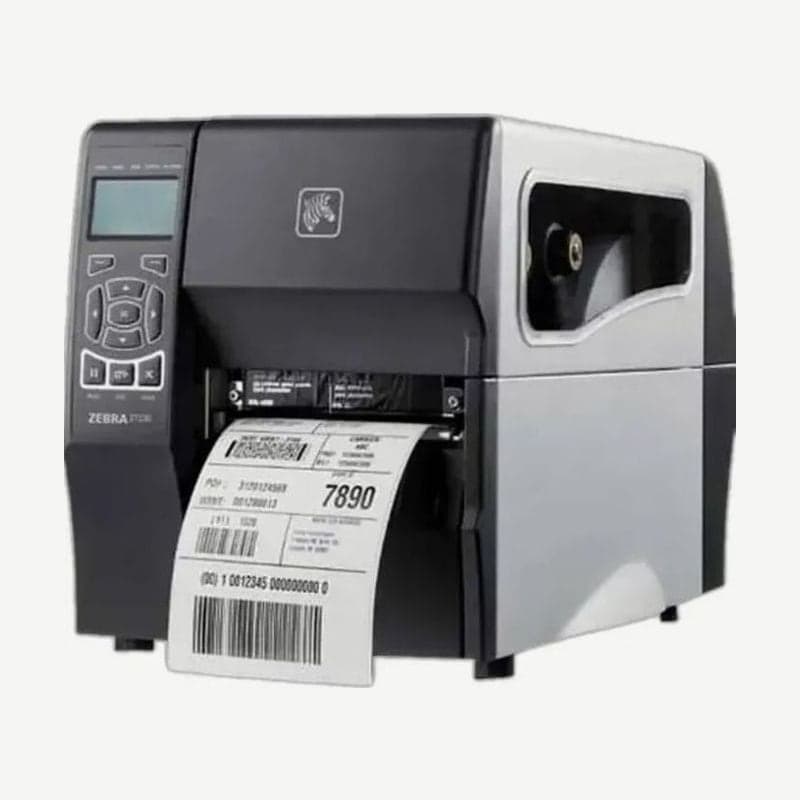
ZT220 discontinuation date and end of Zebra support
Production of the ZT220 ended on June 27, 2022, and Zebra service and support continue until January 31, 2027. The successor model designated by Zebra is the ZT111.
The Windows driver and manuals for the unit you are using remain available at ZT220 download.
How to change settings on the ZT220 without a display
The control panel has only the PAUSE, FEED, and CANCEL buttons and five indicator lights, with no menu screen. Darkness and speed are changed from a computer.
- Open Printers & scanners from the Windows Start menu.
- Select the ZT220 in the list and click Manage.
- Click Printing preferences to open the ZT220 settings window.
Units with an Ethernet or wireless LAN card can also be configured from the printer's web page. Settings can also be changed with ZPL commands.
300 m ribbon and media-to-ribbon roll ratio
The printer takes ribbons only up to 300 m long. Zebra designed it for a 2:1 ratio, with one ribbon roll matching two media rolls. The width is 51-110 mm and the core inside diameter is 25 mm.
Media is 19-114 mm wide and 0.076-0.25 mm thick, and rolls up to 203 mm OD on a 76 mm core are accepted. Speed is chosen from five steps: 51, 76, 102, 127, and 152 mm/s.
Specifications that change when moving to the ZT111
| Item | ZT220 | ZT111 |
|---|---|---|
| Max speed at 203 dpi | 152 mm/s | 254 mm/s |
| Max ribbon length | 300 m | 450 m |
| Standard interfaces | USB, RS-232 serial | USB 2.0, RS-232 serial, 10/100 Ethernet, USB host, Bluetooth LE |
| Label roll limit | 203 mm OD on a 76 mm core | 203 mm OD on a 76 mm core |
| Weight | 7.8 kg | 7.7 kg |
For labels 19.4-114 mm wide, rolls bought for the ZT220 go straight onto the ZT111. The wired network that was added with an option card on the ZT220 connects through a standard port on the ZT111, with no card needed.



