
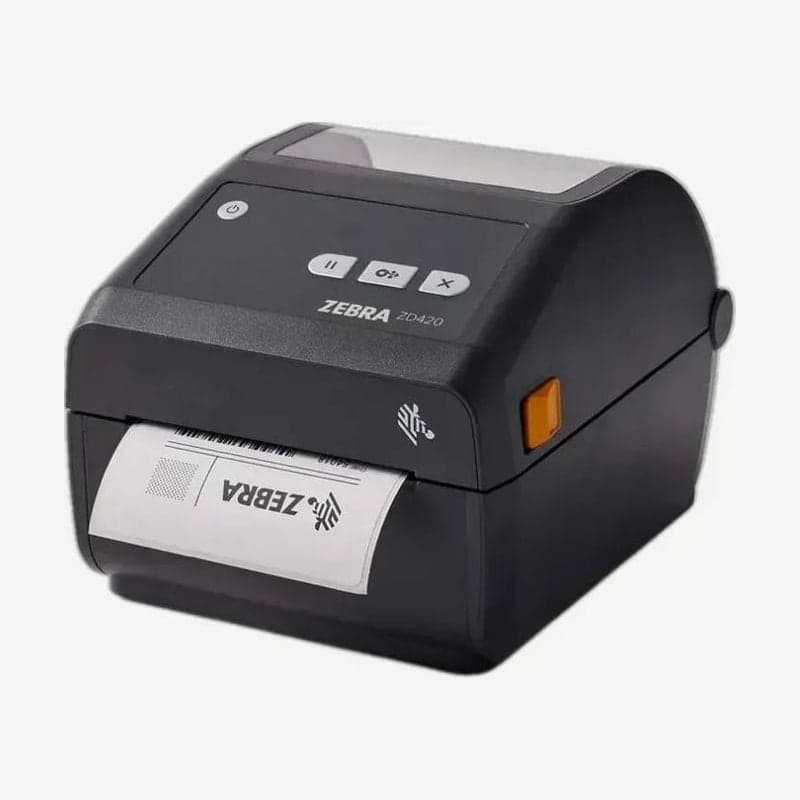
The ZD420t is the discontinued ZD420 thermal transfer model that loads ribbon on rolls. It prints at up to 152 mm per second at 203 dpi, and changing to 300 dpi with the resolution kit widens the print width to 108 mm.
Media width issues when moving to the ZD421t
The current ribbon roll model, the ZD421t, takes media 15-112 mm wide, so sites that used 113-118 mm wide labels on the ZD420t, which took up to 118 mm, cannot move over as is. The model that takes up to 118 mm is the ZD421c cartridge model, but its print width is 104 mm at both 203 and 300 dpi, and the cartridge comes in one width, 109.2 mm. Move to the ZD421c only when the print area of the labels fits within 104 mm.
The body is 267 x 202 x 192 mm and 2.4 kg for the ZD420t and 267 x 202 x 189 mm and 2.05 kg for the ZD421t, so it fits in the same spot.
300 m and 74 m ribbon requirements
It loads both ribbon lengths, 300 m (66 mm OD, 25.4 mm core, label-to-ribbon 1:4) and 74 m (34 mm OD, 12.7 mm core, 1:1), 33.8-109.2 mm wide. Third-party 300 m ribbons are loaded fitted onto the adapter that came in the box, and must be on a paper core with an OD of 66 mm or less.
Media requirements for the cutter and peeler options
The cutter for this model is a mid-duty type that cuts liner and thin tags, and does not cut the labels themselves or adhesive. On the thermal transfer model it cuts widths of 15-118 mm with a minimum cut interval of 25.4 mm; cutting shorter than this causes cutter jams or errors.
The peeler (a device that peels labels and presents them) is used from a label length of 12.7 mm, and the max length tested on the thermal transfer model is 279.4 mm. Both options are rated for media 0.06-0.1905 mm thick and are installed in the field.
Ribbon end detection and print method setting
Genuine Zebra ribbons have a reflective strip at the end, and when the printer reads it, it shows a Ribbon Out warning and stops. After loading a new ribbon and closing the cover, press FEED once or press PAUSE to resume printing.
If it prints in direct thermal mode with a ribbon loaded, check whether the format being sent contains ^MTD and change it to ^MTT. On Ethernet models, you can also change PRINT METHOD to THERMAL TRANS on the print server web page.



