
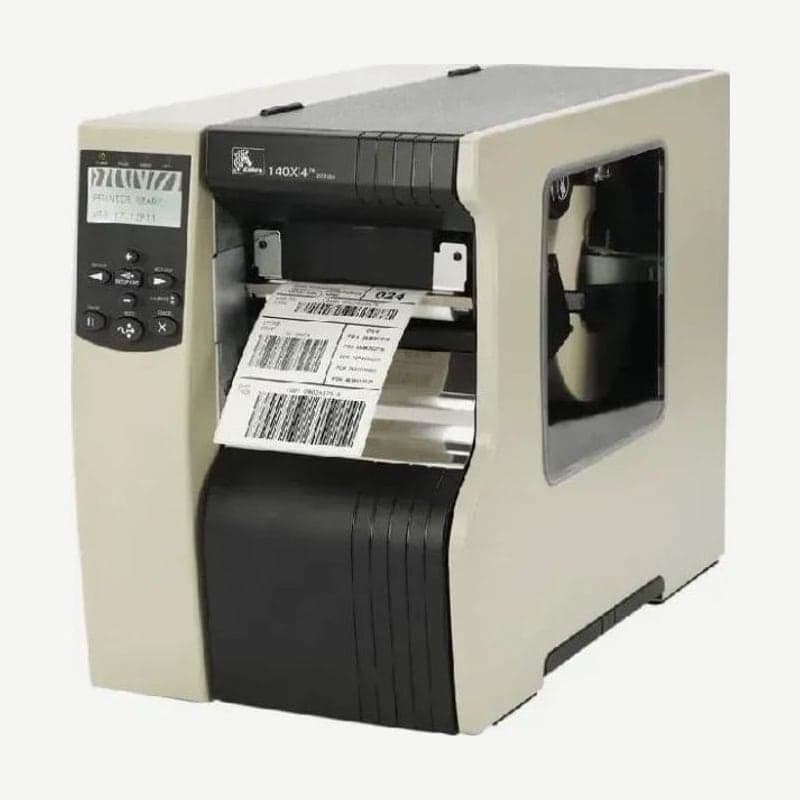
A model that printed 128 mm (5-inch class) wide at 203 dpi only
The 140Xi4 was the Xi4 model between the 4-inch 110Xi4 and the 6-inch 170Xi4, with a maximum print width of 128 mm (5.04 in). The printhead came only in 203 dpi, and speed is chosen from 2.4-14 ips (61-356 mm/s). Media width including the liner is 40-140 mm, and continuous media prints continuously up to 3,810 mm.
Sales ended on April 2, 2018 (Asia-Pacific December 31, 2019), and manufacturer service and support ended on May 2, 2023 (Asia-Pacific March 31, 2025).
Width and speed compared with the successor ZT620
The manufacturer-designated successor is the 6-inch ZT620. Print width increases, but for narrow labels and top speed, some items are less favorable than on the 140Xi4.
| Item | 140Xi4 | ZT620 203 dpi |
|---|---|---|
| Max print width | 128 mm | 168 mm |
| Media width (including liner) | 40-140 mm | 51-180 mm |
| Ribbon width | 40-130 mm | 51-170 mm |
| Top speed | 356 mm/s (14 ips) | 305 mm/s (12 ips) |
| Cutter max media thickness | 0.23 mm | 0.18 mm |
Lines that cut 40-50 mm wide labels or 0.19-0.23 mm thick media cannot move to the ZT620 as they are. For such labels, redefine the media specifications before replacing the printer.
Twinax and coax option for AS/400 hosts
Some 140Xi4 units used in IBM AS/400 environments have a twinax or coax interface installed. This option converts EBCDIC data sent by the host to ASCII inside the printer, so sites using this connection need to decide the connection method for the successor model first.
Power fuse replacement steps
The 140Xi4 has two 5 x 20 mm IEC F5A 250 V fuses in the power entry on the back. One is in the circuit, and the other is a spare.
- Turn off the power switch and unplug both the power cord and the data cables.
- Pull out the fuse holder in the power entry with a small flat-blade screwdriver.
- Remove the blown fuse and fit the new fuse in the circuit position.
- If you used the spare fuse, get another fuse of the same rating to fill the spare position.
If the power still does not come on after replacing the fuse, send it to the Wooju OA service center in Korea. The user guide PDF with the fuse location illustration is available with the drivers in the 140Xi4 downloads.



