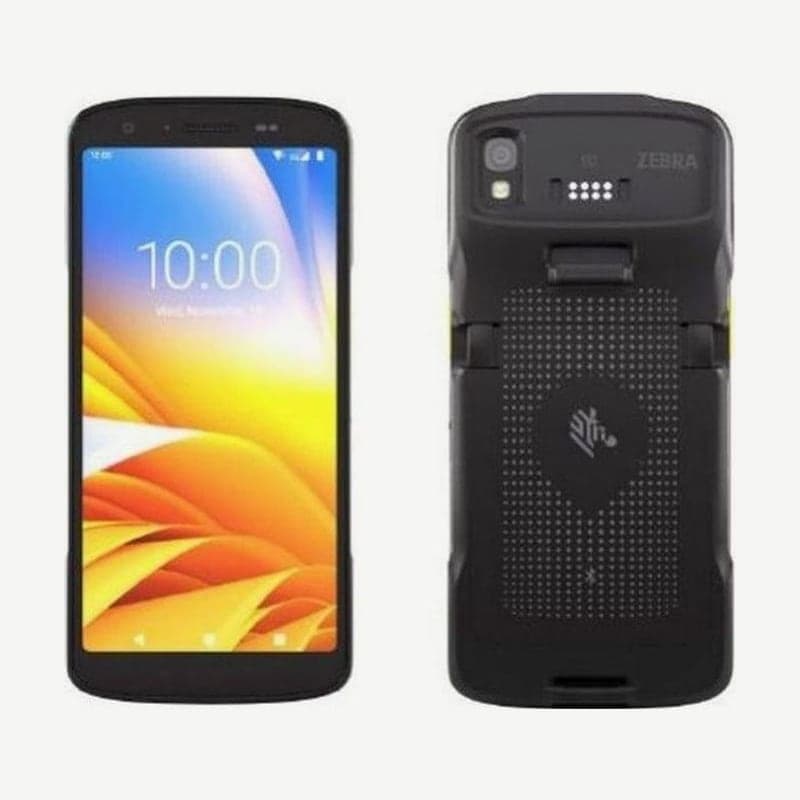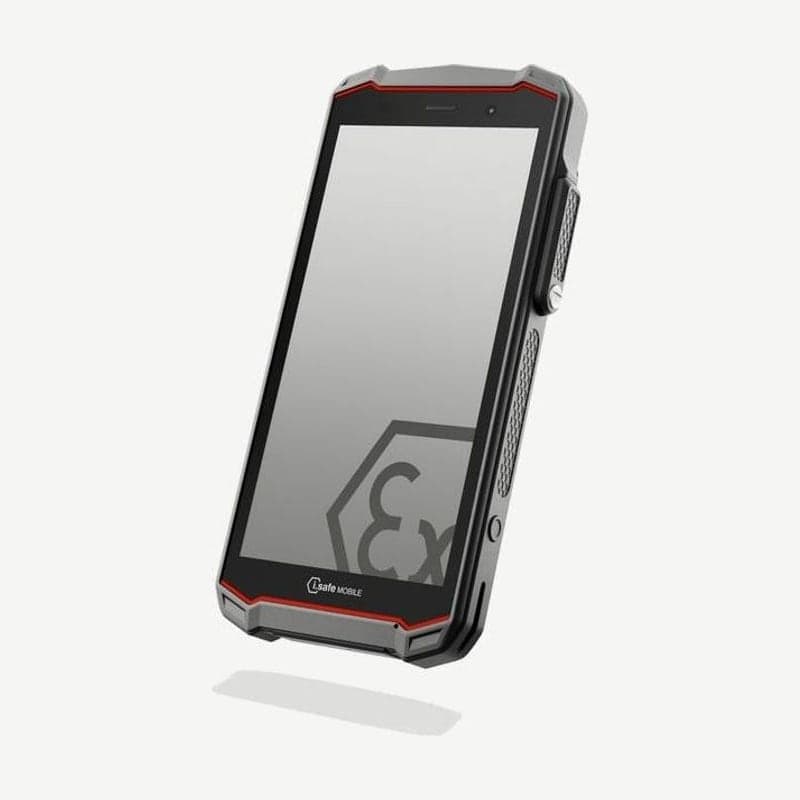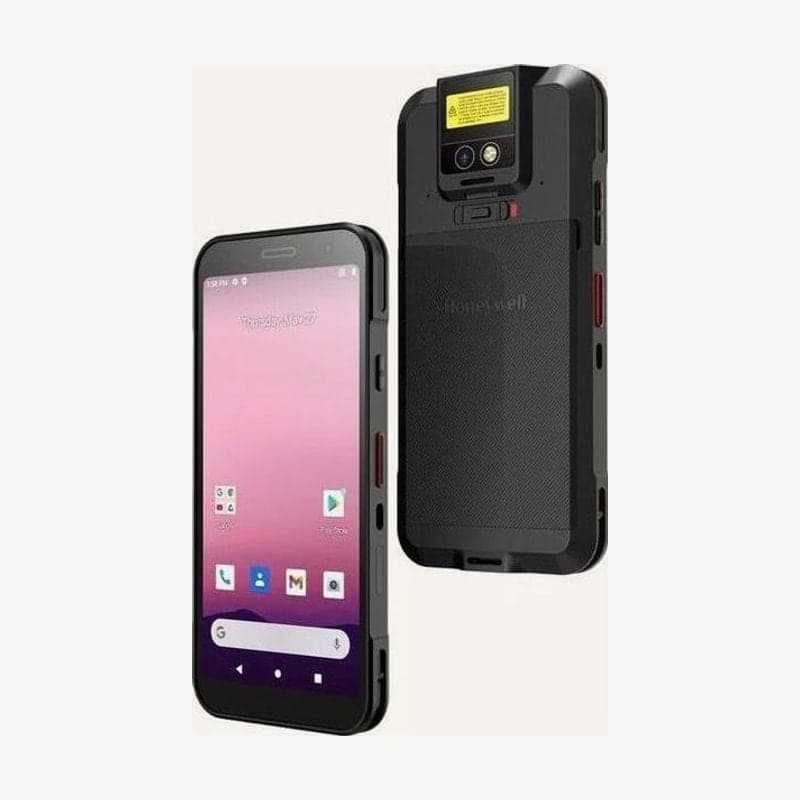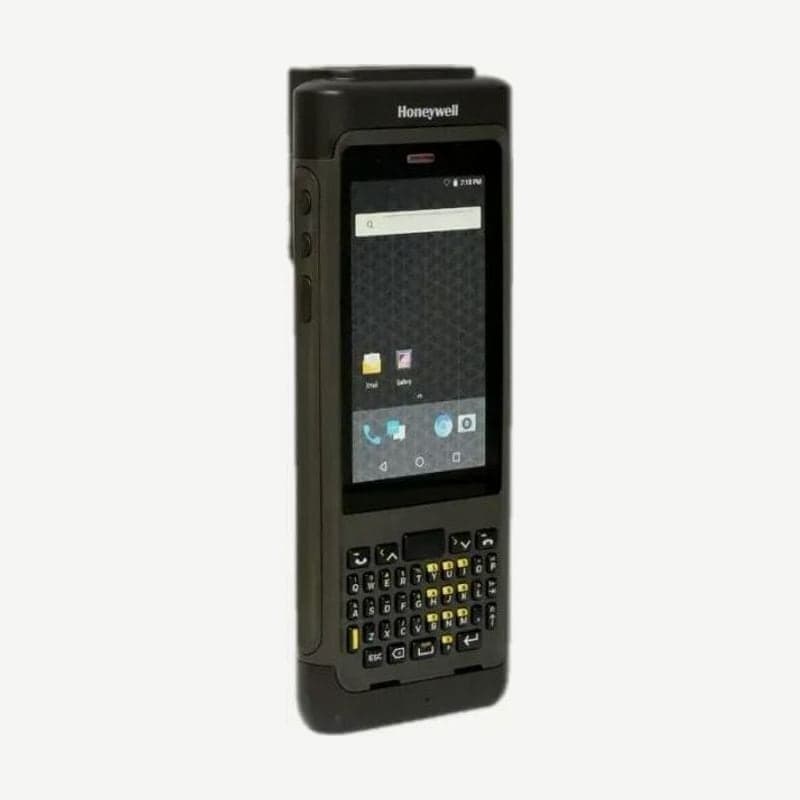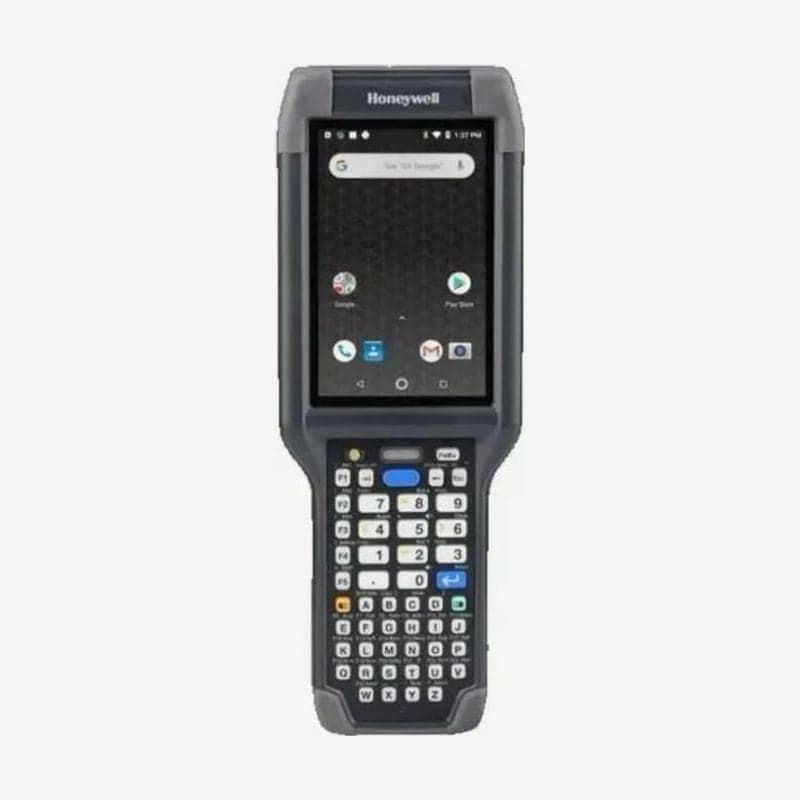
The CK65, with its keypad chosen from 51- or 53-key alphanumeric, 38- or 42-key numeric, or 30-key large numeric, also has a 4-inch touchscreen, so existing business programs built around key input and touch apps run on one device. The unit's I/O connector is designed to fit CK3 accessories, so CK3 series chargers are used as they are. For sites that need 5G or Wi-Fi 6E, the CK67, which uses keypads from the same family, is the right fit.
Unit size and weight by scan engine
| Scan engine | Dimensions (L x W x D) | Weight (with battery) |
|---|---|---|
| N6703, N6803 FlexRange, FlexRange XLR | 22.7 x 8.3 x 4.2 cm | 498 g |
| EX20 near/far | 22.7 x 8.3 x 4.7 cm | 544 g |
The FlexRange XLR reads from 7.6 cm to 24.3 m. The EX20 model is 5 mm thicker and 46 g heavier. Besides these four engines, there are also CK65 models with S0803-LR and S0703-SR imagers.
Standard and cold storage batteries and swapping during a shift
The standard CK65 takes a 3.6 V 25.2 Wh (7,000 mAh) lithium-ion battery, and the up-to-28-hour operation figure is based on this battery. The cold storage CK65 ships with a smaller 3.6 V 18.7 Wh battery. Compatible packs are the CK65-BTSC, AB17, AB18, and 1001AB01, and the cold storage pack is the CK65-BTCS.
There are two ways to change the battery without stopping work.
- For hot swap, with the unit having been powered for at least 4 minutes, remove the battery and insert a new one within 30 seconds.
- Battery swap mode puts the unit in a low-power state while the battery is briefly removed. Press the power button until the options menu appears, choose Swap Battery, change the battery following the on-screen instructions, and press the power button.
A new CK65 arrives with the battery partially charged. Before first use, charge it for at least 4 hours in a CK3 series charger; using it while charging makes a full charge take longer.
Android versions by memory configuration
Android 9 through 13 are supported, and 14 is planned after technical review. The 2 GB RAM configuration ships only with Android 10, so if you plan to run Android 11 or later, choose the 4 GB configuration.
Storage is 32 GB flash plus microSD up to 512 GB. For performance and durability, SLC industrial microSD or microSDHC cards are the recommended specification. Even after the last Google security patch, Honeywell Sentinel provides up to 2 more years of security updates.
Models for hazardous areas and frequently disinfected sites
In areas with hazardous gas or dust, use the nonincendive (NI) and ATEX model. It is certified for U.S. and Canada Class 1 Div 2 Groups A, B, C, D and Class 2 Div 2 Groups F, G, and ATEX II 3G Ex ic, at ambient temperatures of -20 to 50°C. For sites that must be wiped with disinfectant often, a separate model with a disinfectant-ready housing is available.
Setup at first power-on and restarting
Press the power button for about 3 seconds and the startup screen appears; complete setup by scanning a setup barcode or using the wizard. When setup is finished, provisioning mode turns off automatically, and unless you turn it back on in the Settings app, barcode scans that install apps, certificates, configuration files, or licenses are restricted. If the screen does not respond to touch, press the power button for about 8 seconds to restart.