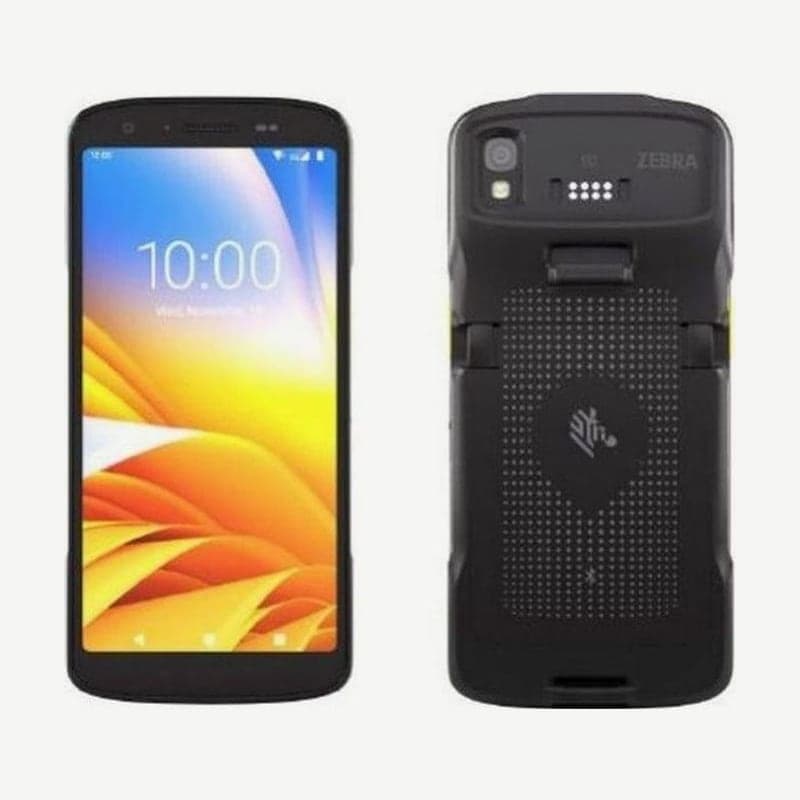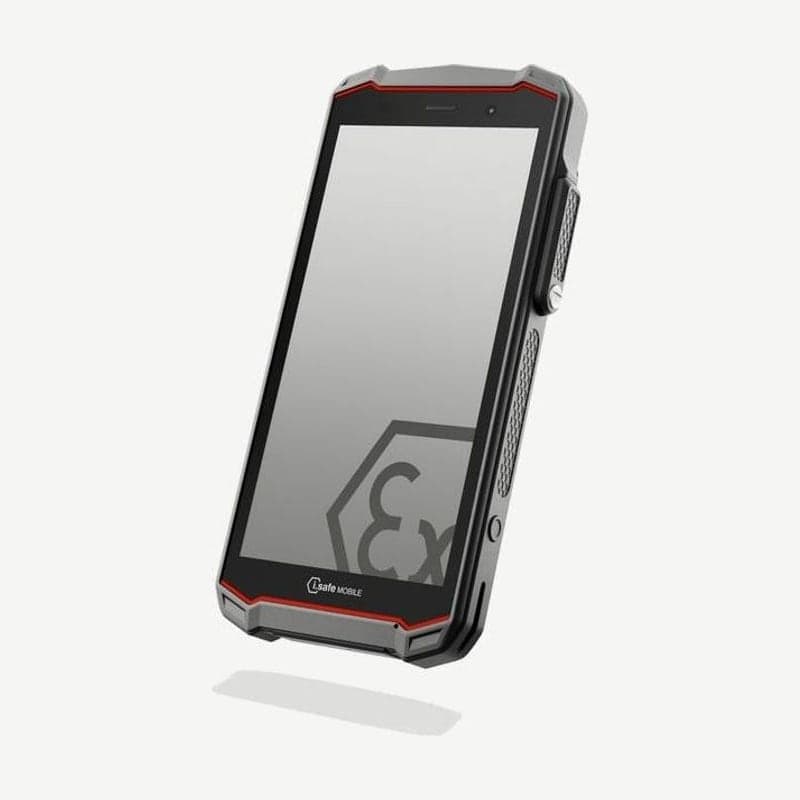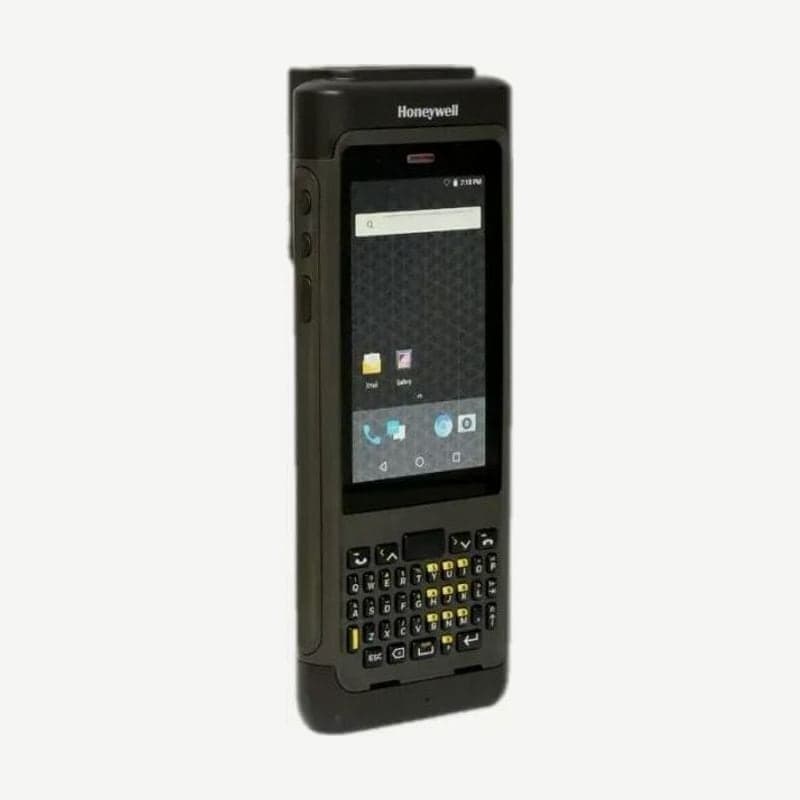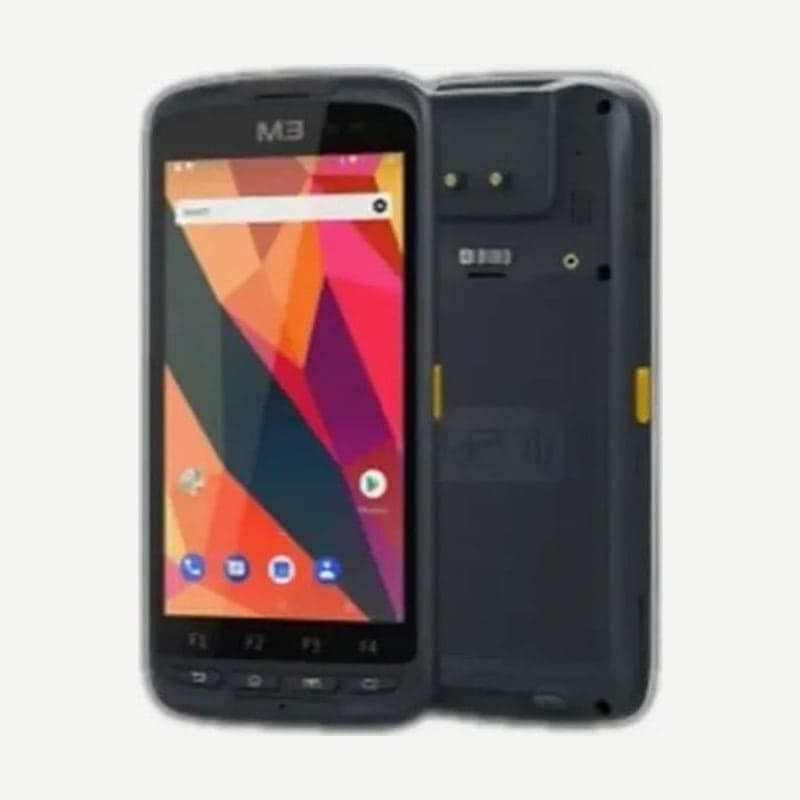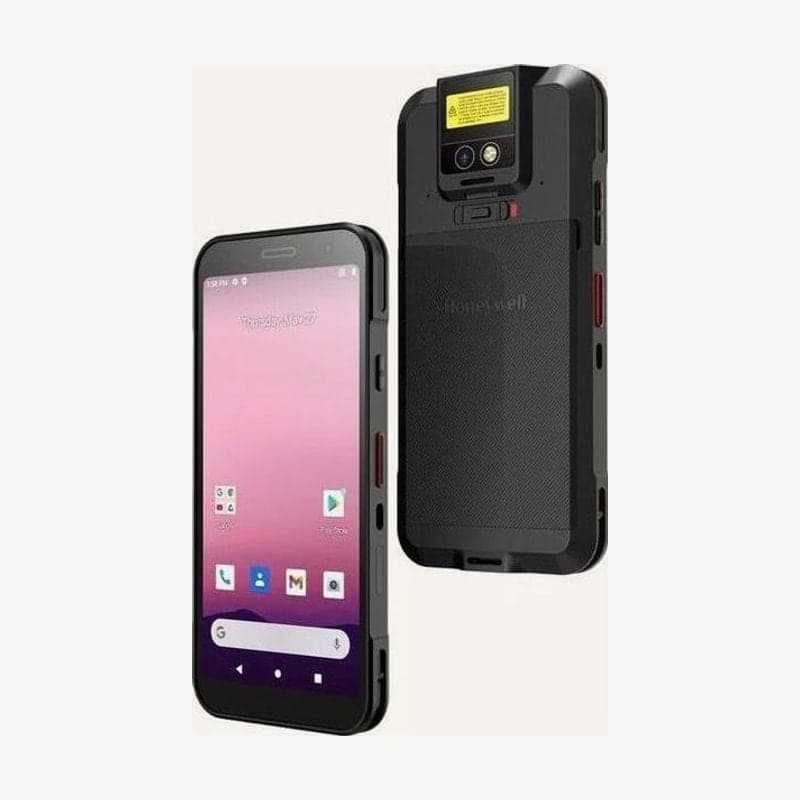
The CT32, 13.9 mm thick and 269 g even with the standard battery, is a mobile computer operated with a 6-inch screen and no physical keypad. What you decide when ordering is how it reads barcodes. There are models with the S0703-SR imager, the S0803-FR (FlexRange) imager, and a model with no imager that reads with the rear camera.
Differences between imager models and the camera scan model
| Configuration | Aiming | Working range | Hand strap |
|---|---|---|---|
| S0803-FR (FlexRange) | Green laser aiming dot | Up to 11 m | Can be used |
| S0703-SR | Aiming beam | - | Can be used |
| No imager (rear camera) | No aiming beam, on-screen preview | - | Cannot be used |
A CT32 without an imager uses the 13 MP rear camera as its scanner. Hold the scan button and line up the barcode with the aiming mark in the preview window; when the beep sounds and the Good Read LED lights briefly, release the button. The standard Android camera app alone does not read barcodes.
On S0703-SR and S0803-FR models, press the on-screen Scan button or the left or right scan button and place the aiming beam in the center of the barcode. To avoid reflections, read the barcode tilted slightly. The Demos > Scan Demo app used for first checks has only some barcode symbologies enabled by default, so for codes that do not read, check the symbology settings first.
Two batteries and charging conditions
The CT32 ships with either a 3.8 V 17.1 Wh (4,500 mAh) battery or a 3.85 V 23.6 Wh battery, and battery life with the 17.1 Wh standard battery is 12 hours or more. Batteries arrive partially charged, so charge for at least 3.5 hours in a CT32 charging device the first time.
When charging a model with a USB port from a laptop or PC over USB Type-C, the PC must supply 5 V 0.5 A or more for it to charge. For the fastest charging speed, charger output must be in the 1.6-14.6 W range. Always turn the power off before removing the battery.
On existing Honeywell universal docks, the new CT32 cup is swapped in without tools. An RFID reader handle for inventory, a scan handle, and a 4-bay battery charger are also available as accessories.
Installing SIM and microSD cards
Cellular (WWAN) models are activated with a nano SIM, and eSIM is on some models only. The nano SIM and microSD card go in the card slot of the CT32 unit; always turn the power off when inserting or removing cards. Format microSD cards before first use, and for performance and durability, SLC industrial cards are the recommended specification.
Difference between drop test temperature and operating temperature
Under MIL-STD-810H, it is rated for repeated drops from 1.8 m with the TPU boot and 1.5 m bare. The drop test temperature is -10 to 50°C, narrower than the operating temperature of -20 to 50°C. It withstands 1,000 tumbles at a height of 0.5 m.