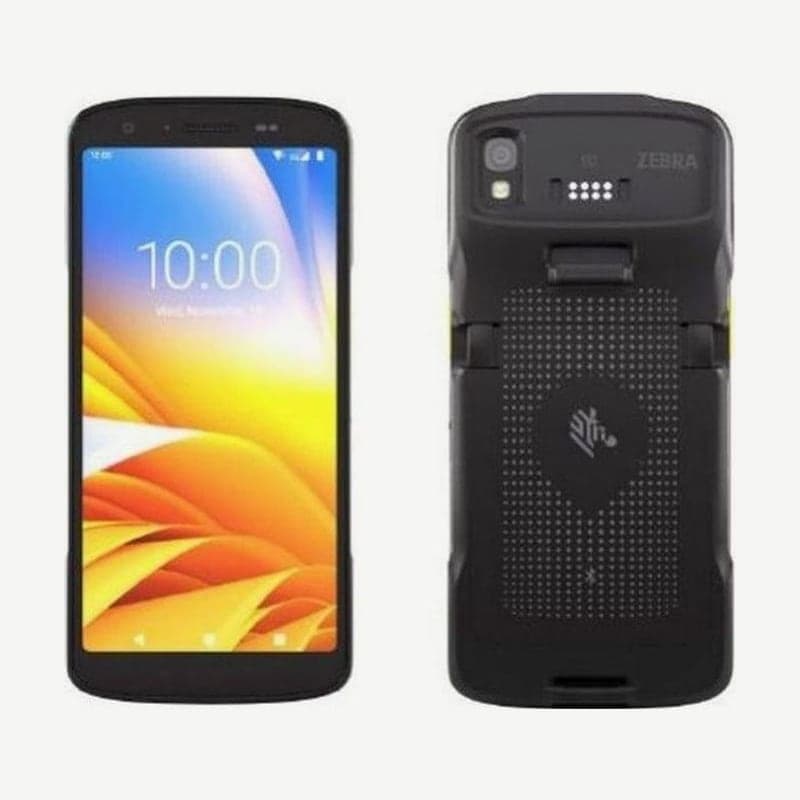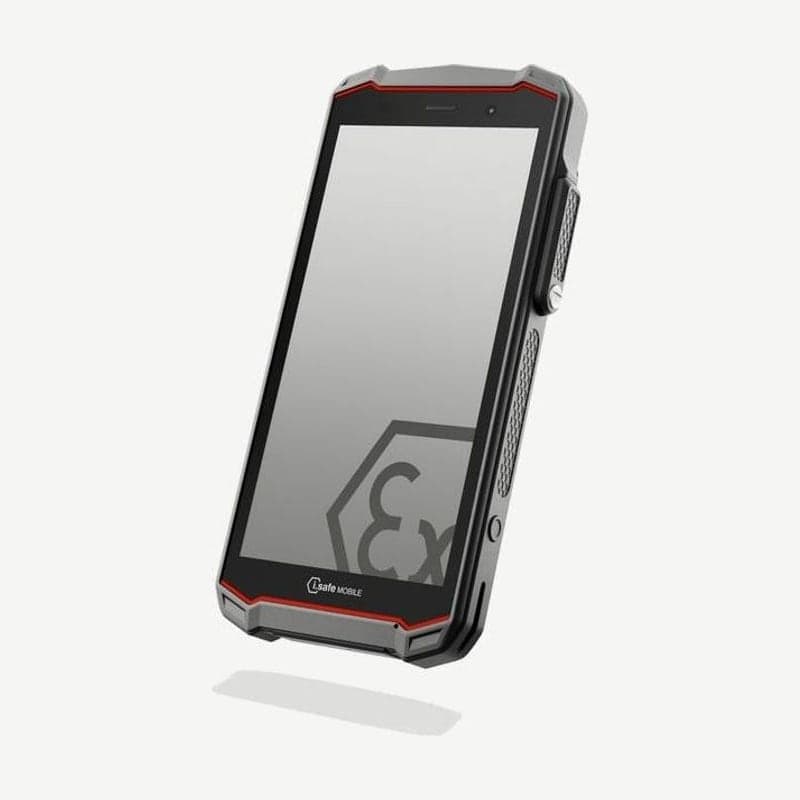
The IS540.1 is a 6-inch Android 14 smartphone certified explosion-proof for ATEX and IECEx Zone 1/21, used in Zones 1/21 and 2/22 and outside hazardous areas. In Korea it has received two KCs explosion-proof safety certifications, for gas (Zone 1) and dust (Zone 21), and it is not taken into Zone 0 or Zone 20.
ATEX, IECEx, and NEC500 explosion-proof markings
The ATEX markings are gas II 2G Ex ib IIC T4 Gb and dust II 2D Ex ib IIIC T135°C Db, and IECEx is the same Ex ib rating. Under North American NEC500, it is Class I, II, and III Division 1, temperature class T4. The two KCs certificates list only the IS540.1 unit; the explosion-proof trigger handle IS-TH2ER.1 is not included.
Two operating temperature standards
The ambient temperature allowed under the explosion-proof standard (EN/IEC 60079-0) is -20 to +55°C, and under the electrical safety standard (EN/IEC 62368-1) it is -10 to +50°C. For sites below -10°C or above 50°C, consider both ranges and settle the conditions of use first.
Checks before entering a hazardous area and conditions for leaving immediately
Before entering, check that only approved accessories are connected, no gap is visible between the two housings, the device is not damaged, all labels are legible, and the battery screws are firmly tightened. Inside the hazardous area, do not open the 16-pin ISM interface cover or connect new accessories. If it malfunctions, the housing is damaged, it has been subjected to excessive load, or labels become illegible, turn it off immediately and leave the area.
Charging and replacing the screw-secured battery
Charge and replace the battery only outside hazardous areas, and charge it in a dry indoor location at 0-45°C with the included i.safe PROTECTOR 2.0 USB-C cable. With another company's USB adapter, output must be 10-15 W or more to reach the specified charging speed, and USB PD fast charging is not supported. The 4,400 mAh battery is replaced by loosening and tightening its screws with the included Torx screwdriver.
For site zone classifications and accessory configurations, contact Wooju OA at info@woojuoa.co.kr (+82-2-703-0332) and we will check them with you.