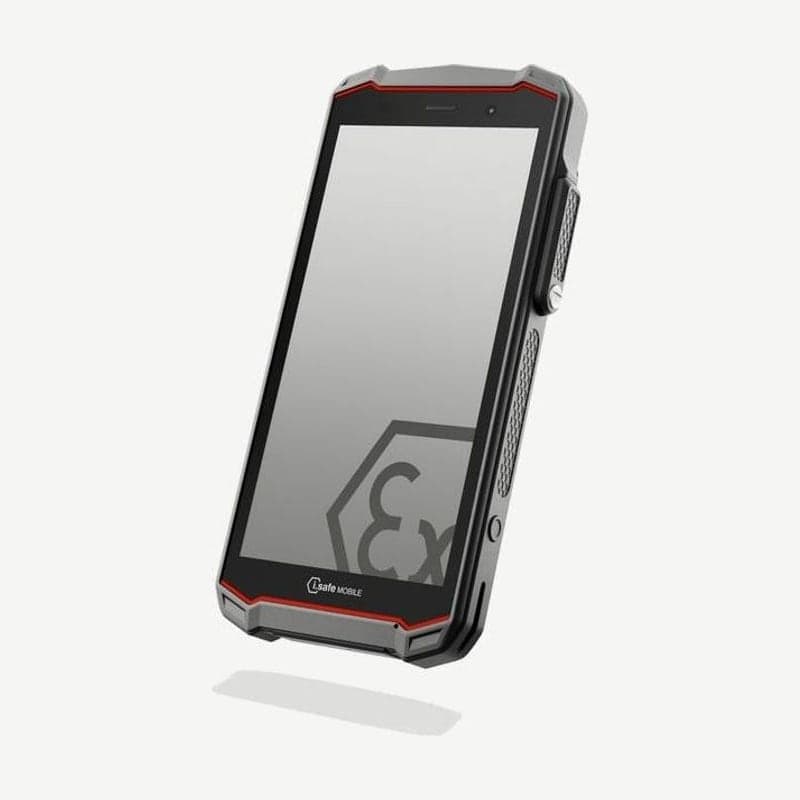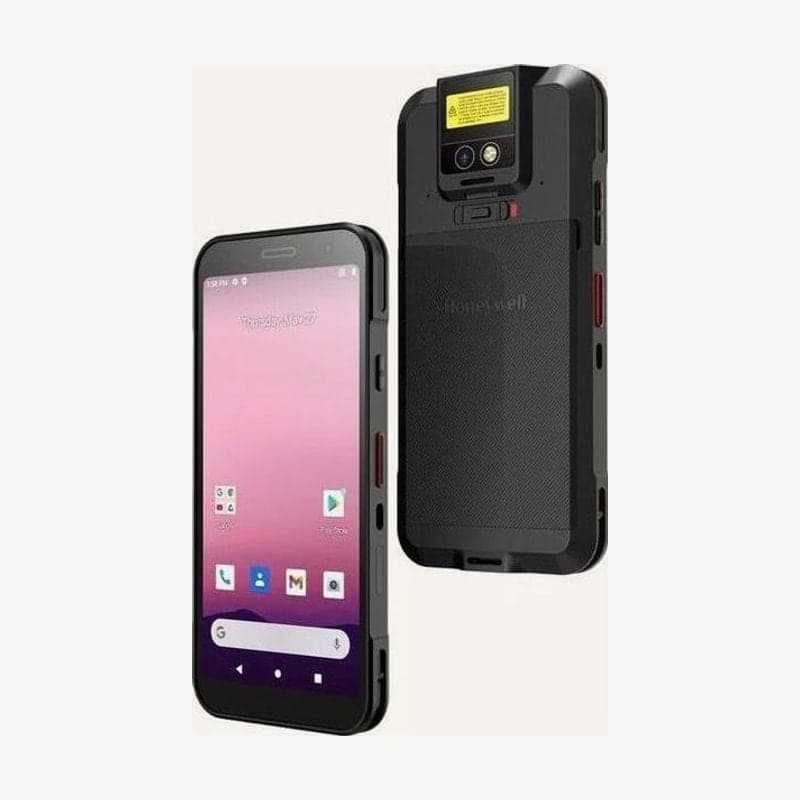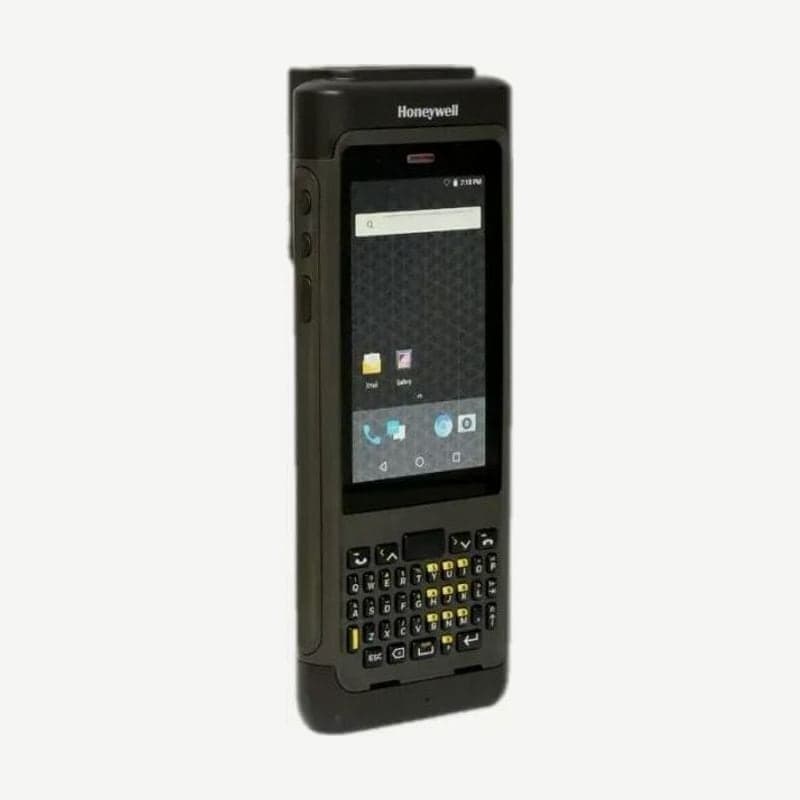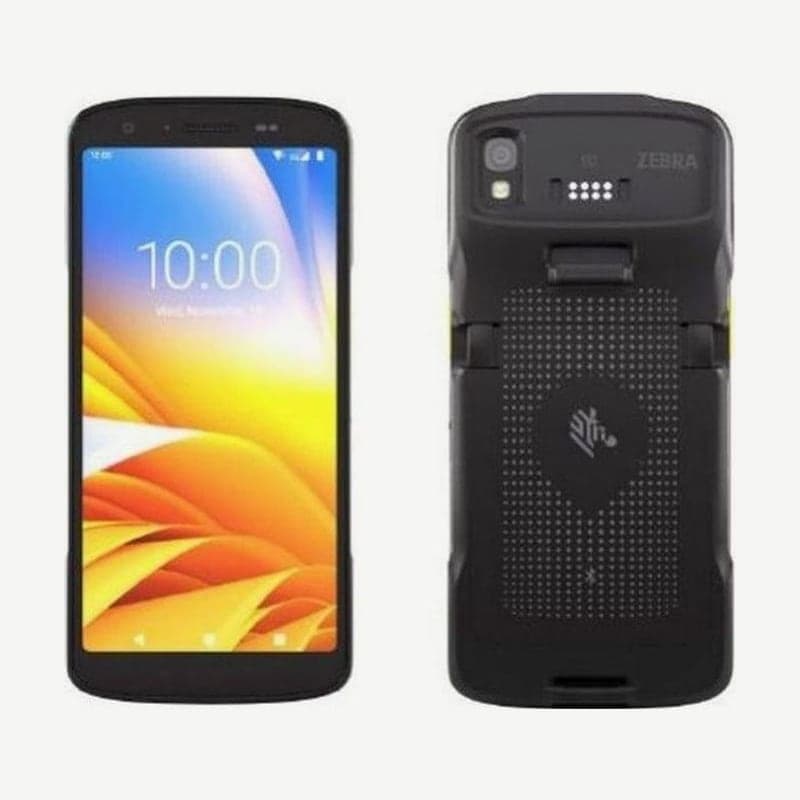
The TC22 is a 6-inch Android mobile computer that communicates only over Wi-Fi and Bluetooth, without a cellular modem. The model that adds 5G/4G and nano SIM and eSIM to the same body is the TC27, so if data must be sent from outside buildings, as for delivery drivers, choose the TC27, and if it is used only inside stores and warehouses, choose the TC22.
Working range of the SE4710 and SE55 engines
The scan engine is chosen as one of two when ordering. The SE4710 aims with a red dot, and the SE55 with a green dot-and-line pattern.
| Code | SE4710 | SE55 |
|---|---|---|
| 5 mil Code 39 | 6.1-24.1 cm | 6.4-67.6 cm |
| 10 mil Data Matrix | 7.49-22.9 cm | 5.6-68.8 cm |
| 20 mil Code 39 | 5.1-66.0 cm | Up to 276.9 cm |
The distances in the table are typical figures measured on photographic-quality printed codes, tilted 15° for the SE4710 and 18° for the SE55. The SE55 reads 100% UPC (13 mil) at 6.4-180.3 cm and 100 mil Code 39 at up to 14.07 m, which suits warehouses that scan location labels on upper rack levels from the floor.
The 16 MP rear camera also reads barcodes, but it is for light work of under 100 scans a day. Work that scans hundreds of times a day, such as receiving and shipping inspection, is done with the built-in engine. With MultiBarcode mode turned on in DataWedge, one press of the scan button reads a preset number of different barcodes, from 2 to 100.
Choosing batteries and replacement steps
There are three batteries: the 3,800 mAh standard (BTRY-TC2L-2XMAXX-01), the same capacity with a BLE beacon (BTRY-TC2L-2XMAXB-01), and the 5,200 mAh extended (BTRY-TC2L-3XMAXX-01). From completely empty to 80%, the standard charges within 1 hour 20 minutes and the extended within 1 hour 50 minutes.
The beacon battery keeps sending a BLE signal for up to 7 days even after the device shuts down from a drained battery. This signal is used to find lost devices with Device Tracker.
Do not replace the battery with the device on.
- Press and hold the power button and tap Power Off.
- If a hand strap is attached, remove it first.
- Press the two latches on the back down, slide them all the way toward the center, and lift out the battery.
- Insert the new battery bottom end first, press until the latches click, and turn the power on.
Do not put asset tags or stickers in the battery compartment. The IP68 and IP65 sealing and drop performance would fall outside the design standard.
Criteria for choosing a charging cradle
| Part number | Function |
|---|---|
| CRD-TC2L-BS1CO-01 | Charges 1 device only; USB-C cable and 5 V adapter sold separately |
| CRD-TC2L-SE1ET-01 | Charges 1 device and provides USB communication with a PC |
| CRD-TC2L-BS11B-01 | Charges 1 device and 1 spare battery at the same time |
| CRD-TC2L-BS5CO-01 | Charges 5 devices, or 4 devices and 4 batteries |
| CRD-TC2L-SE5ET-01 | Charges 5 devices and provides wired Ethernet communication |
| SAC-TC2L-4SCHG-01 | Charges 4 spare batteries |
Cradles and battery chargers charge only at 5-40°C. Stores that rotate batteries across shifts manage them in one back room with a combination of one 5-slot cradle and a 4-slot battery charger.
Free features and licensed features
The preinstalled Mobility DNA Professional tools are used at no cost. Wi-Fi 6E using the 6 GHz band, Cisco CCKM fast roaming, and Workstation Connect are turned on only after purchasing a Mobility DNA Enterprise license. If the store's access points go up to 5 GHz, it connects over 802.11ax without a license.
Buying one Enterprise license per device unlocks all Enterprise features on that device. If you want to use lost device tracking (Device Tracker), we will check the required license with you when quoting. To request a quote for your number of units, contact Wooju OA (info@woojuoa.co.kr, +82-2-703-0332).