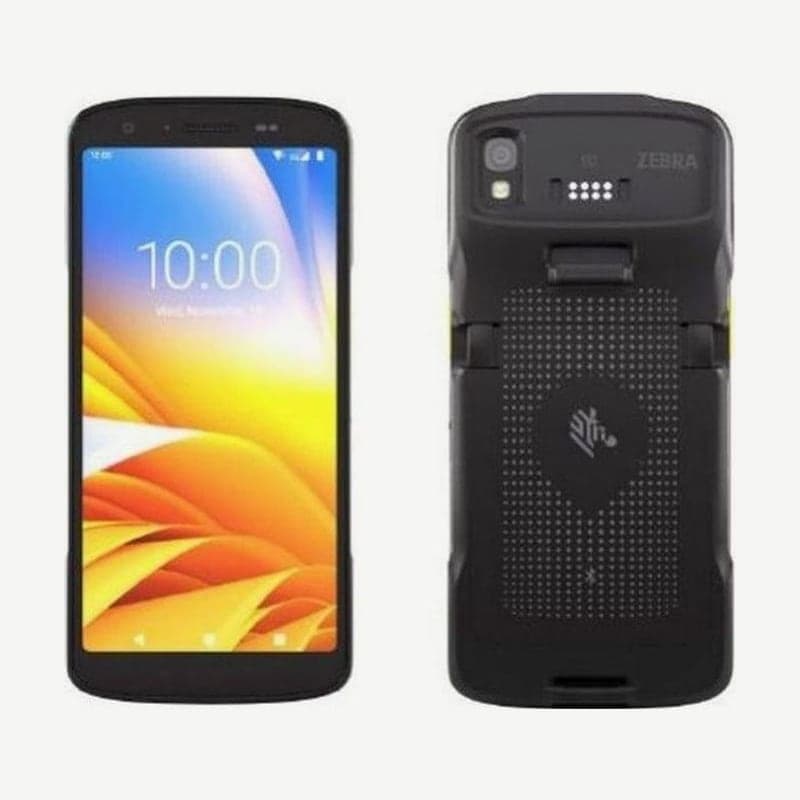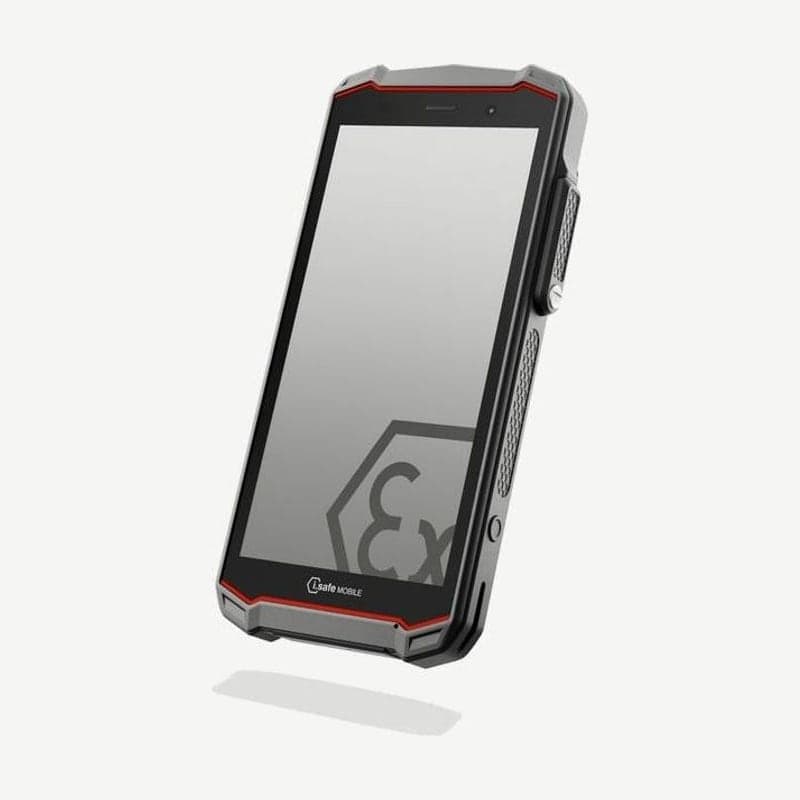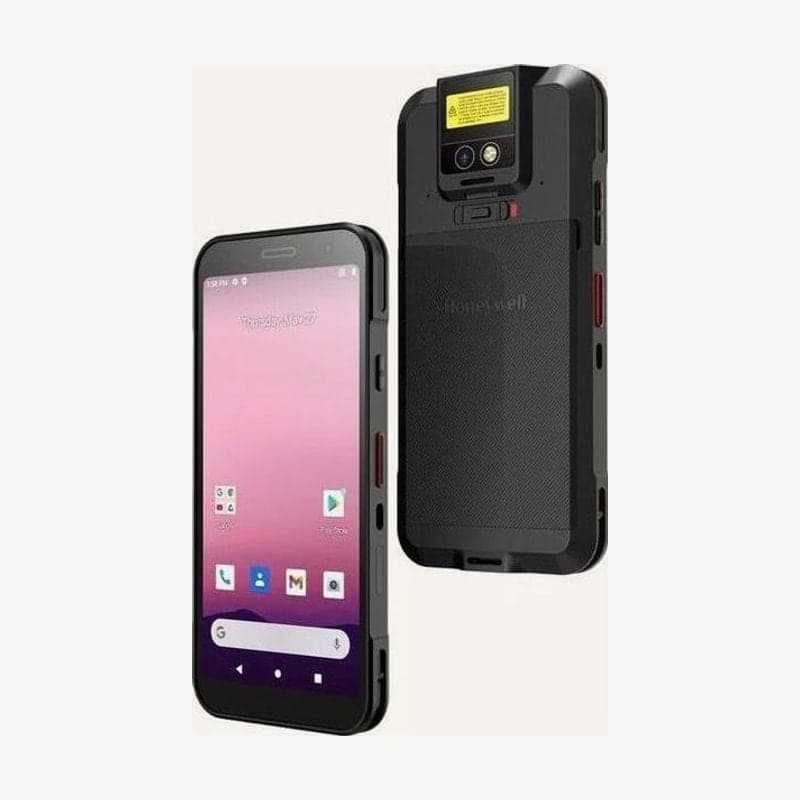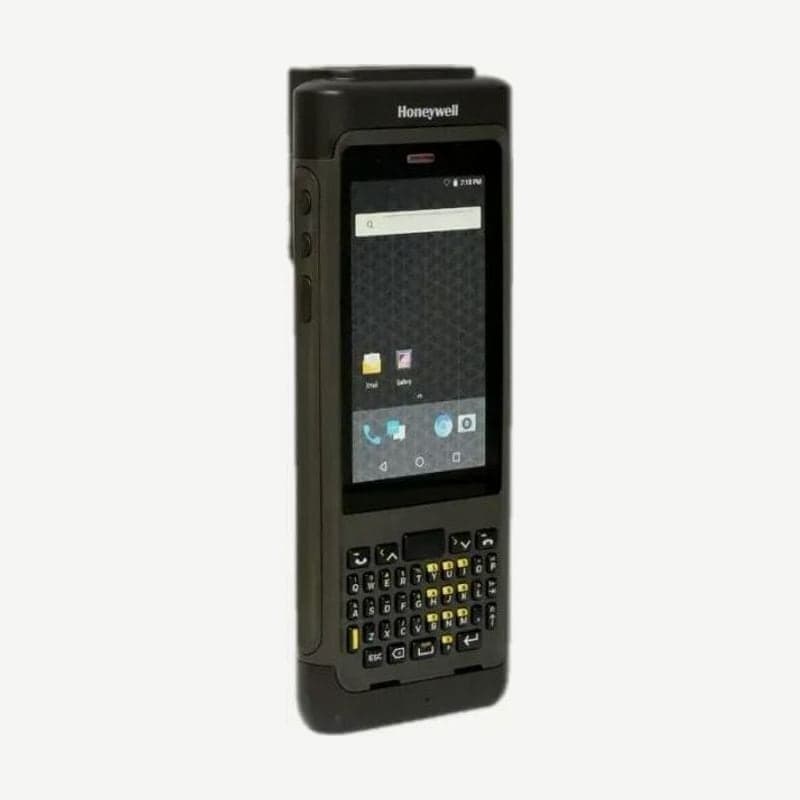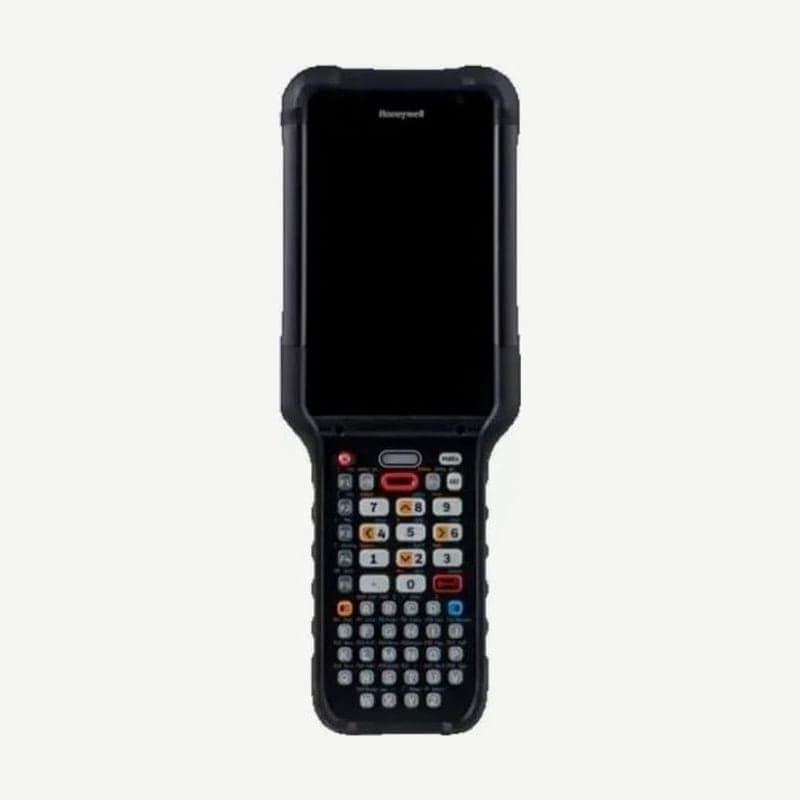
Wi-Fi 6E and Bluetooth 5.3 are where the CK67 keypad mobile computer improves on the CK65 (802.11ac, Bluetooth 5.0). Two things are decided when ordering. If you need 5G, LTE, and GPS, choose the WWAN model, the CK67X1N, and choose one scan engine from four: S0703-SR, S0803-FR, S0803-LR, and S0903-UR.
CK67X0N and CK67X1N model configurations
| Item | CK67X0N | CK67X1N |
|---|---|---|
| Wi-Fi 6E (2.4, 5, 6 GHz), Bluetooth 5.3, NFC | Yes | Yes |
| 5G (NSA and SA) and LTE cellular | No | Yes |
| GPS (L1 and L5 dual band) | No | Yes |
| RAM and storage | 8 GB DDR5, 128 GB | 8 GB DDR5, 128 GB |
Cellular models use 1 eSIM and 1 nano SIM. If users move only within warehouse Wi-Fi, the CK67X0N is enough; choose the CK67X1N when a carrier network is needed moving between the yard or several buildings.
Reading distances by code for the 4 scan engines
| Engine | 13 mil UPC-A | 20 mil Code 39 | 100 mil Code 39 |
|---|---|---|---|
| S0703-SR (standard range) | 4.4-49.3 cm | 4.4-67.4 cm | - |
| S0803-FR (FlexRange) | 6.8-143.7 cm | 6.3-216.1 cm | Up to 9.84 m |
| S0803-LR (FlexRange XLR) | 6.8-200 cm | 6.3-560 cm | Up to 20 m |
| S0903-UR (FlexRange ULR) | 6.0-331 cm | Up to 6.95 m | Up to 27.27 m |
The table shows guaranteed figures, measured from the front of the imager at 23°C on codes with good print quality. Lighting is 0 lux for the S0703-SR only and 200 lux for the others. The S0903-UR (FlexRange ULR) configuration reads 13 mil UPC-A from 6.0 cm and is guaranteed to read 100 mil Code 39 out to 27.27 m.
DPM codes marked on metal or plastic are read when a license is added.
If the scan status LED below the screen is green, the read succeeded; if red, it failed. If the red light repeats on the same code, first check whether that barcode symbology is enabled in the scan settings.
60-second hot swap and battery compatibility
If the backup battery inside the unit is charged, the screen, Wi-Fi, and running apps are maintained while you remove the main battery and insert a charged one within 60 seconds. Do not insert or remove microSD or nano SIM cards during the swap. The backup battery runs down if you hot swap several times in quick succession, and if you remove the battery when it is depleted, the unit shuts off and unsaved data is lost.
| CK67 model | Battery part number | Replacement battery SKU | Existing CK65 battery |
|---|---|---|---|
| Standard | 318-063-011 | CK67-BTSC-001 | Can be used |
| Cold storage | 318-063-012 | CK67-BTCS-001 | Cannot be used |
| Hazardous location (NI/ATEX) | 318-063-013 | CK67-BTHA-001 | Cannot be used |
The first charge is at least 3 hours with a CK67 charger or a compatible CK65 or CK3 charger. To charge by plugging into a PC over USB-C, the PC port must supply 5 V 0.5 A or more, and it does not charge if the unit draws more current than that.
With Settings > Battery > Longevity on, it charges to 100% only for the first 3 times, then fully charges only once every 10 charges, and otherwise stops at the charge limit (default 80%, adjustable from 50 to 95%).
Cold storage heaters and sub-zero conditions
Blue markings on the front and on the battery distinguish the cold storage CK67. There are two temperatures to watch on this model. Hot swap works only at -25°C or above, so in colder areas, leave the unit outside for 5 minutes or more before changing the battery. If left below -30°C for more than 1 hour, the screen temporarily becomes hard to see.
In the default auto mode, the touchscreen and scan window heaters turn on when they detect the temperature rise on leaving the freezer area. Preemptive Heating is off by default. With it off, battery time is more than 8 hours (1 scan every 10 seconds); turning it on speeds up defrosting but reduces battery time to more than 5 hours. Defrost time is within 1 minute at factory settings for both.
Touch profiles for gloves, rain, and stylus
In Settings > Honeywell Settings > Touch Screen Profile, choose one of standard, glove, stylus, or Rain mode. Glove mode responds to gloves 2 mm thick or less, and if a screen protector is applied, turn on the Protector option on the same screen.
Conditions for using hazardous location (NI/ATEX) models
Hazardous location models have yellow markings on the unit and come with an I/O cover. Except when charging in a dock in a nonhazardous area, always keep the I/O cover closed, and replace and charge batteries outside the hazardous area. Certifications are Class 1 Div 2, ATEX, and IEC Ex, with an ambient temperature of -20 to 50°C under the certification conditions.