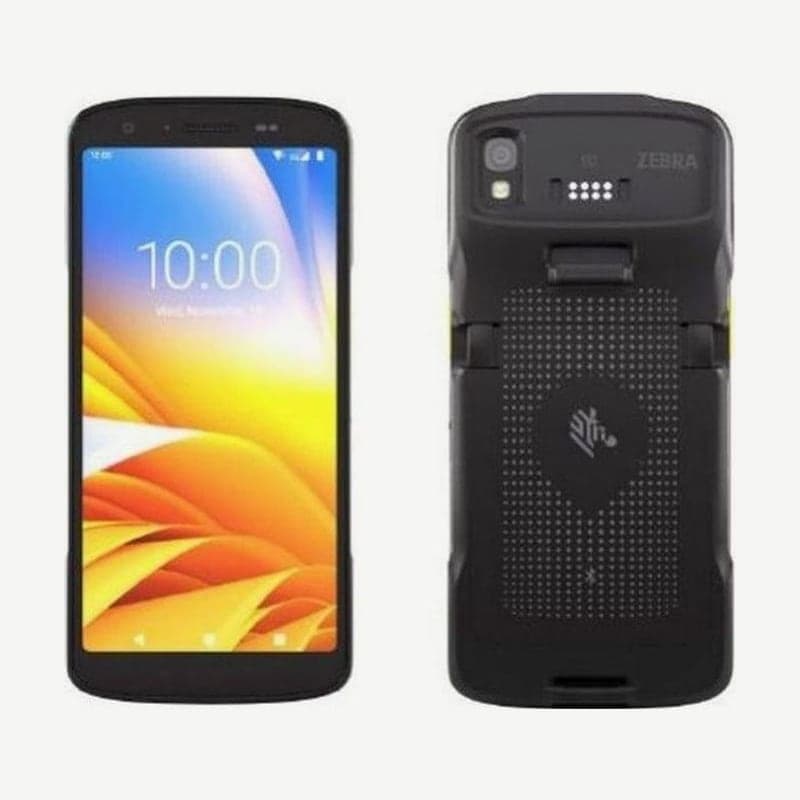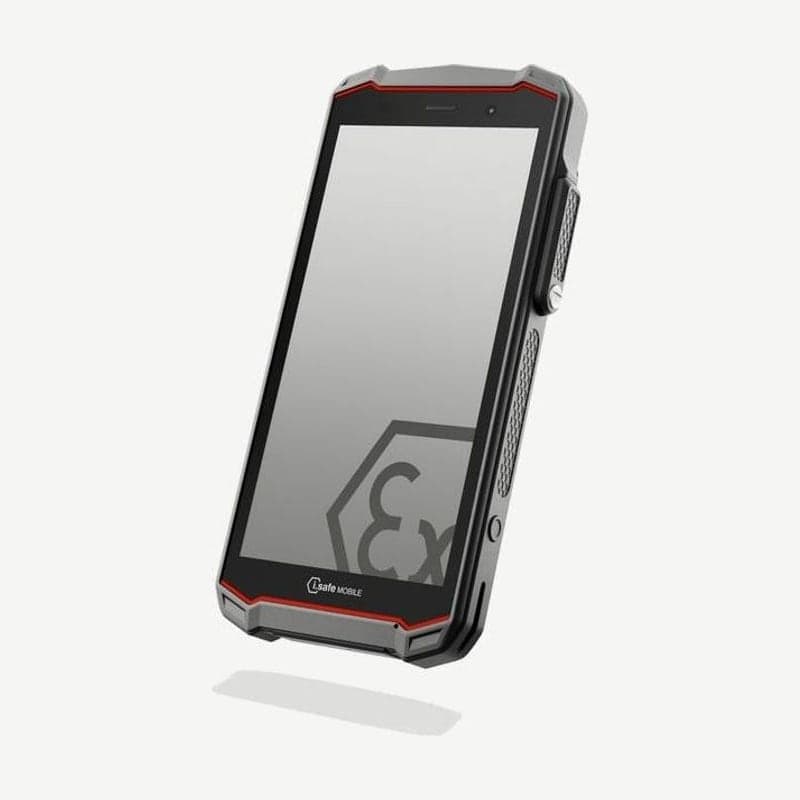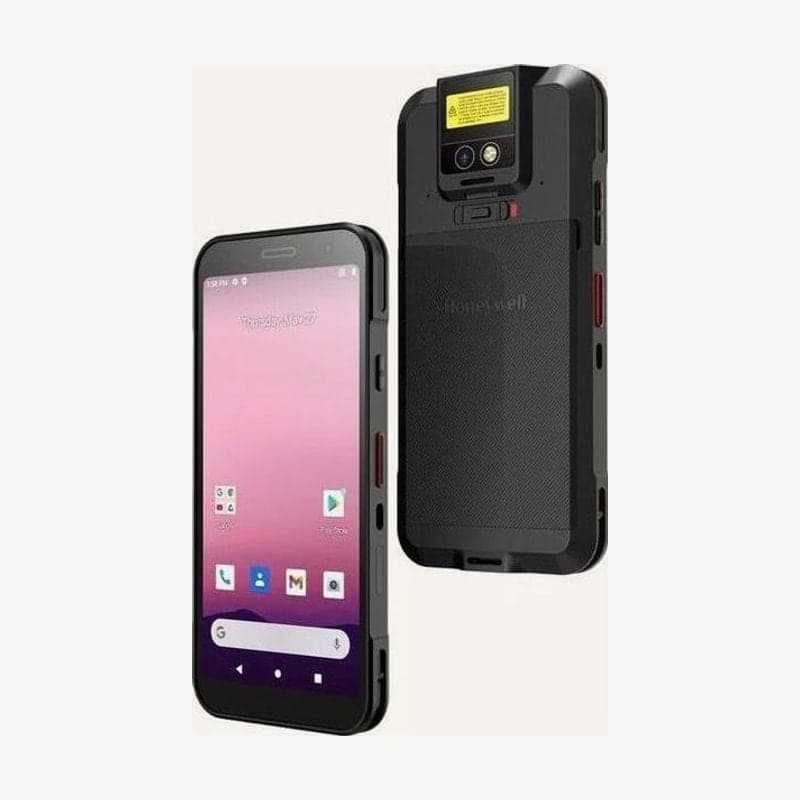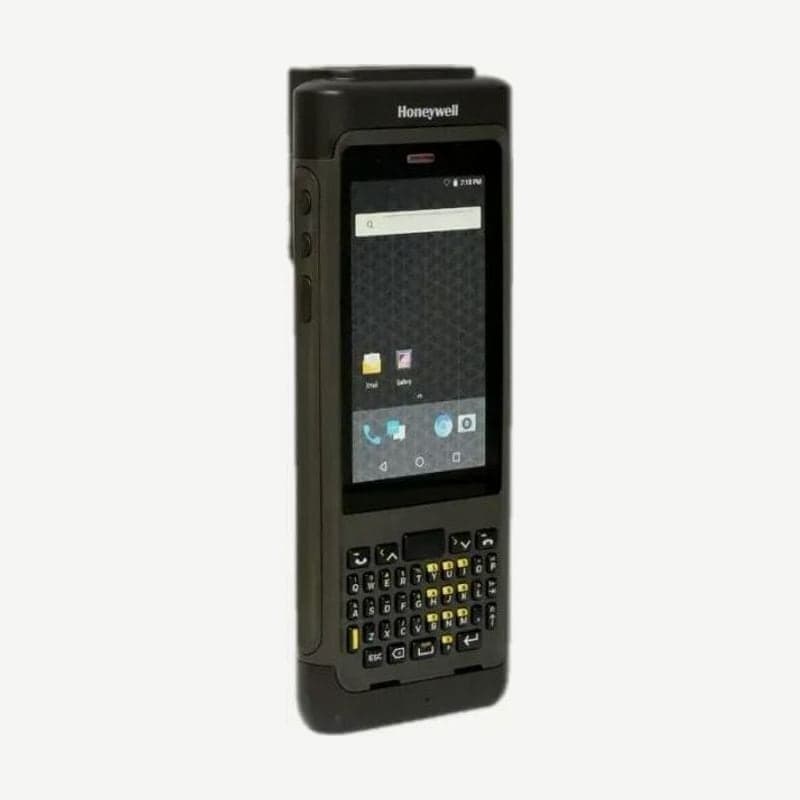
The CN80 is an Android mobile computer that can have a 40-key QWERTY keyboard below its 4.2-inch screen, and a 23-key numeric function keypad can also be chosen. LTE phone and the EX20 long-range engine do not come together in one unit. Phone and LTE with 2 micro SIMs belong to the CN80L1N, and the EX20 engine to the CN80L0N.
| Item | CN80L0N | CN80L1N |
|---|---|---|
| Scan engine | N6603ER or EX20 | N6603ER |
| Cellular and phone | None | LTE, voice calls, 2 micro SIMs |
| GPS | None | Simultaneous GPS, GLONASS, Galileo, BeiDou reception |
| Wi-Fi and Bluetooth | 802.11 a/b/g/n/ac, 5.0 | 802.11 a/b/g/n/ac, 5.0 |
Reading distances by code for the N6603ER and EX20 engines
| Barcode | N6603ER | EX20 |
|---|---|---|
| 5 mil Code 39 | 10.4-27.8 cm | - |
| 3 mil Code 39 | - | 15-35 cm |
| 10 mil Code 39 | 8.0-44.7 cm | 15-115 cm |
| 20 mil Code 39 | 6.1-70.2 cm | 16-210 cm |
| 40 mil Code 39 | - | 25-310 cm |
| UPC 100% | 5.5-50.5 cm | 15-145 cm |
| 20 mil QR code | 5.3-48.7 cm | - |
| 10 mil DataMatrix and Aztec | 12.7-26.8 cm | - |
Distances are measured from the front of the engine at 23°C and 0 lux on codes with good print quality. The N6603ER reads all codes in the table within 70.2 cm.
The EX20's 0.15-15.2 m is the full range the engine reads; 20 mil Code 39 labels end at 2.1 m and 40 mil at 3.1 m.
Battery time by heater setting on the cold storage model
| Heater setting | Battery time | Defrost (factory setting) |
|---|---|---|
| Auto mode (default) | More than 6 hours (1 scan every 10 seconds) | 1 minute or less |
| Auto mode + preheat | 1.5-6 hours depending on preheat standby time | 0-1 minute |
There are heaters in two places: the touchscreen and the scan window. With preheat on, it warms the windows at low power before you leave the freezer, using that much more battery. Switching to manual mode turns the heaters on and off only with the button on the Heater screen in the Settings app, without temperature sensing, and melts frost at maximum power.
Battery charging methods and replacement steps
The battery is a 3.85 V 5,800 mAh (22.3 Wh) lithium-ion. A fully discharged battery fully charges in about 4 hours in CX80-series charging accessories. You can remove the battery alone and put it in the CX80 quad battery charger or the battery slot of a home base, or charge it in the unit by placing the unit in a home base or connecting a vehicle power adapter.
- Save files and close apps, then press and hold the power button, tap Swap Battery in the options menu, and enter swap mode following the on-screen instructions.
- Release one end of the hand strap, slide the battery latch to the right, and lift the edge of the battery.
- Insert a charged battery and press the edge to lock it, then refasten the strap and press the power button.
Battery rules for nonincendive (NI) models
Nonincendive models (CN80-L0N-xxxxx1x, CN80-L1N-xxxxx1x) are for Division 2 hazardous locations. Only two battery part numbers are allowed: CX80-BAT-EXT-WRLS2 and CX80-BAT-EXT-WRLS6. When entering a hazardous location, check that the battery is locked and leave spare batteries behind; replace or charge batteries only after coming out to a nonhazardous location.
Android support range
Android support is guaranteed by version from 7.1 through 11 and later, and 12 and 13 are versions with support committed subject to technical review. Memory is 3 GB or 4 GB RAM with 32 GB flash and microSD up to 512 GB.