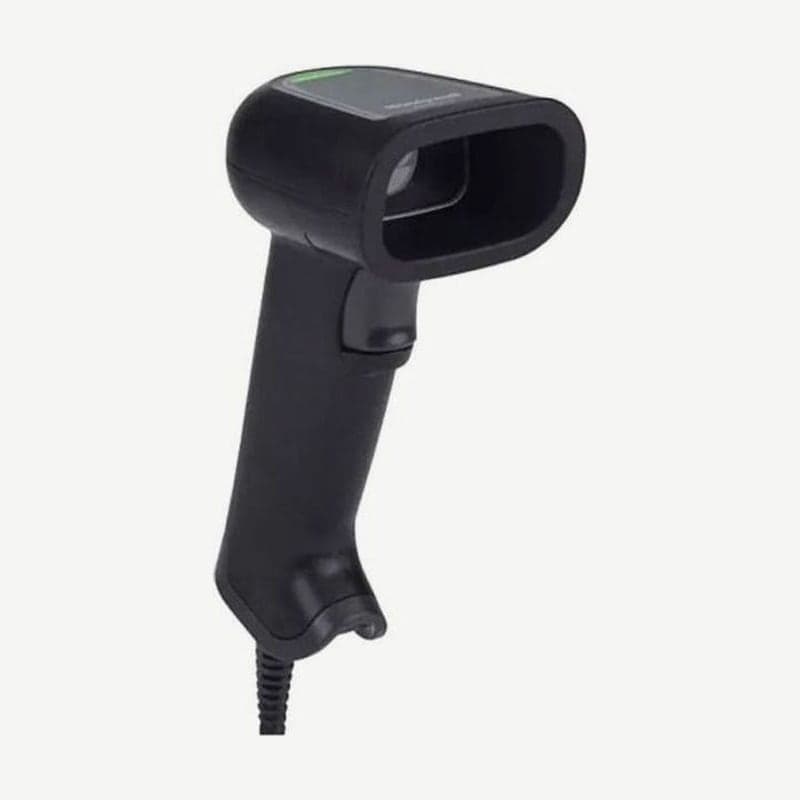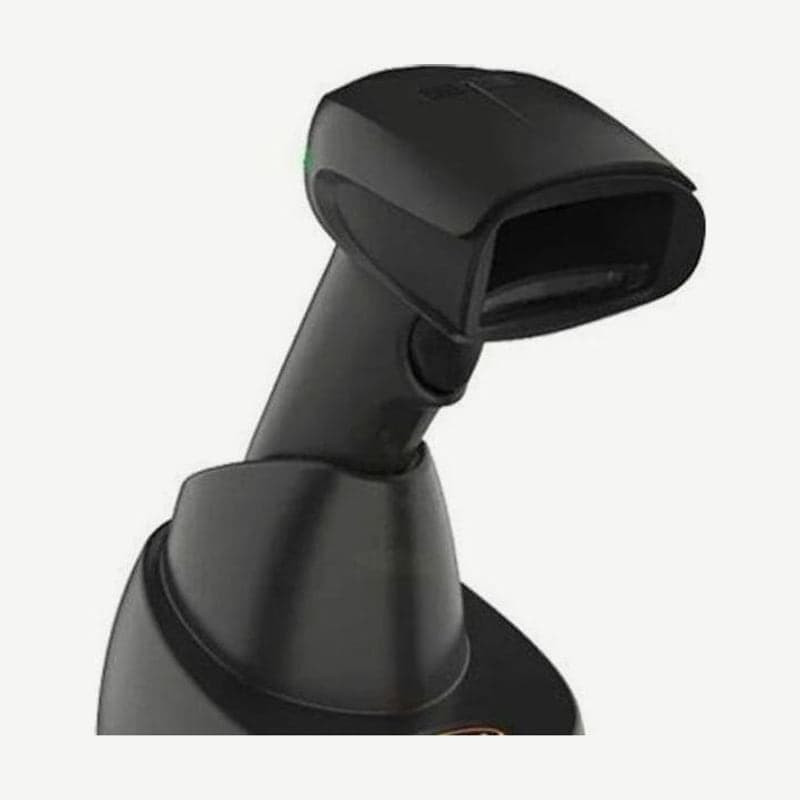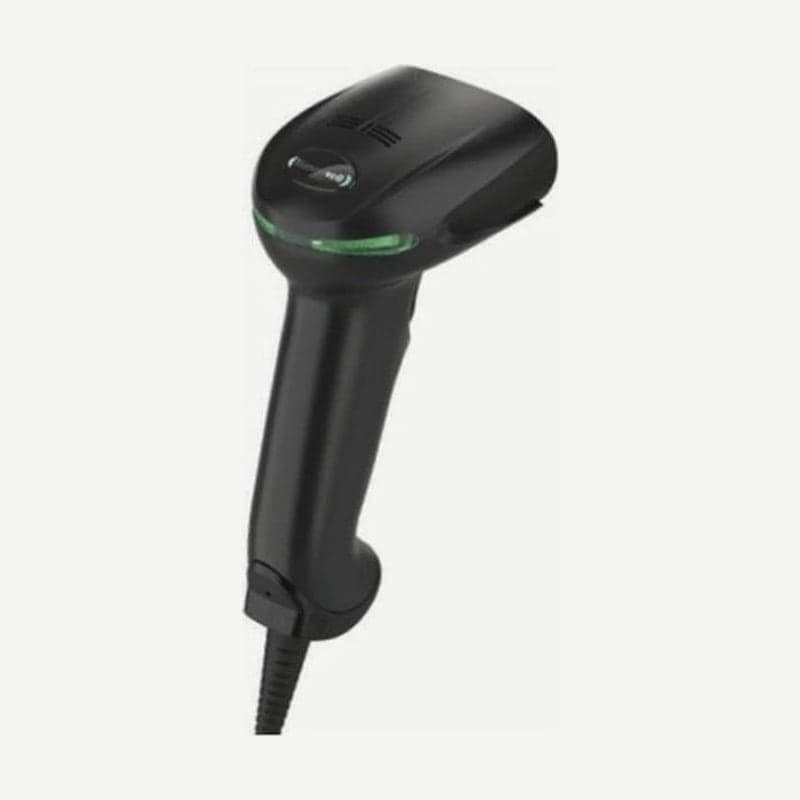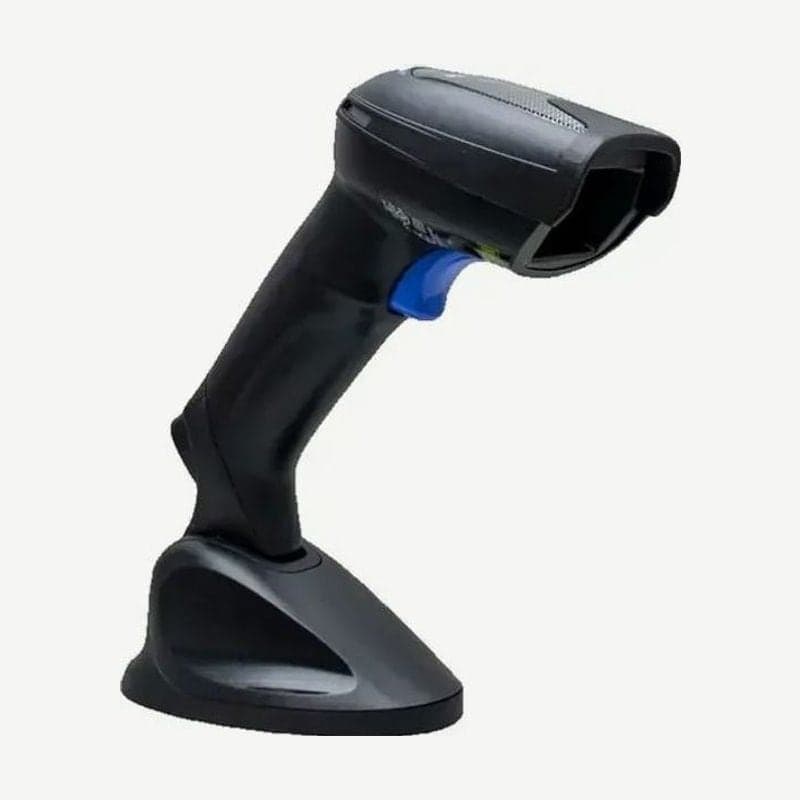
The GD4430 is a Datalogic corded scanner that reads 1D, QR, Data Matrix, and PDF417 codes in any orientation with a 752 x 480 pixel 2D imager. Aiming is a 4-dot pattern with a center cross, so even on labels with several barcodes grouped together, you pick out and aim at the one code to read. In the same GD4400 family, the GD4430 is the general-purpose model using RS-232, USB, keyboard wedge, and wand, and it takes 4.2-5.25 VDC input.
Working range by SR and HD model
| Code | SR (standard range) | HD (high density) |
|---|---|---|
| EAN-13 | 13 mil 1.5-40 cm | 13 mil 1.1-17.2 cm |
| Code 39 | 5 mil 4.0-19 cm | 3 mil 2.4-9.1 cm |
| QR code | 10 mil 3.0-12.5 cm | 6.7 mil 2.1-4.2 cm |
| Data Matrix | 10 mil 2.0-16 cm | 5 mil 2.8-6.1 cm |
| PDF417 | 10 mil 0.5-22 cm | 10 mil 0-14.3 cm |
Figures are for grade A labels at 20°C with the label tilted 10°. The SR is the one that reads 13 mil EAN-13 product barcodes even from 40 cm away, and the HD model reads small, dense codes such as 3 mil Code 39 or 5 mil Data Matrix. The minimum Data Matrix cell size is 7 mil on the SR and 5 mil on the HD.
GD4430 compared with the IBM 46XX-connected GD4410
| Item | GD4430 | GD4410 |
|---|---|---|
| Interfaces | RS-232, USB, keyboard wedge, wand | RS-232, USB, IBM 46XX |
| Input voltage | 4.2-5.25 VDC | 4.0-14.0 VDC |
| Operating current (typical) | Under 160 mA at 5 VDC | Under 170 mA at 5 VDC |
For terminals that must connect over the IBM 46XX interface, choose the GD4410. The GD4430 plugs directly into the host to take power, and with an interface cable that has a power jack, power can also be supplied from an external adapter.
Motionix and stand mode
The Motionix motion sensor turns on the 4-dot aiming pattern the moment the scanner moves. Starting with firmware 610001013, stand mode is included: while in the stand, the illumination stays on for a set time even after a read, and picking it up and moving it exits stand mode.
There are 4 stand mode settings: Disabled, Generic Stand, All-in-one and Base, and Precise Stand. Pulling the trigger while in the stand switches the scanner to trigger mode. Stands available are the standard stand STD-G040, the smart stand STD-AUTO-G040, and the desk and wall holder HLD-G040.
With Pick Mode on, it reads and sends only barcodes within a set distance of the center of the aiming pattern. It works only in the factory default Trigger Single mode, and changing to another reading mode turns Pick Mode off automatically.