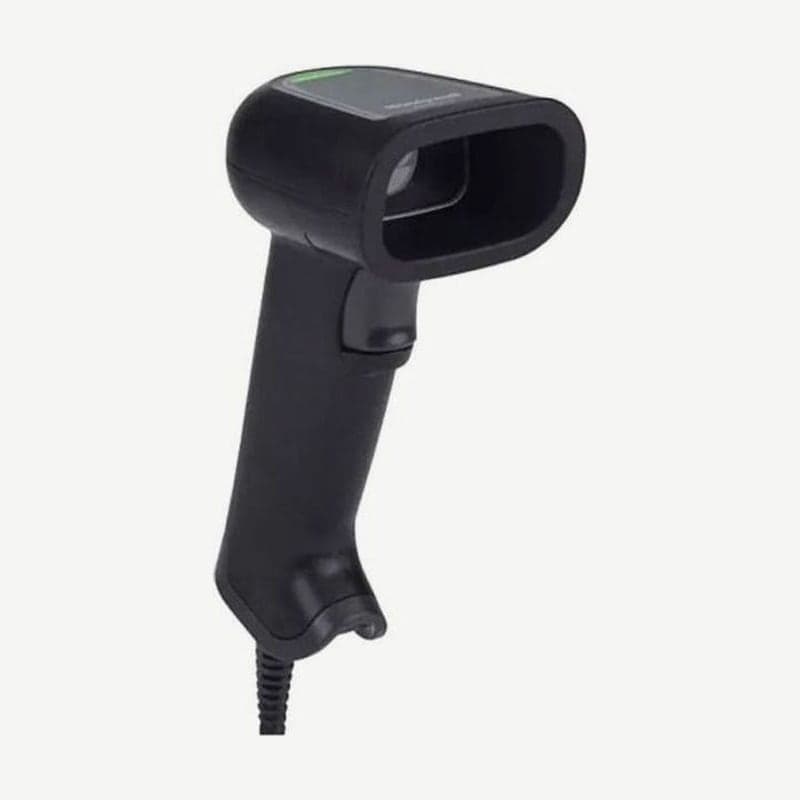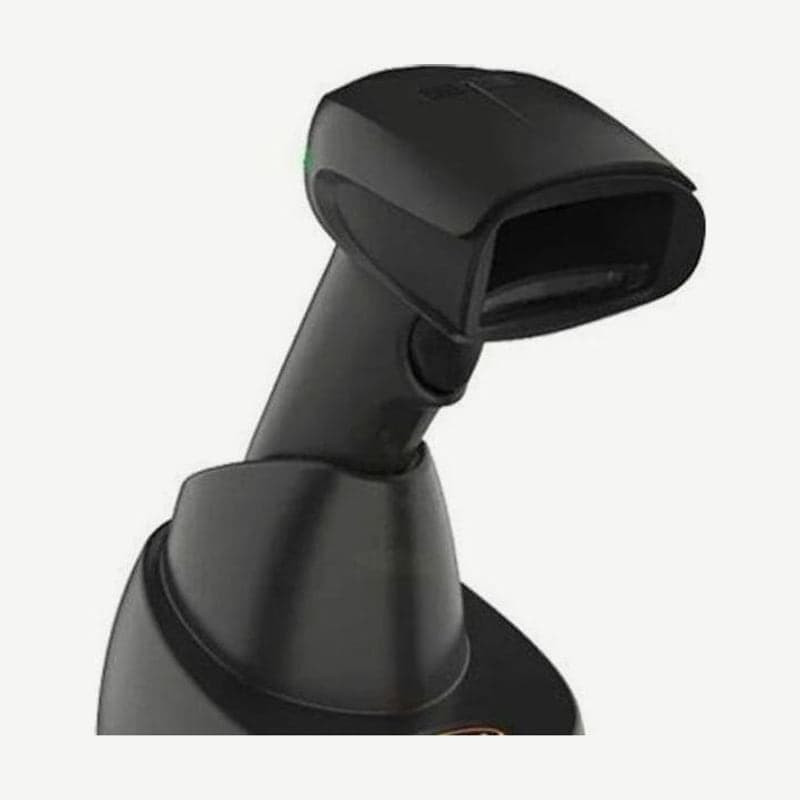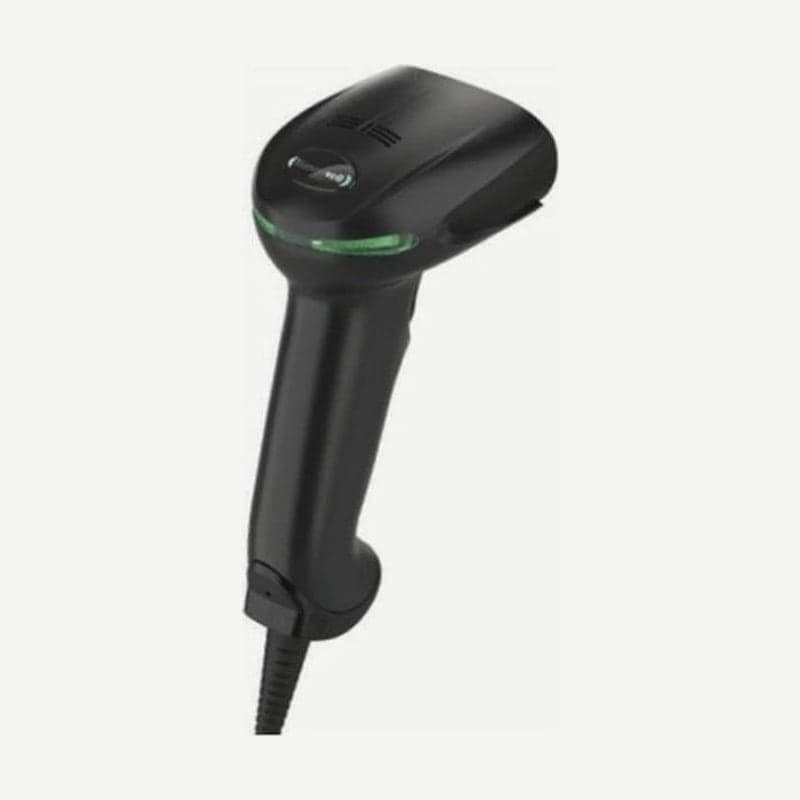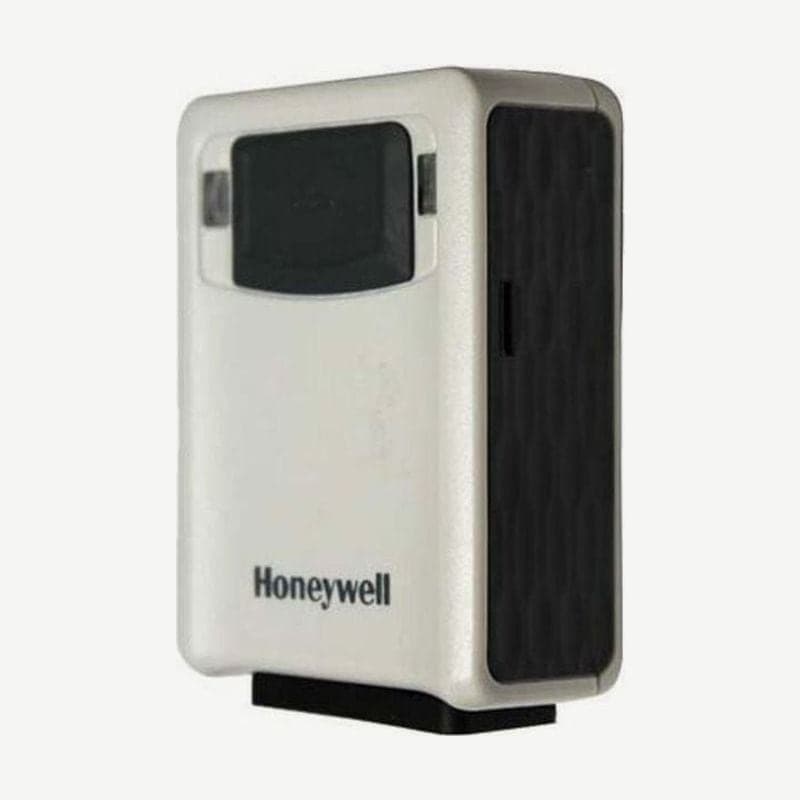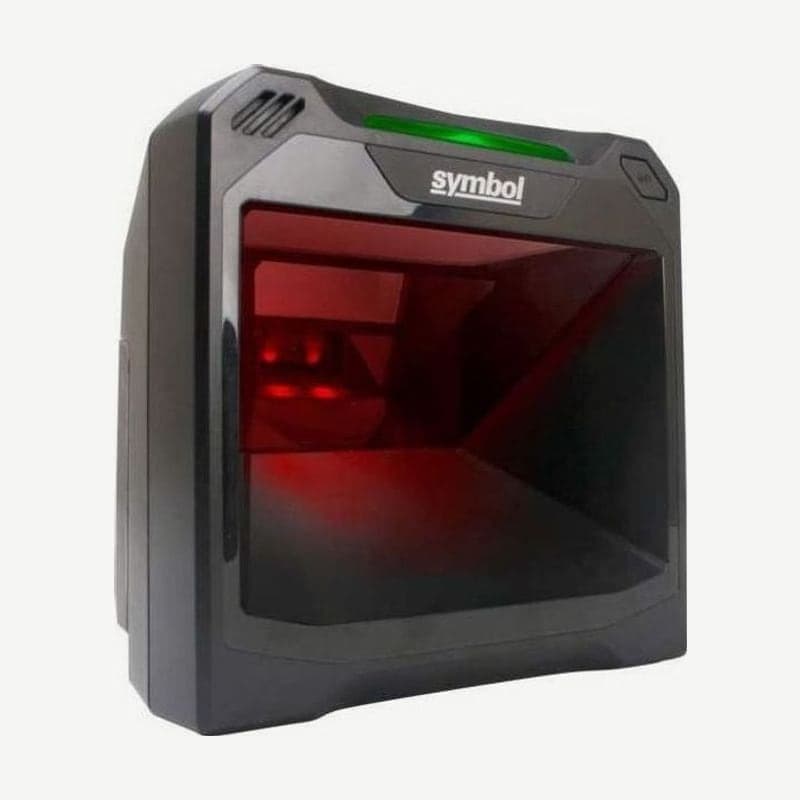
The DS7708 is a Zebra vertical slot 2D scanner that stands on the checkout counter while items are swiped in front of its window. The sensor is a 1280 x 960 global shutter, and 13 mil UPC reads even when swiped at up to 254 cm/s at factory settings.
Zebra ended DS7708 sales on September 12, 2024, and service and support continue until November 12, 2029. The replacement designated by Zebra is the SP72 series.
5 V and 12 V power depending on whether an auxiliary scanner is connected
The DS7708 has no power switch; it turns on when it receives power through the host cable. When the green LED lights and 3 short high beeps sound, it is ready to read.
| Configuration | Required power | Standby / operating current (average, mA) |
|---|---|---|
| DS7708 alone | 5 VDC ±10% | 125 / 480 |
| With a handheld auxiliary scanner | 12 VDC ±10% | 100 / 400 |
Even when used alone, if the terminal cannot supply enough 5 V, as with RS-232 or keyboard wedge hosts, connect a separate external 5 VDC adapter. Connecting an auxiliary scanner requires 12 V, so for USB Type A or RS-232 connections, use a cable with a 12 V power port and a 12 VDC adapter.
DS7708 rear cover and cable connection steps
- Lightly press the notch at the top of the DS7708 rear cover, slide it down, and lift it off.
- Plug the host cable into the 10-pin host port on the right, and the auxiliary scanner cable into the USB-A port on the left.
- Fit the cables into the retaining grooves on the back and replace the cover. To reopen the cover with cables plugged in, remove the cables from the grooves before step 1.
When a Zebra handheld such as the DS4308 is plugged into the auxiliary port, the auxiliary scanner's host interface automatically matches the DS7708's settings. For counter installation, attaching it with the included double-sided tape is recommended, and table mount and wall mount brackets are also available separately.
Factory settings by USB, RS-232, and IBM 46XX host
| Connection | Behavior when plugged in (factory setting) |
|---|---|
| USB | HID keyboard, more than 90 country keyboard layouts supported |
| RS-232 (TTL level) | Standard RS-232 |
| Keyboard wedge | IBM AT Notebook |
| IBM 468X/469X (RS-485) | Not selected automatically; set with a setting barcode or 123Scan² |
For USB, RS-232, and keyboard wedge, simply plugging in a different cable connects in the right mode. Only when connecting to IBM 468X/469X terminals must you choose the interface yourself.
Checkpoint CP-VII, CP-IX, and CP-XI EAS integration
The DS7708 has an EAS antenna inside, so when connected to a Checkpoint deactivation system, barcode reading and anti-theft tag deactivation happen almost simultaneously. Compatible systems are the Checkpoint CP-VII, CP-IX, and CP-XI; it cannot be used with the CP-IV or low-power receiver types.
The CP-VII emits periodic electromagnetic pulses, so keep the EAS antenna box at least 15.24 cm (6 inches) from the scanner and away from the host and power cables. Deactivation distance depends on the Checkpoint system settings calibrated on site as much as on the scanner, so carry out installation together with a Checkpoint representative.
Working range from 13 mil UPC to 5 mil PDF417
| Barcode | Working range (typical) |
|---|---|
| UPC/EAN 13 mil (100%) | 0-26.1 cm |
| UPC/EAN 10 mil (80%) | 0-25.4 cm |
| Code 39 5 mil | 0-18.3 cm |
| Data Matrix 10 mil | 0-12.7 cm |
| QR code 10 mil | 0-12.4 cm |
| PDF417 5 mil | 0-8.9 cm |
Based on typical working range, 13 mil UPC product barcodes read within 26.1 cm and 10 mil QR codes within 12.4 cm. Documents such as ID cards or checks are captured as images and sent as BMP, JPEG, or TIFF, with transfer speeds up to 12 Mbps over a USB 2.0 connection.