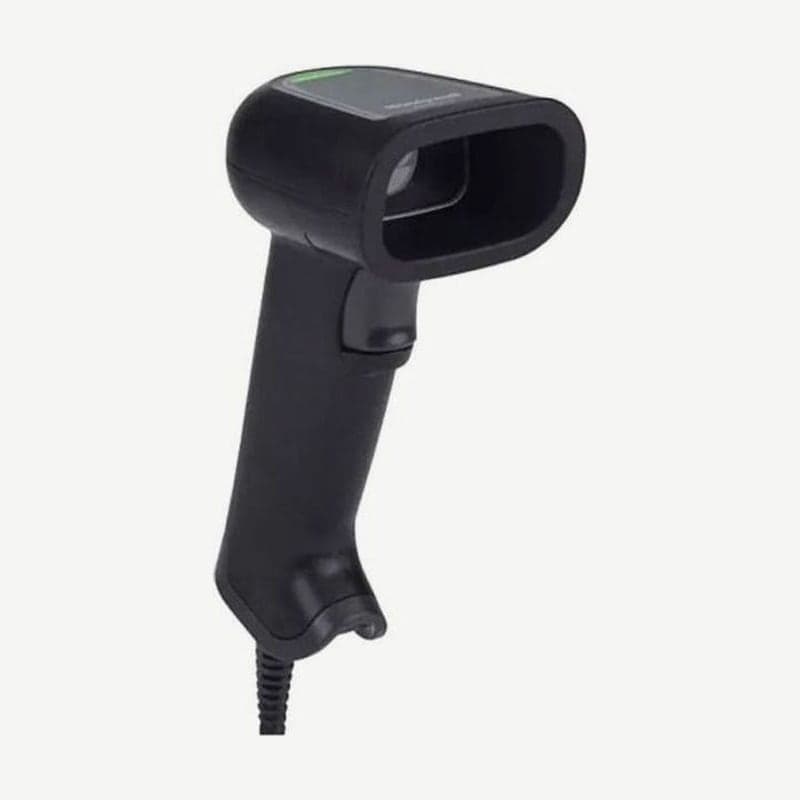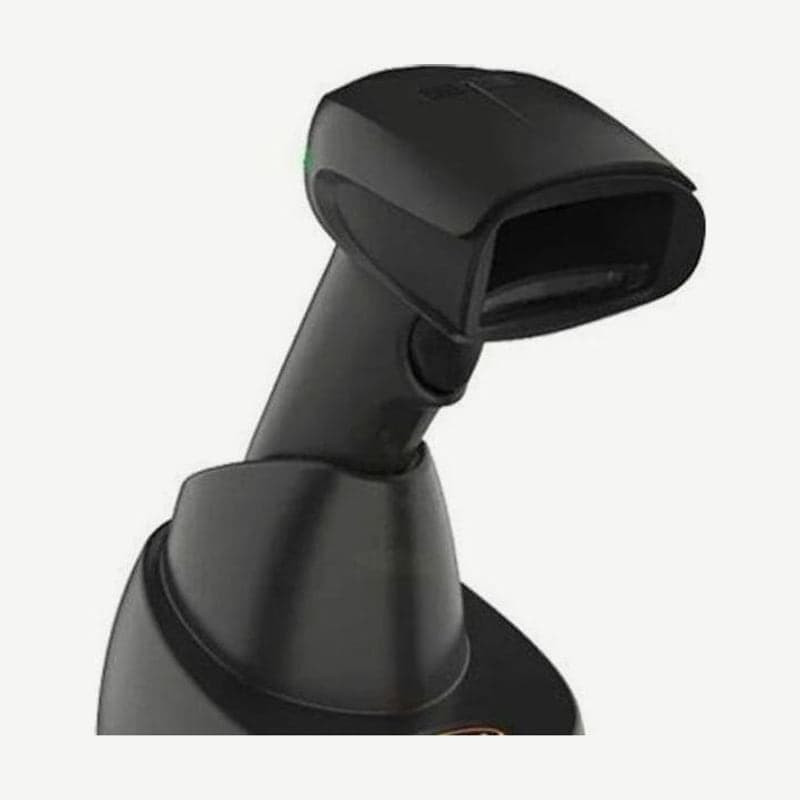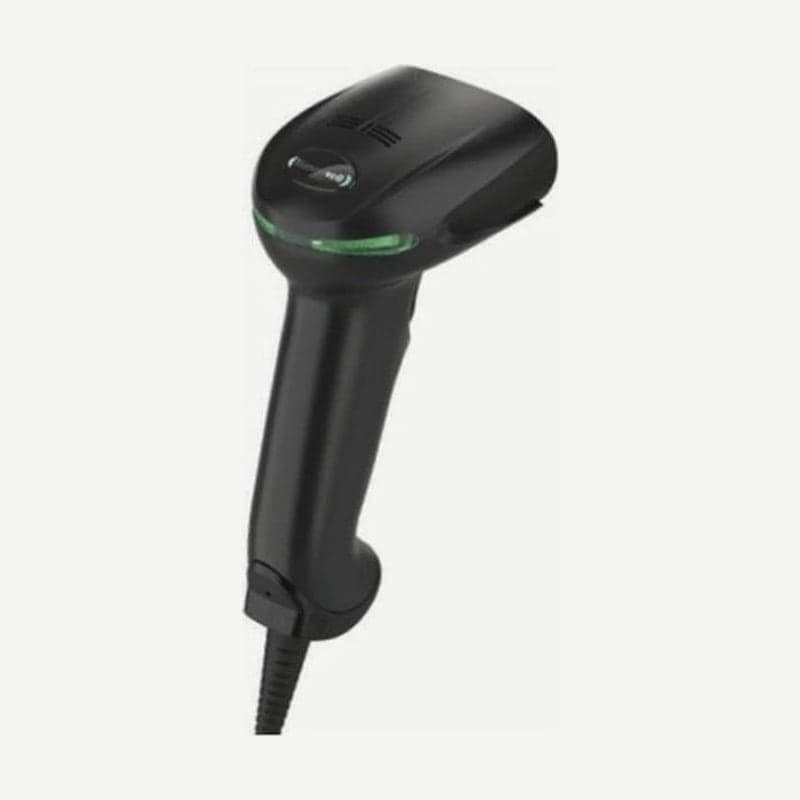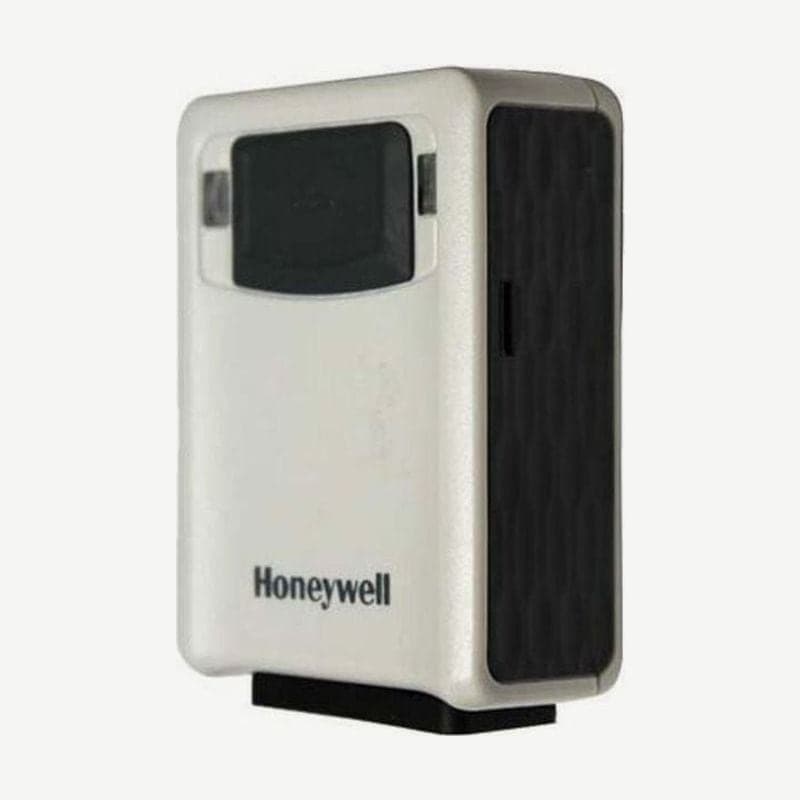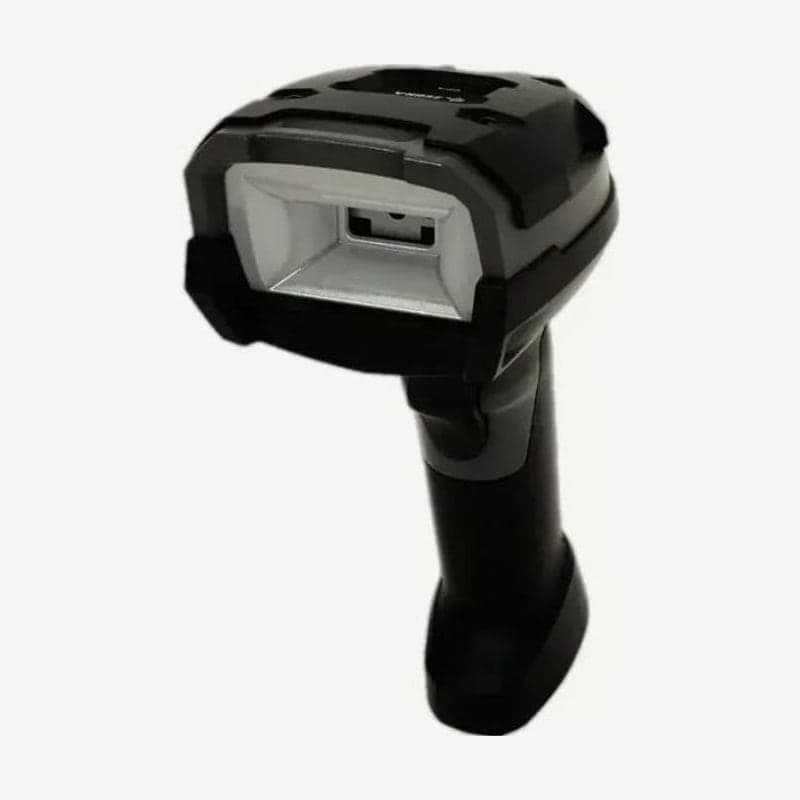
The DS3608-DP is a corded scanner that reads DPM (Direct Part Mark) codes, made by laser marking or dot peening on part surfaces. It has both white direct illumination and 634 nm red indirect illumination, and its minimum resolution is 4 mil for both PDF417 and Data Matrix. The standard SR engine is limited to 5 mil PDF417 and 7.5 mil Data Matrix.
In exchange, its focus is set very close. It reads a 10 mil Data Matrix from contact with the scan window out to 8.6 cm, and a 13 mil UPC only out to 14.7 cm, so it is for inspection and assembly processes where the part is held in hand and the scanner is brought close.
DS3608-DP working range and measurement conditions
| Barcode | Line width | Near | Far |
|---|---|---|---|
| Data Matrix | 5 mil | 1.0 cm | 6.3 cm |
| Data Matrix | 10 mil | 0 cm | 8.6 cm |
| QR | 5 mil | 1.0 cm | 6.3 cm |
| QR | 10 mil | 0 cm | 8.6 cm |
| Code 39 | 3 mil | 0.5 cm | 7.1 cm |
| PDF417 | 5 mil | 0.5 cm | 7.1 cm |
| PDF417 | 6.6 mil | 0.5 cm | 8.1 cm |
| 100% UPC | 13 mil | 2.5 cm | 14.7 cm |
These are typical distances measured with DPM mode off, on barcodes printed on photographic paper, under 30 fc (about 320 lux) of light. Distances for reading marked codes are not in this table, so set the distance with the actual part, changing DPM mode and illumination settings as you go.
DPM mode 1 and 2
The DS3608-DP has a DPM mode setting found only on the DP engine, and the default is mode 2. Whichever mode is turned on, automatic Data Matrix inverse detection (distinguishing dark codes on a light background from light codes on a dark background) is turned on with it.
- Mode 1 is for small codes laser-marked or directly printed on smooth surfaces, such as electronic components or medical instruments.
- Mode 2 is for large codes dot-peened or laser-marked on rough, textured industrial parts with casting or machining marks.
The combination of code size and surface differs from site to site, so try both modes on the target part and choose the one that reads better.
3 illumination settings and part angle
There are 3 DPM illumination settings: direct, indirect, and alternating (default). Alternating mode switches between white and red, starting with the illumination that most recently read successfully.
- For dot-peened codes, fix the illumination to direct (white) and scan with the part tilted 30°.
- For codes laser-marked on curved, cylindrical, rough, or highly reflective surfaces, fix the illumination to indirect (red).
- If casting or machining marks, or areas glossy with cutting oil, make codes hard to read, turn on the "DPM Rough Shiny Surface" setting (parameter 1904). Ordinary codes without shine actually read worse with this setting on, so use it only on the lines that need it.
Setting barcodes and cautions when using 123Scan
When deploying several DS3608-DP units on a line, plug up to 10 into a powered USB hub and download the same settings to all at once with 123Scan. Large 123Scan setting barcodes printed on paper are hard for the close-focus DP engine to read, so for corded models, electronic configuration over the cable connection is the default path.
In presentation mode, used when mounted in a stand, it dims the illumination after a period without motion and brightens it again when it detects a part coming in.
Lower electrostatic discharge tolerance on the DP engine only
Among the DS36X8 engines, only the DP has an air discharge tolerance of 20 kV, 5 kV lower than the other engines (25 kV). Contact discharge is the same at 10 kV. If you place the DS3608-DP on a line where static electricity is controlled, such as electronic component assembly, compare this difference with your equipment standards. The battery-powered DS3678-DP uses the same DP engine, so the 20 kV condition applies to it as well.