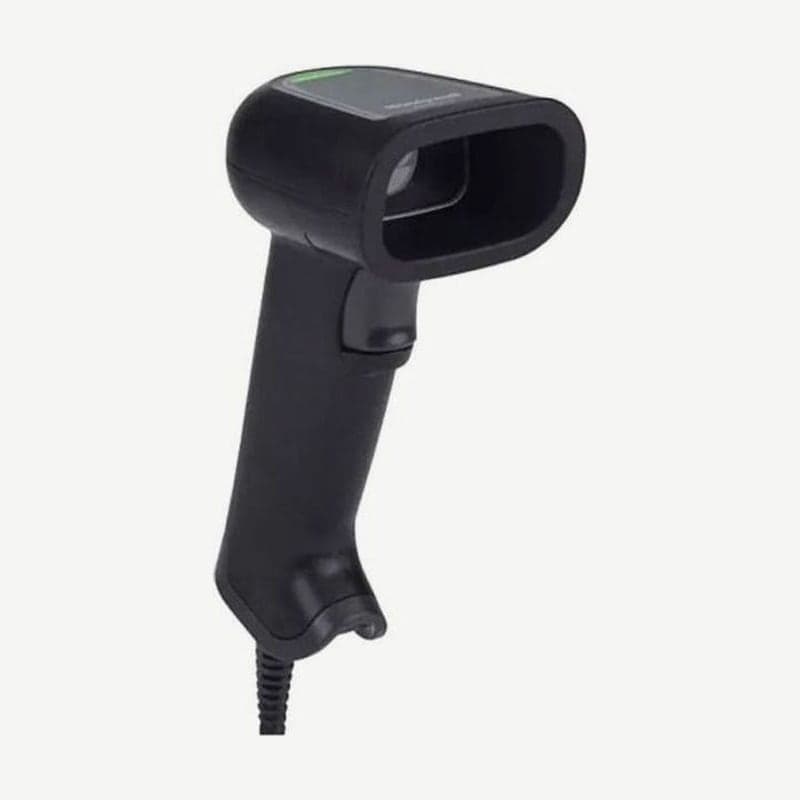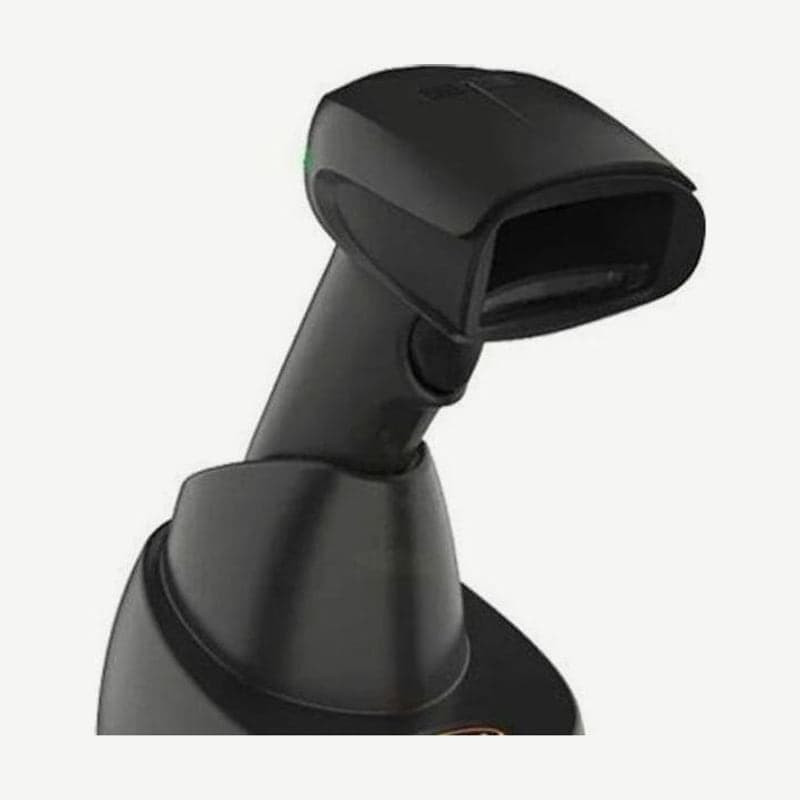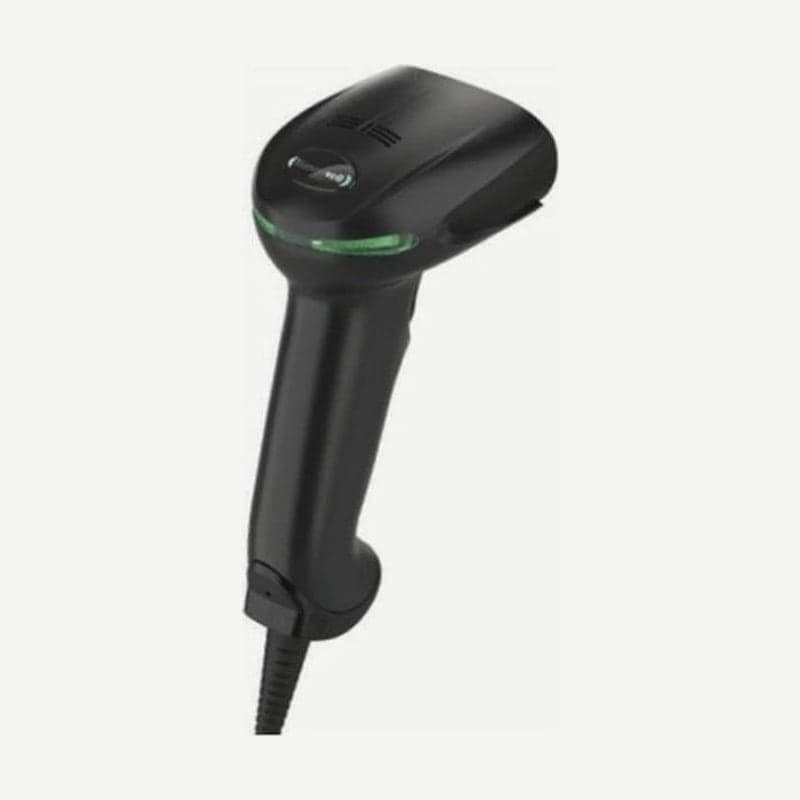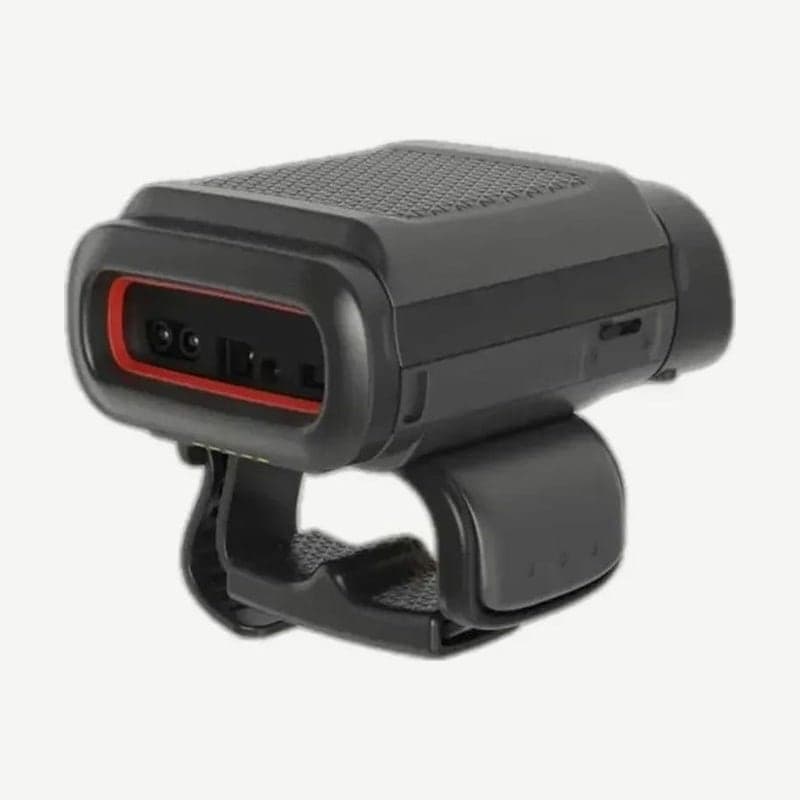
The 8680i is a hand-worn scanner that reads barcodes with a trigger on the index finger, and weighs 151 g with the slim battery on the trigger ring. The Standard version is a scanner that connects to PCs, smartphones, and mobile computers over Bluetooth 5.0, and the Advanced version adds Wi-Fi and an SDK to replace a scanner and a mobile computer with one device. The sibling model that also reads UHF RFID tags is the 8690i.
Standard and Advanced versions compared
| Item | Standard | Advanced |
|---|---|---|
| Bluetooth | 5.0 Class 1, 100 m line of sight, BLE | 5.0 Class 1, 100 m line of sight, BLE |
| Wi-Fi | None | 802.11 a/b/g/n/ac, 2.4 and 5 GHz |
| Display | Wireless connection, battery, read result | Customizable color display for work instructions |
| Business application connection | Sent through the paired device | Direct connection over Wi-Fi and SDK, offline work with TotalFreedom plug-ins |
On the Advanced, the 2 buttons on either side of the display scroll through menus and confirm selections. Picking, packing, and sorting instructions come up on the back-of-hand display, so workers do not need to carry a separate PDA.
Shift length by slim and extended battery
| Battery | Capacity | Scans | Weight (trigger ring) | Thickness |
|---|---|---|---|---|
| Slim | 1,200 mAh | 3,000 in an 8-hour shift | 151 g | 31.3 mm |
| Extended | 2,160 mAh | 8,000 in a 10-hour shift | 168 g | 35 mm |
The battery is not fully charged when shipped, so charge it for at least 4 hours before first use. Chargers include the MB4 and MB12 device chargers that hold the unit and a battery charger that holds batteries only, and both are purchased separately.
When the battery is low, the unit beeps and vibrates and Battery Low appears on the display. Replace the battery in a low-dust area so that dust does not collect inside the unit. There are 2 compatible batteries: BAT-SCN02 (high capacity) and BAT-SCN03 (standard).
Devices to pair with and how to connect
To pair with an Android phone over NFC, first scan the Bluetooth Serial Port Profile Connect or Bluetooth HID Keyboard Connect barcode with the 8680i, then scan the NFC On barcode second. Turn on NFC on the phone and touch the two devices together, and a pairing window appears. The Bluetooth HID keyboard method connects to Android and iOS devices and Windows-based mobile devices; older Windows CE and Windows Mobile OS devices are excluded from this method.
With Honeywell CT40 and CT60 mobile computers or vehicle-mount computers, pair by scanning the EZPairing barcode on the screen or on the unit with the 8680i. Firmware updates are done with EZConfig for Scanning while connected to a PC in HID keyboard mode.
Wearing the trigger ring and glove
The trigger ring switches between left-hand and right-hand use by flipping the finger strap. The back-of-hand glove comes in separate left-hand and right-hand versions and fits as one size by tightening it at 3 points: the index finger, palm, and wrist.
Wash the glove in a washing machine in cold water at 49°C or below and let it air dry; it is designed for 24 washes. Attaching and detaching the unit from the glove is rated for 625 cycles.
Restart and status check with the 2 buttons
Holding the left button for 6 seconds restarts the 8680i. Pressing the left and right buttons together checks only the Wi-Fi, Bluetooth, and battery status without restarting.