
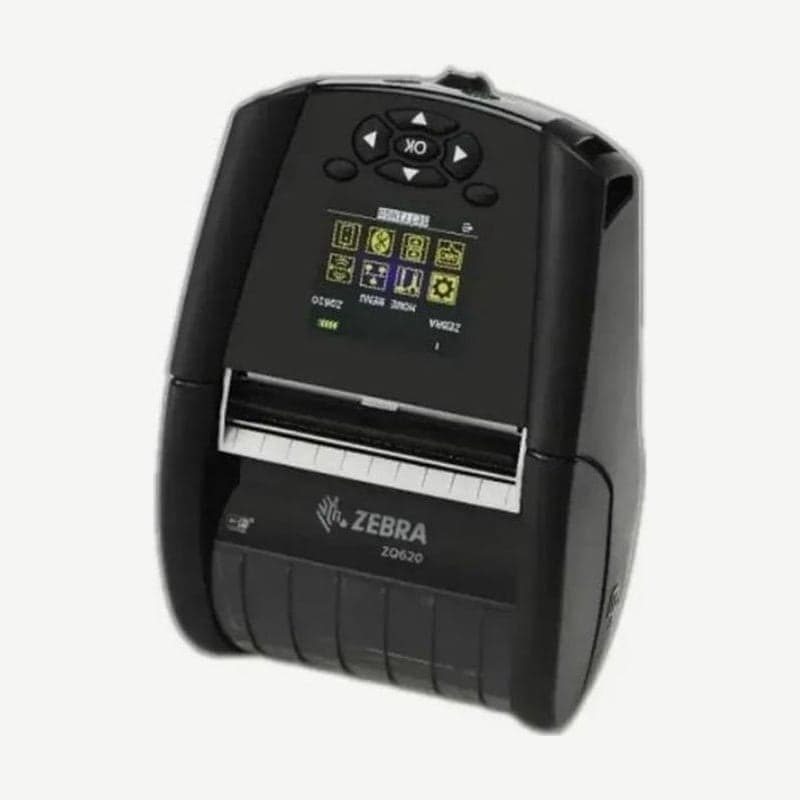
A 3-inch model that continues using QLn320 accessories
When sites that used the QLn320 move to the ZQ620, they keep using most of their spare batteries, serial cables, SC2 chargers, and soft cases. Media also loads up to 25.4-79.4 mm wide on rolls up to 66.8 mm OD, so there is little need to change 3-inch rolls.
The unit measures 173.7 x 117.9 x 76.9 mm and weighs 0.75 kg with the battery. Drivers are on the ZQ620 driver download page, and Zebra service support is available until May 31, 2028.
QLn parts used with the ZQ620
Many ZQ620 accessories use QLn series part numbers as they are. Sites moving from the QLn320 carry over the parts below without buying them again.
| Category | QLn items used as is on the ZQ620 |
|---|---|
| Carrying | Hand strap, shoulder strap, replacement belt clip, QLn320 soft case (with shoulder strap) |
| Cables | PC-USB cable, PC-DB9 serial cable, serial cables for MC3000, LS2208, and RJ45 |
| Batteries | QLn220/QLn320 spare smart battery, QLn220/320 and ZQ500 shared extended battery |
| Charging | SC2 lithium-ion smart charger, QLn-EC cradle, QLn-EC4 AC adapter cord |
Charging status from the power ring LED
The LED ring around the power button shows charging status in three colors: green, amber, and red. Whether the printer is on or off, steady green means fully charged, steady amber means charging, and steady red means a battery or charging problem. Red blinking twice per second means a charging fault.
After 20 minutes with no activity it enters sleep, and the same colors pulse slowly. A green pulse means sleep without charging, and an amber pulse means charging during sleep. Pressing any button wakes it.



