
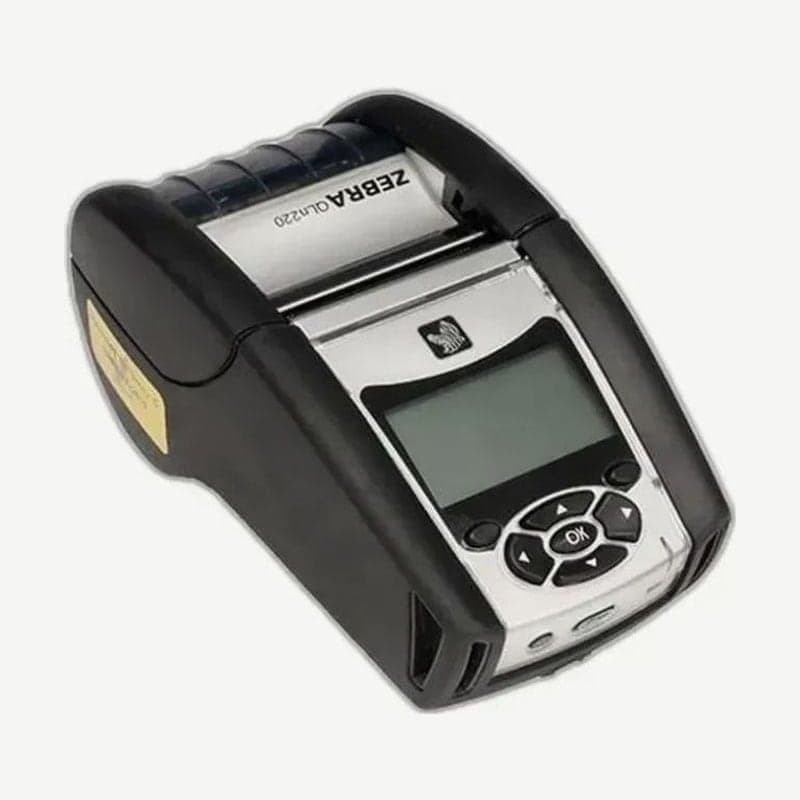
A 2-inch QLn that takes labels down to 16 mm wide
Labels only 16 mm wide, such as pharmacy dispensing labels or bedside specimen labels, fit the QLn220. The QLn320 in the same QLn series starts at 25 mm, so for sites that use narrow labels, look at this difference between the two models first.
The upper media width limit is 55.4 mm, and the print width is 48 mm. Rolls up to 55.9 mm OD fit, on two core sizes: 19 mm and 34.9 mm.
End of sale and support dates by model type
| Model type | Last sale | Zebra end of support |
|---|---|---|
| 802.11b/g wireless G option | 2013-11-15 | 2018-12-13 |
| Non-MFi models | 2014-07-31 | 2019-10-31 |
| Other channel models | 2019-05-31 | 2024-08-30 |
If you need a new unit, the ZQ610 Plus is the Zebra-designated successor. Drivers for the QLn220 you use now remain posted on the QLn220 downloads page.
Switching to peel mode
- Remove a few labels from the liner, then load the media as usual.
- Push the peeler lever forward to raise the peeler bail.
- Close the media cover, and the bail locks in place, with the liner passing between the bail and the platen.
- Turn the power on or press the FEED button, and the media advances to the next label position.
In peel mode, speed is halved from 4 inches (101.6 mm) per second to 2 inches (50.8 mm). There is a label present sensor, so the peeled label must be taken before the next one comes out. To leave the mode, open the cover and press the raised bail straight down to lock it back in place.
Accessories that cannot be used with the extended battery
The standard battery is a 2,450 mAh (18.1 Wh) lithium-ion smart battery. The optional extended battery is 4,300 mAh (31.0 Wh), and fitting it adds 0.09 kg of weight and 16 mm of height.
With the extended battery installed, the belt clip, soft case, 1-bay Ethernet cradle (QLn-EC), and 4-bay cradle (QLn-EC4) cannot be used. For work walking with the printer on your belt, keeping one more spare standard battery is the better fit.



