
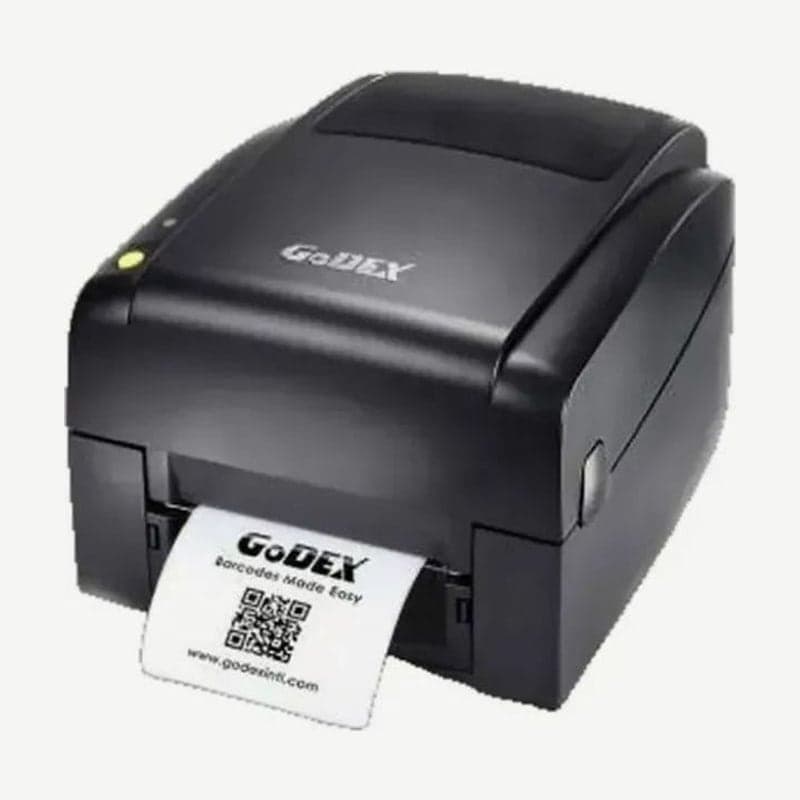
The BP520L is a Godex 4-inch printer that prints at up to 177 mm/s (7 ips) at 203 dpi. The BP500L, with the same resolution, is 5 ips, and the 108 mm print width and media and ribbon specifications are identical on both models.
Speed is the only difference. The top speed of 7 ips drops depending on label type, thickness, and liner structure.
Option modules for the BP520L and their conditions
| Option | Conditions of use |
|---|---|
| Label dispenser | Label width up to 110 mm, height 25 mm or more, stop position 9 mm |
| Guillotine cutter | Media width up to 116 mm, label height 30 mm or more, stop position 30 |
| Rotary cutter | Label height 30 mm or more, stop position 30 |
| Wireless LAN print server | Dealer installed |
Blade life for the guillotine is 400,000 cuts based on a 250 μm thick, 3-inch wide liner. For the rotary, it is 500,000 cuts on 160 g/m² media and 250,000 cuts on 200 g/m² media, shorter the thicker the media.
With both the guillotine and the rotary, cutting through adhesive labels leaves glue on the blade and worsens cutting. Labels wound with the print side facing the inside of the roll are also not used with the cutter.
There is a paper sensor at the end of the dispenser, and if a label not yet taken covers the sensor, the next one does not print. When you take the label that came out, it continues printing one at a time.
Checks before installing a module
Always connect module cables with the power off. Connecting with the power on damages the main board.
There are 2 jacks inside the unit: the lower one is for the dispenser and the upper one for the cutter. Turn the unit over, remove the 2 front screws, and pull the bottom cover forward to expose the mounting location.
Head pressure and print line adjustment
If printing is faint on special media of uneven thickness, change head pressure with the 2 adjustment screws on the left and right. Turning the screws toward + raises pressure, and toward − lowers it. Tightening them hard all the way damages the mechanism, so turn them a little at a time and check with test prints.
If only one edge of the media is faint, the print line is skewed. Turn the adjustment wheel to set the head parallel to the media feed roller.
For the driver, install the Godex universal driver from the BP520L download page, and design layouts in Goodlabel Designer (free label design software).



