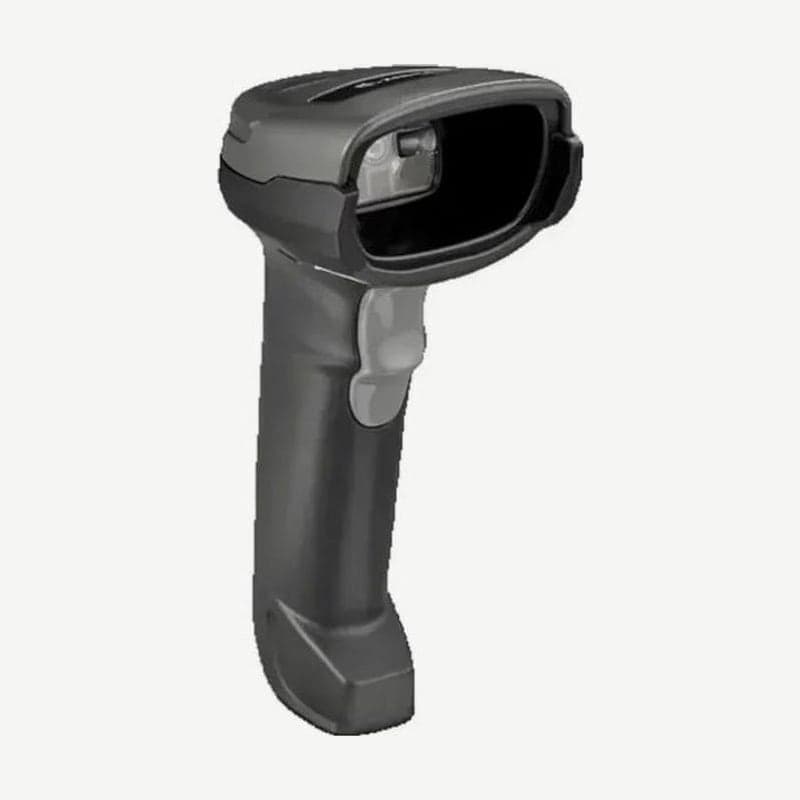
If a wireless barcode scanner keeps disconnecting, check four things in this order: distance, reconnect settings, the pairing partner, and the battery. The Zebra DS2278 sounds a different beep for each cause of disconnection, so the sound alone tells you whether the scanner is out of range or the remote device rejected the connection.
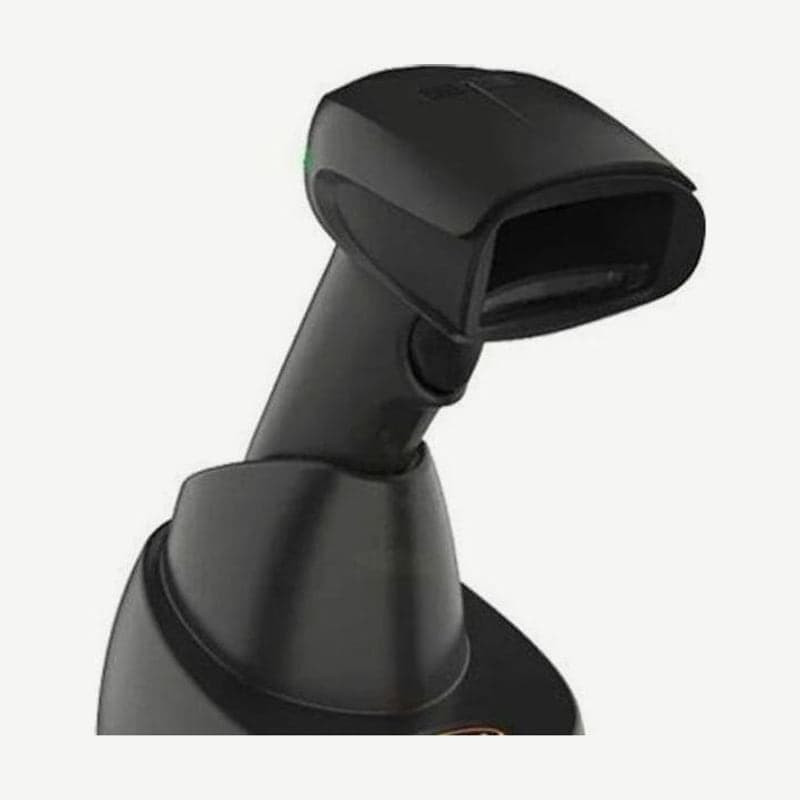
The Honeywell Xenon XP 1952g and Voyager XP 1472g also connect to the PC through a charging and communication base, so the order of checks is the same. The names of the reset and reconnect bar codes and the default times differ between the two manufacturers.
DS2278 connection status by beep and LED
| Beep | LED | Meaning |
|---|---|---|
| Low, high | Green | Bluetooth connection established |
| High, low | Red | Bluetooth disconnected |
| Long low, long high | Red | Remote device is out of range or not powered (page timeout) |
| Long low, long high, long low, long high | None | Remote device rejected the connection |
| None | Green (fast blink) | Attempting reconnection |
| High, Low, High, Low | Green | Pairing bar code scanned |
| Four short high beeps | Red (stays on for 4 seconds) | Low battery (on trigger release) |
The Xenon XP 1952g signals a failed communication with a blinking red LED and an error tone, and a single red flash with no beep during normal operation means the battery is low. A green flash with 1 beep means communication or linking succeeded.
Wireless range and output power settings for 3 models
| Model | Bluetooth | Wireless range (unobstructed line of sight) |
|---|---|---|
| Zebra DS2278 | 4.0 with BLE, Class 2 | Minimum 10 m; up to 100 m with the CR2278 cradle |
| Honeywell Xenon XP 1952g | 4.2 | Class 1: 100 m (default); 10 m when changed to Class 2 |
| Honeywell Voyager XP 1472g | 4.2 | 100 m |
The 100 m figure assumes an unobstructed line of sight, and the actual range is shorter depending on the surroundings. If the range has dropped compared with before, also check whether the radio output power has been set lower.
The DS2278's Radio Output Power defaults to Medium, and lowering it to Low, Very Low, or Ultra Low also shortens the range. The Bluetooth stack resets the moment you change the output power, so the connection drops once. The 1952g defaults to Full Power (100%) and can be lowered in three steps: 35%, 5%, and 1%.
Reconnect time after returning from out of range
When the DS2278 goes out of range, it immediately tries to reconnect and, by default, waits for 30 seconds while blinking its green LED. If it can't connect within 30 seconds, it sounds a long low, long high beep and enters low power mode, so you have to pull the trigger once to make it try again.
Bar codes scanned during reconnection sound a transmission error beep and are not sent to the PC. If your route takes you to the far end of the store and back, change the Reconnect Attempt Interval to a longer option among 1 minute, 5 minutes, 30 minutes, 1 hour, and indefinitely.
If the scanner occasionally disconnects and reconnects even within range, increase the Link Supervision Timeout from the default of 5 seconds to 10 or 20 seconds. This setting applies only in Central Mode, where the scanner initiates the connection, as in a cradle connection, and the options are 0.5, 2, 5, 10, and 20 seconds.
On Honeywell scanners, one reconnect attempt lasts about 5 seconds, and the idle time between attempts (Relink Time-Out) defaults to 3 seconds. If Maximum Link Attempts is at its default of 0, the scanner keeps trying until the Power Time-Out Timer expires; once the default 3600 seconds pass, the scanner powers off and any data collected in batch mode is lost.
Pairing failures and another scanner taking over the cradle
Each DS2278 cradle has its own unique pairing bar code, and by default the scanner pairs simply by being inserted into the cradle. Since Unlocked mode is the default, inserting a scanner from the next checkout counter by mistake unpairs the existing scanner.
Switching to Locked mode makes the cradle reject pairing from a second scanner. Even after the existing scanner disconnects, the cradle reserves the connection for the connection maintenance interval (15 minutes by default), so scan "Lock Override" with the new scanner, then scan the PAIR bar code on the cradle.
If you scan the cradle's pairing bar code right after a factory reset (Set Factory Defaults), the scanner sounds a rejection beep. Pair it by inserting it into the cradle, or wait 5 seconds and then scan.
The Honeywell 1952g base defaults to Open Link Mode, so placing a new scanner in the base switches the link to that scanner. Resetting with "Activate Defaults" also unlinks the scanner and base, so place the scanner in the base to link them again before scanning any setup bar codes.
Reconnecting to the cradle in 6 steps
If the scanner reads bar codes but no data reaches the PC, reestablish the connection between the cradle and the PC. On the DS2278, do not change the order of the 6 steps below.
- Unplug the power supply connected to the CR2278 cradle.
- Disconnect the host (PC) cable from the cradle.
- Wait 3 seconds.
- Reconnect the host cable.
- If your host setup requires the power supply, plug it back in.
- Pair the DS2278 again by inserting it into the cradle or scanning the PAIR bar code.
On a Honeywell base, if the red LED is off, check the power cable and outlet, or the PC's power if the setup runs without external power. If the green LED is off, check whether the scanner is seated correctly in the base, whether there is external power or 12 V host power, and the charge mode setting.
Disconnections with a direct PC or tablet connection (HID)
If a DS2278 paired directly to a PC or tablet as a Bluetooth keyboard (HID), without a cradle, won't connect, turn the PC's Bluetooth off and back on, and restart the PC if needed. If that doesn't help, remove the scanner from the PC's device list, scan Set Factory Defaults, and set it up again from scratch.
While connected directly to a PC, the 1952g does not communicate with its base. To return to the base, scan 2 bar codes in order: "Bluetooth HID Keyboard Disconnect" and then the base's linking bar code. With the default setting (SSP on), it pairs without a PIN. If the PC displays a PIN, scan "Bluetooth PIN Code", the numeric bar codes, and "Save" in order within 60 seconds; the scanner's default PIN is 1234.
How battery condition relates to disconnections
If the DS2278 is neither used nor charged for 9 hours, it turns off completely in Battery Preservation Mode. If a scanner left outside the cradle after hours doesn't respond the next day, this is why; pulling the trigger or starting to charge wakes it up after a few seconds.
Charging stops above 40°C, so if you use the scanner hands-free in the cradle in such a place, the battery runs down and scanning stops. When replacing the battery, remove the old one and wait at least 5 seconds before inserting the new one.
The 1952g turns off if the trigger isn't pulled for the default 3600 seconds, and after you turn it back on, the wireless link takes a few seconds to come up. If a fully charged battery still runs down quickly, replace it with a genuine Honeywell BAT-SCN05 (3.7 V, 7.4 Wh). The 1472g charges in its base at 5 to 40°C, and a full charge takes 4.5 hours.
USB and RS-232 connection methods and how to choose setup bar codes are covered in barcode scanner interface setup. If disconnections continue after checking all 4 items, have the scanner and cradle inspected together at the Wooju OA service center (info@woojuoa.co.kr).